
WordPress gives you power.
Plugins give you features.
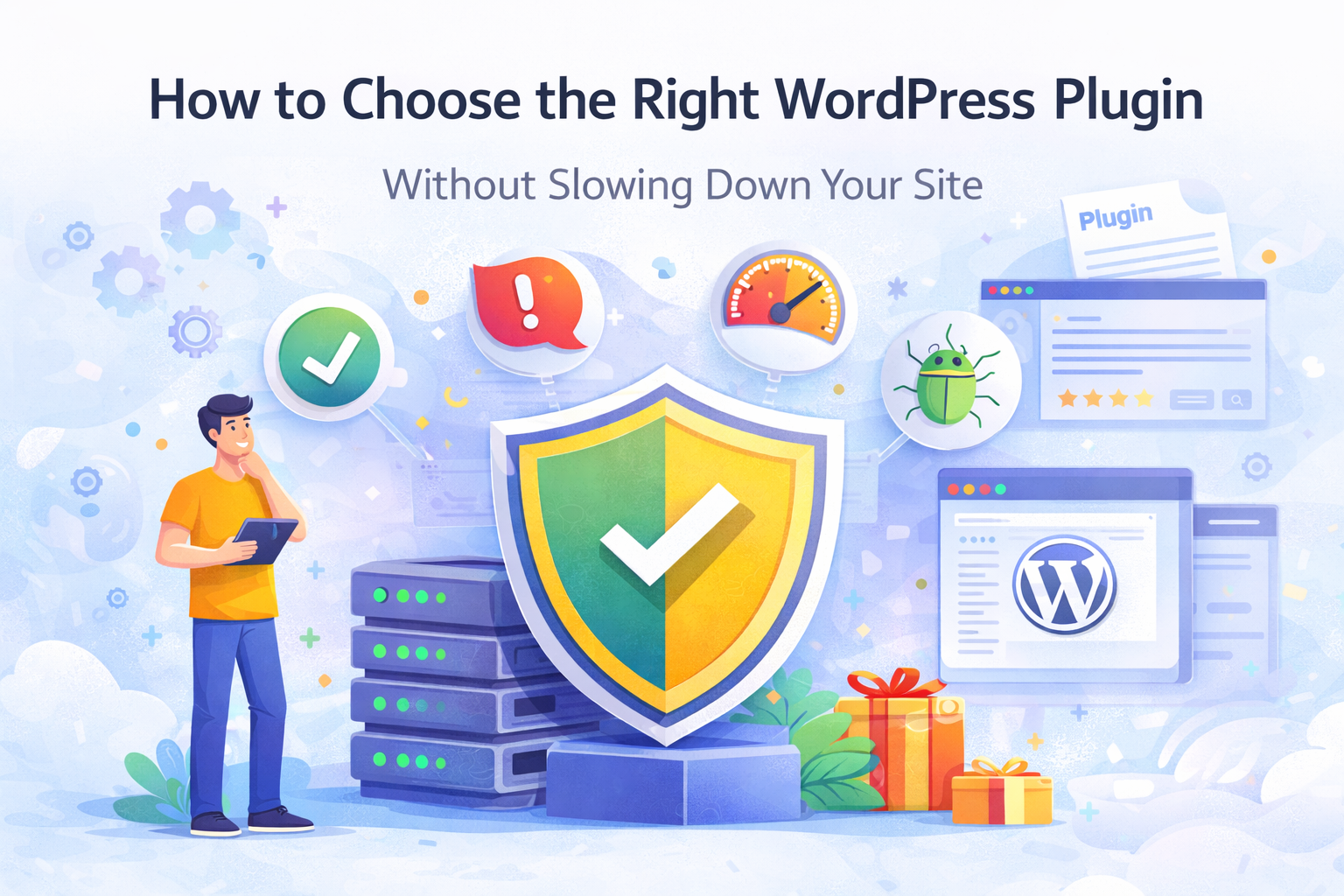
But too many plugins — or the wrong ones — can quietly damage your site’s performance, security, and maintainability.
The goal isn’t to install more plugins.
It’s to install the right ones.
The Real Problem With Plugins
Plugins are easy to install.
That’s both the beauty and the risk.
Common issues we see:
- 🚨 Performance slowdowns
- 🔐 Security vulnerabilities
- 🔁 Plugin conflicts
- 🧱 Overlapping features
- 📦 Abandoned plugins
A plugin should solve a clear problem.
If it tries to do everything, it usually does too much.
Start With the Problem, Not the Plugin
Instead of asking:
“Which plugin should I install?”
Ask:
“What exact problem am I solving?”
For example:
- Need PDF content searchable?
- Need email capture with engagement?
- Need better SEO metadata automation?
- Need form submissions stored securely?
Define the job first.
Then choose the smallest plugin that solves that job.
What to Look for in a Good WordPress Plugin
1️⃣ Clear Scope
Good plugins focus on one primary function.
Not:
“All-in-one marketing automation suite with CRM, analytics, AI and 47 modules.”
But:
“Make PDFs searchable.”
“Create a spin-to-win popup.”
“Generate SEO metadata.”
Clarity wins.
2️⃣ Performance Awareness
Check:
- Does it load scripts on every page?
- Does it rely on heavy external APIs?
- Does it add unnecessary database tables?
A plugin should respect your site’s speed.
3️⃣ Clean Integration With WordPress
Look for:
- Native admin UI
- WordPress settings integration
- Media Library compatibility
- Proper use of hooks and filters
If a plugin feels like a separate system forced inside WordPress, it probably is.
4️⃣ No Unnecessary External Dependencies
Many plugins now depend heavily on:
- External dashboards
- SaaS subscriptions
- Remote processing
- Data sharing
Ask yourself:
Do I really need that?
Sometimes keeping things local gives you more stability and control.
5️⃣ Active Maintenance
Check:
- Last update date
- Compatibility with latest WordPress
- Support responsiveness
- Clear documentation
A plugin that isn’t maintained becomes a future problem.
Fewer Plugins Is Not Always Better
There’s a myth:
“Install as few plugins as possible.”
The truth:
Install as few unnecessary plugins as possible.
Five focused, lightweight plugins are often better than one giant multi-feature plugin trying to do everything.
When to Build vs When to Install
If your requirement is:
- Highly specific
- Business-critical
- Performance-sensitive
Sometimes a small custom plugin is better than stacking multiple generic ones.
That’s how we approach product building at WebEquipe — small, focused tools that solve specific jobs cleanly.
A Simple Plugin Decision Framework
Before installing any plugin, ask:
- What exact problem does this solve?
- Can I achieve this with native WordPress?
- Is the scope clear and limited?
- Does it respect performance?
- Is it actively maintained?
If the answers feel confident, proceed.
If not, reconsider.
Final Thought
Plugins should make your site stronger.
Not heavier.
Not more complex.
Not harder to maintain.
Choose focused tools.
Avoid unnecessary layers.
Build with intention.
That’s how WordPress sites stay fast, stable, and scalable.