

Blogs
Updates, product notes, and insights from our journey building practical software for real businesses.
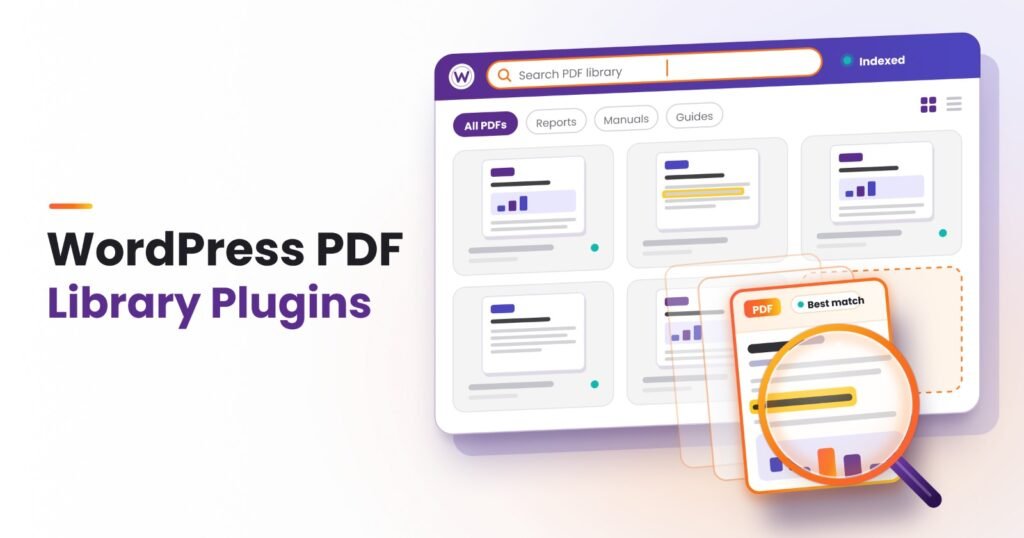
Compare the 8 best WordPress PDF library plugins for 2027, with features, AI changes, prices, OCR for scanned PDFs and steps to build a searchable library.
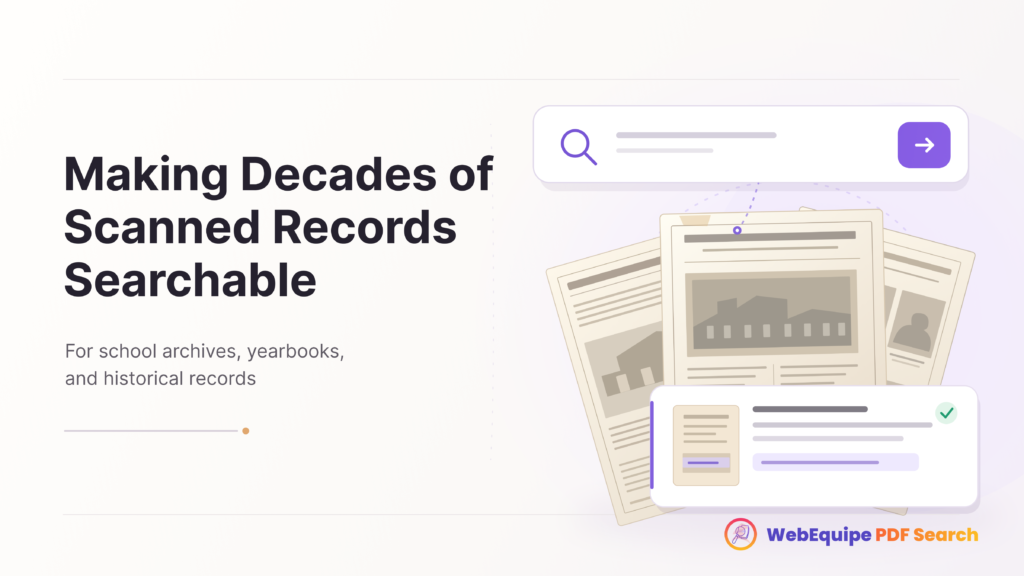
A librarian spends a summer scanning decades of old school newsletters, yearbooks, and historical records, uploading each one carefully to the website’s archive page. It’s genuinely valuable work. A student researching the school’s history, or a former student looking for an old mention of themselves, now has access to material that used to live only […]
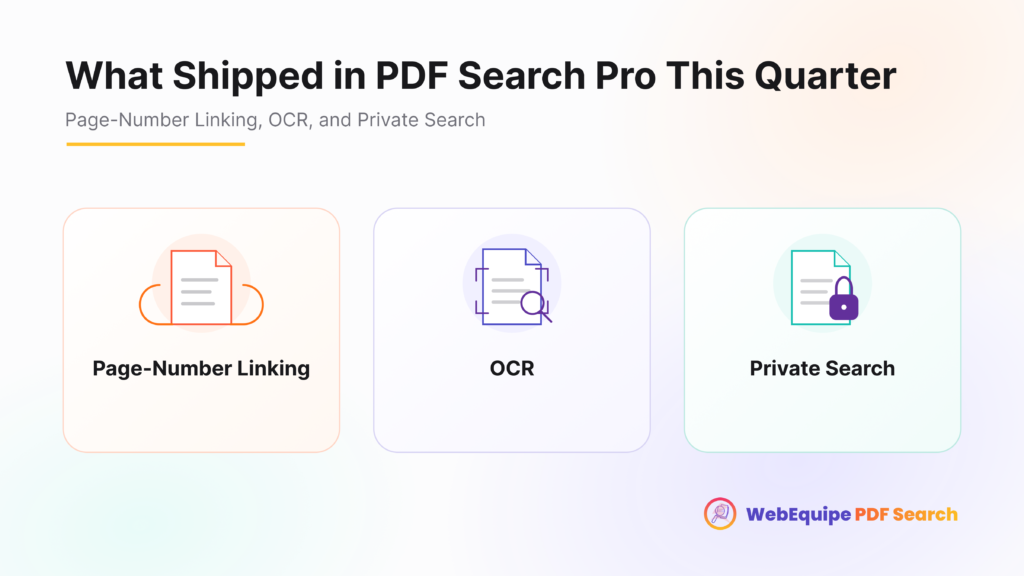
It’s easy to lose track of individual updates when they roll out weeks apart. Taken together, though, the last few releases add up to a meaningfully different product than the one that first launched. Here’s what actually changed, and why each piece matters on its own. Page-Number Linking Before: every PDF search result pointed to […]
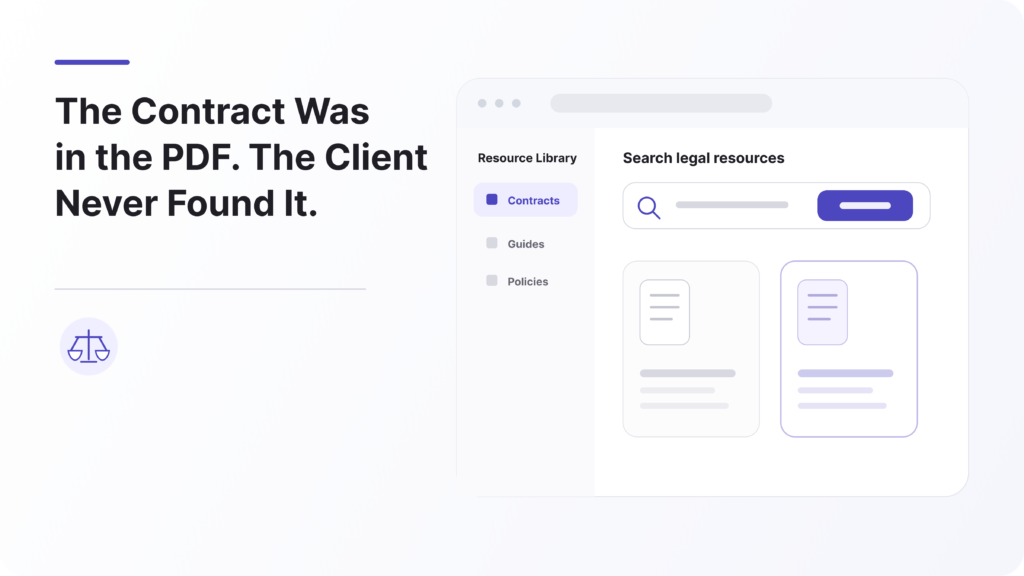
A small estate-planning firm we’ll call Harlow & Vance had done the content marketing work most firms skip. Plain-language guides on probate, power of attorney, living trusts, each one a genuinely useful PDF, written to help prospective clients understand what they were walking into before ever booking a consultation. Dozens of these guides sat in […]
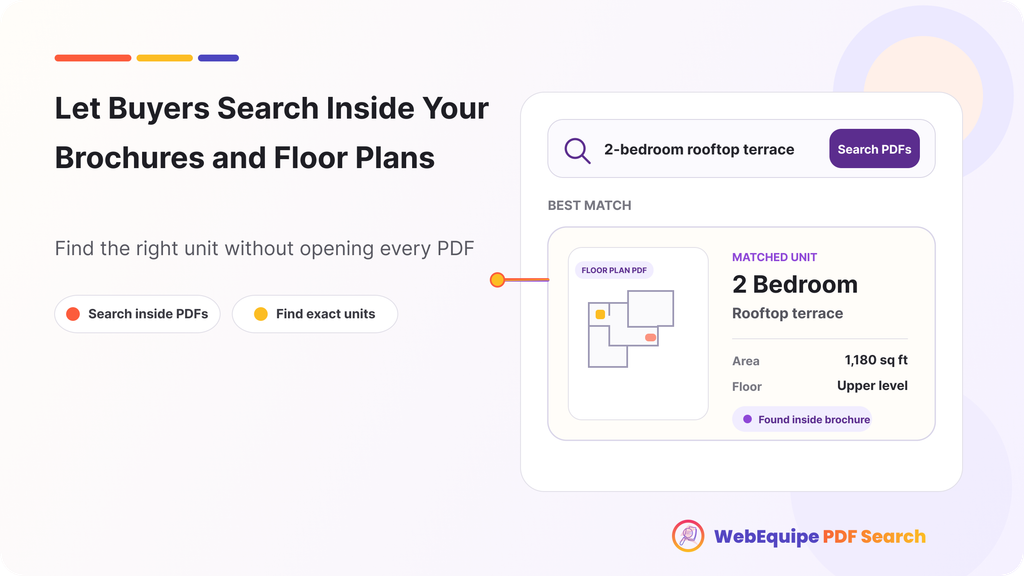
A buyer lands on a development’s website looking for one specific thing: a 3-bedroom unit with a balcony, under a certain price. The site has dozens of brochures and floor plan PDFs covering every building and unit type in the project. Somewhere in that stack is exactly what they want. They just have no way […]
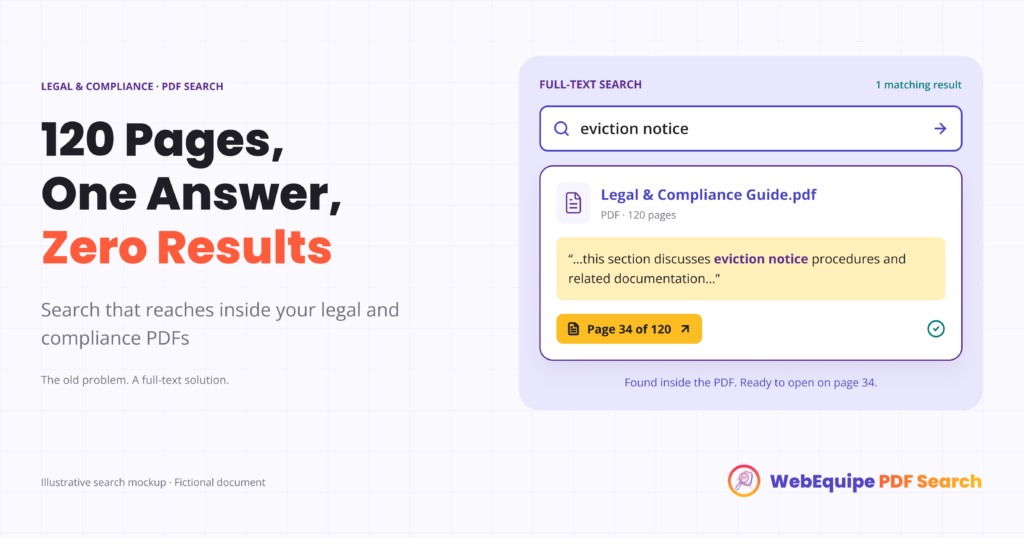
Someone lands on a legal aid site looking for one thing: what happens if their landlord hands them an eviction notice with no warning. The site has a tenant rights guide, a genuinely thorough one, 60 pages covering everything from lease basics to court procedure. The answer is in there. It’s just not findable. They […]
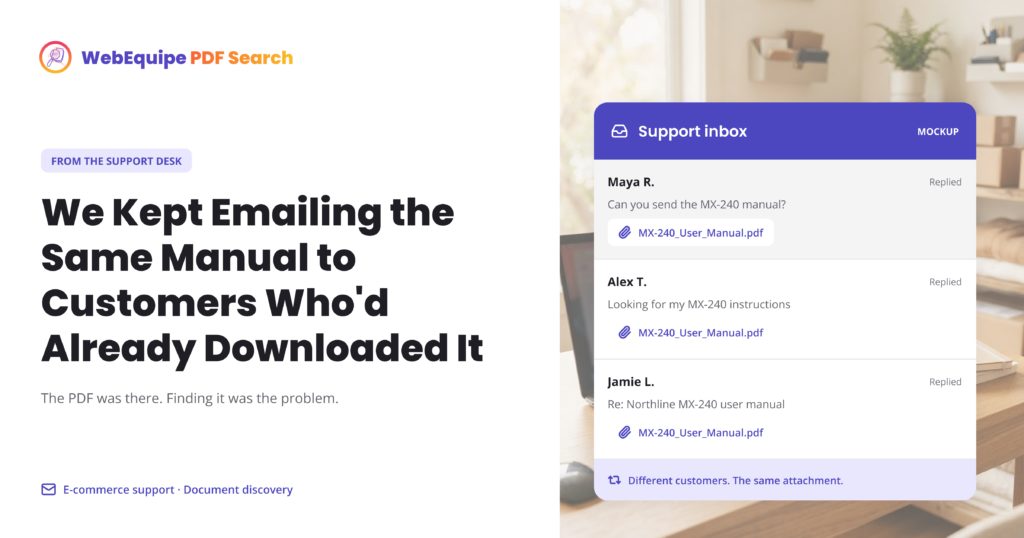
A small appliance retailer we’ll call Merrow Home Goods had a support routine that nobody had designed on purpose, it had just formed over time. A customer would email asking for the installation manual for a specific model number. Support would search the file server, find the right PDF, and attach it to a reply. […]
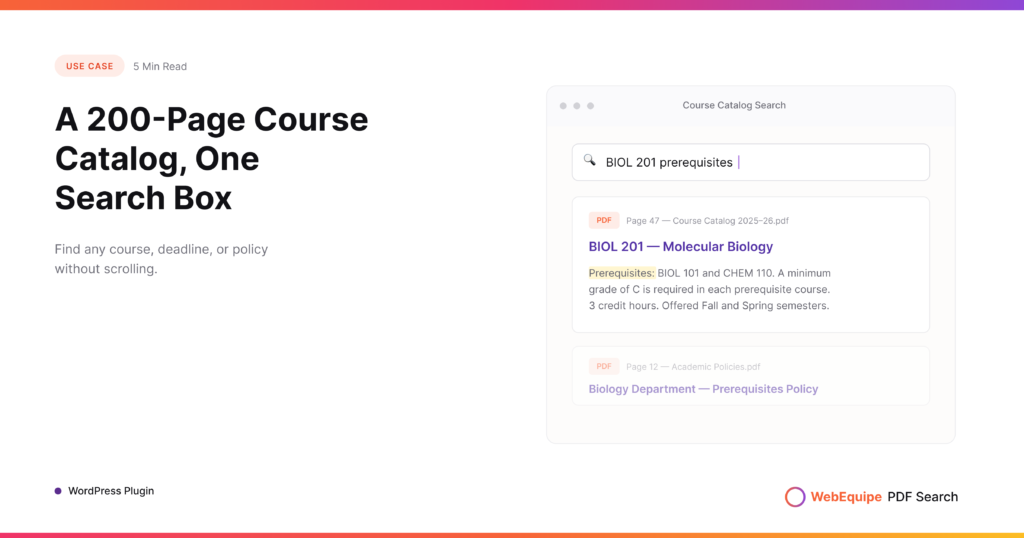
Every registration period, the same thing happens. A student needs to check one detail, a prerequisite, a course code, a withdrawal deadline, and the only place that information exists is a 200-page catalog PDF sitting in the Media Library. They open it, hit Ctrl+F if they think to, and start scrolling through a document that […]
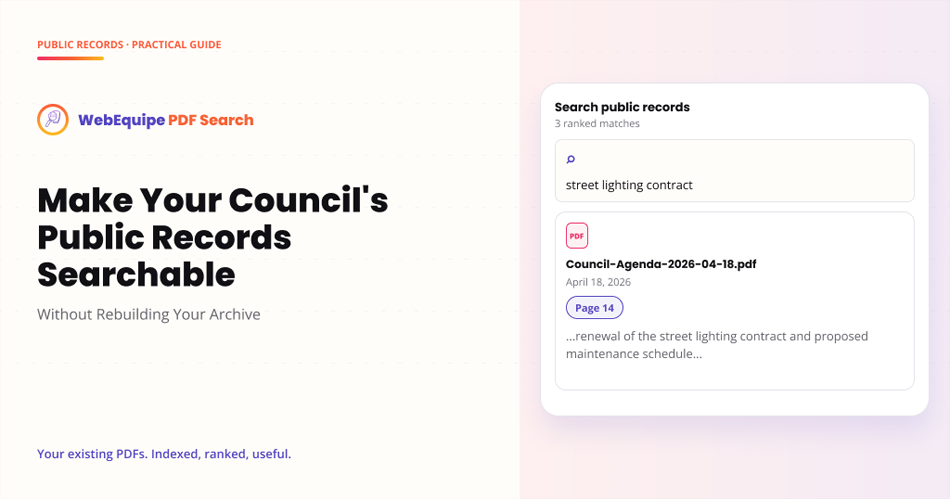
Most government and nonprofit websites have the same quiet problem sitting in their Media Library. Years of agendas, minutes, ordinances, budgets, and public notices are all uploaded faithfully as PDFs, but none of it is actually searchable by the people who need it. A resident wants to know what was decided about a rezoning application […]
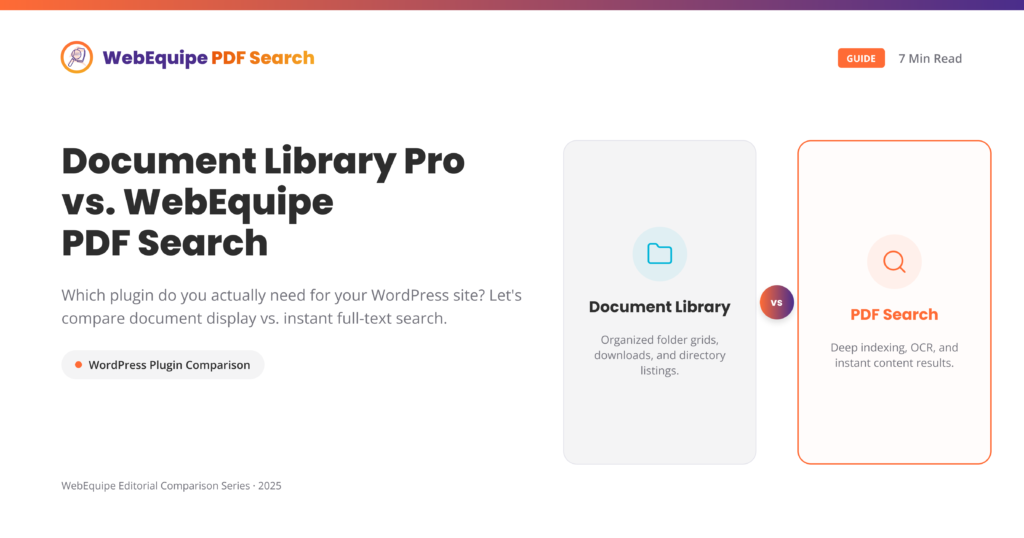
These two plugins get compared a lot, and honestly, they’re not really solving the same problem. That’s worth untangling before you spend money on either one. Document Library Pro is built for sites that want to present documents well – folders, filters, download tracking, access control, and a proper portal experience. WebEquipe PDF Search is […]
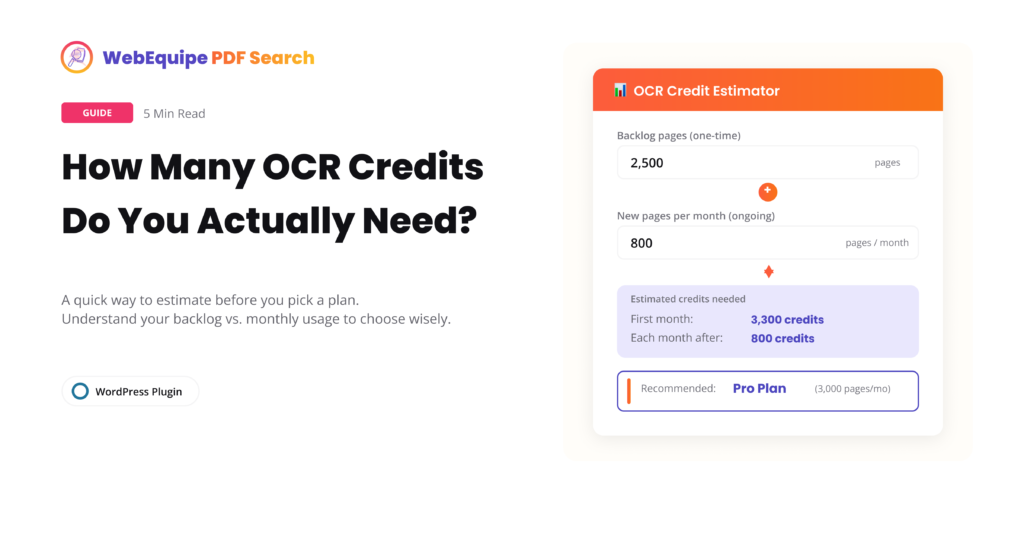
OCR is the feature that makes scanned PDFs searchable, but it’s also the one place where picking the wrong plan can actually cost you. Too few credits and your backlog sits half-indexed for months. Too many and you’re paying for headroom you’ll never touch. Here’s how to actually work out what you need before you […]
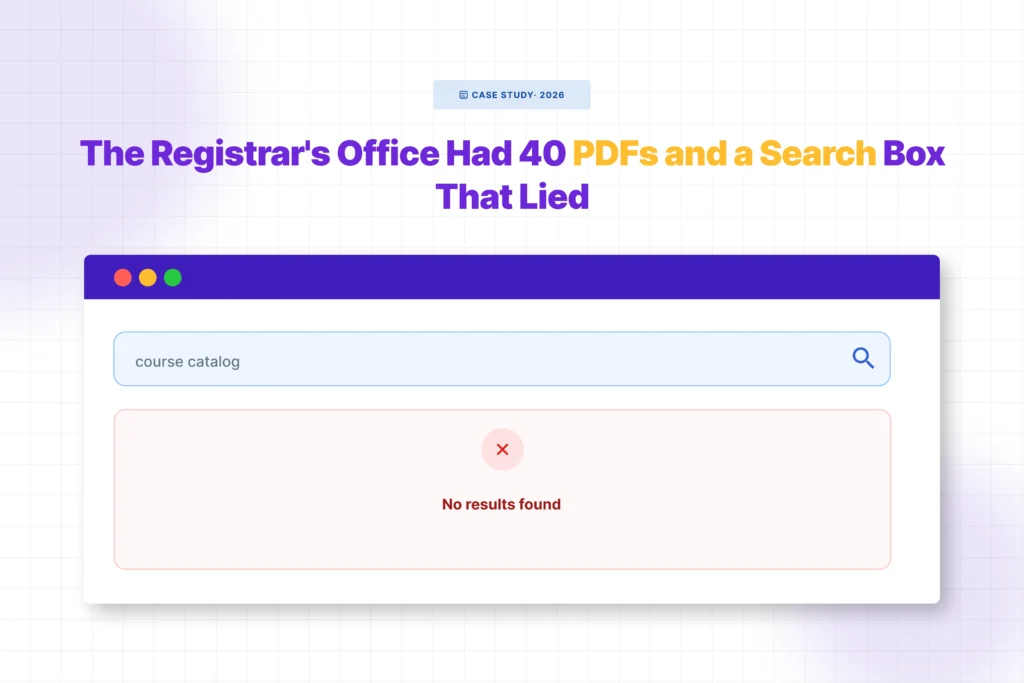
Every August, the same email showed up in the registrar’s inbox at a mid-sized college we’ll call Ashcombe: “I searched the site for ECON 301 and got nothing. Is it not offered this semester?” It was offered. It was one of forty PDFs sitting in the Media Library: course catalogs, prerequisite sheets, add/drop deadlines, academic […]
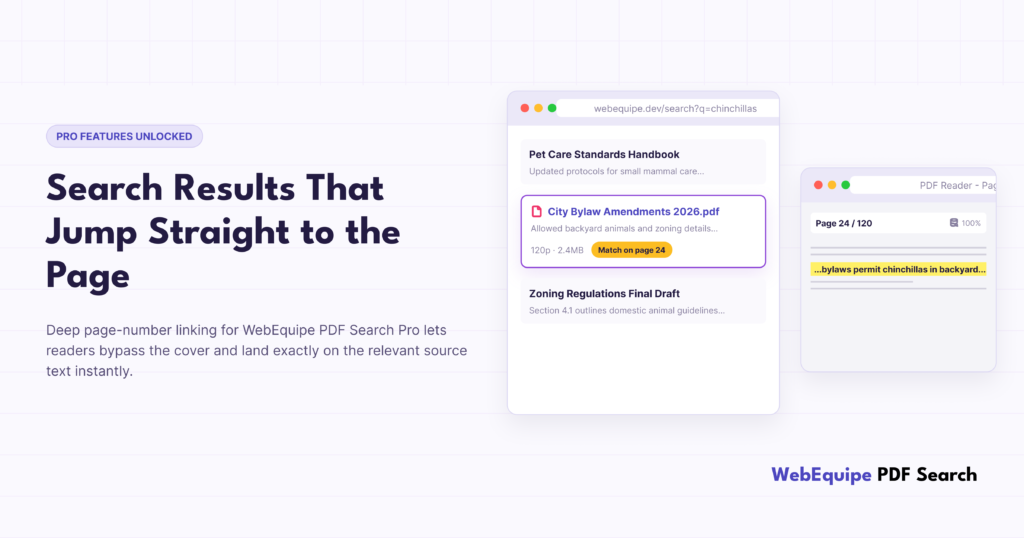
Finding the right PDF used to be the finish line. Now it’s just the starting point. Say a visitor searches your site for a specific clause, a course code, or a product spec. Your search finds the right PDF, but it’s 80 pages long, and they still have to open the file and dig through […]
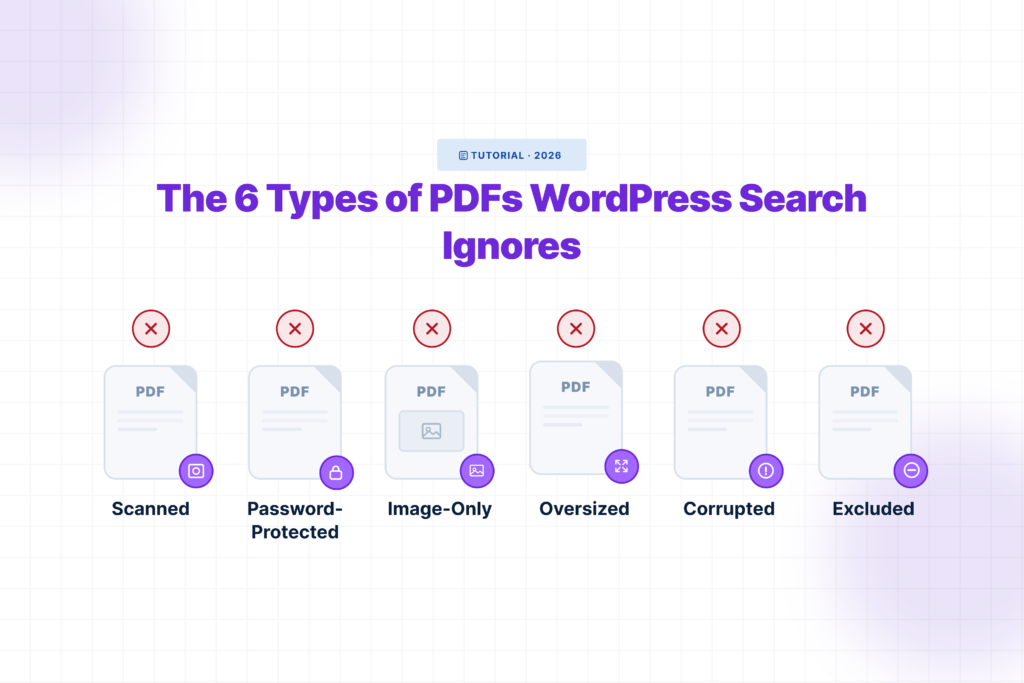
A PDF can be uploaded, publicly linked, and downloaded hundreds of times while remaining completely invisible to your site’s search box. That is what makes this problem difficult to notice. WordPress does not display an error when someone searches for a phrase inside a PDF. It simply returns no result. To the visitor, the document […]
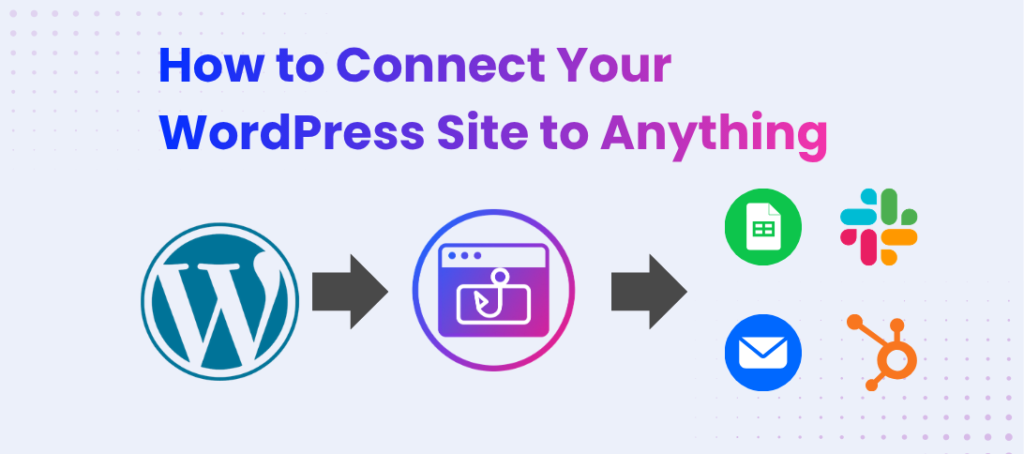
If you run a WordPress site, you already know this feeling: someone fills out your contact form, WordPress saves it, maybe sends you an email — and that’s it. The data just sits there. You end up opening your inbox, copying the details by hand, and pasting them into Slack or a spreadsheet so your […]
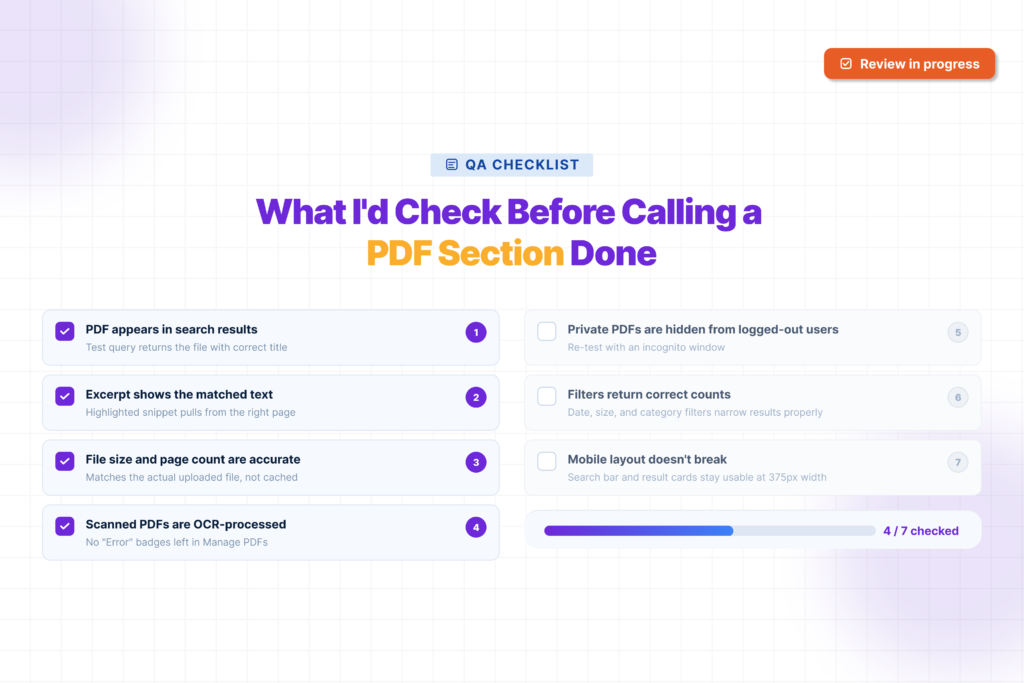
Before I call a PDF section done on any WordPress site, I do not only check if the files are uploaded. I check if people can actually find them. A PDF section may look fine from the outside. But behind the scenes, some files may not be searchable. Scanned PDFs may not work. Private files […]
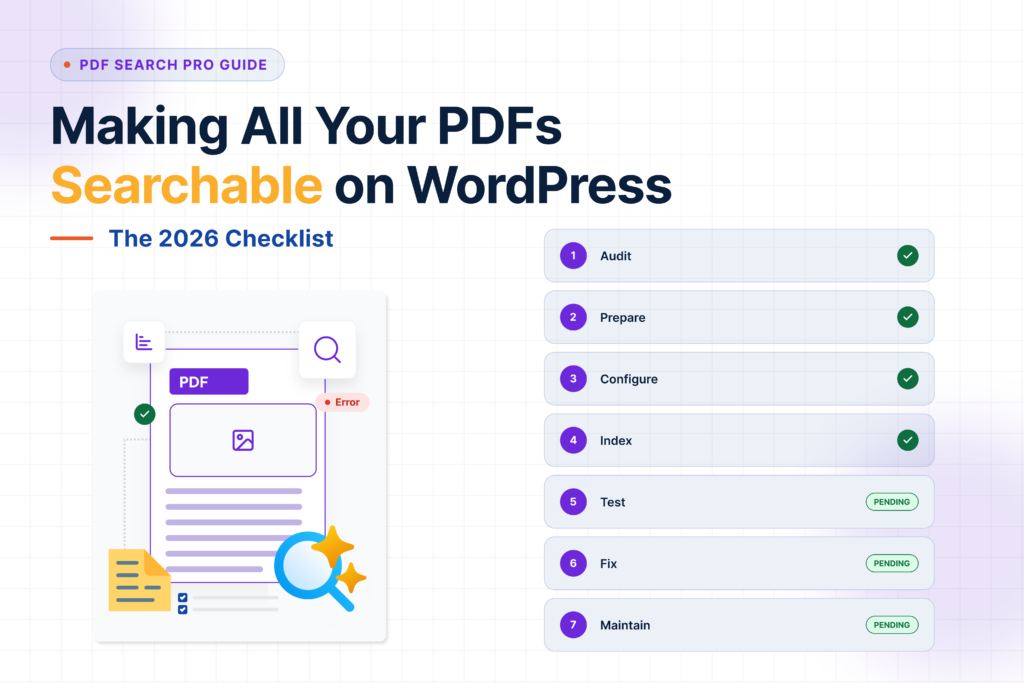
Getting PDF search working on WordPress isn’t complicated — but it’s easy to miss a step and end up with half your library invisible to search, a handful of Error files nobody’s looked at, or private documents showing up where they shouldn’t. This checklist covers the full process from start to finish. Use it when […]
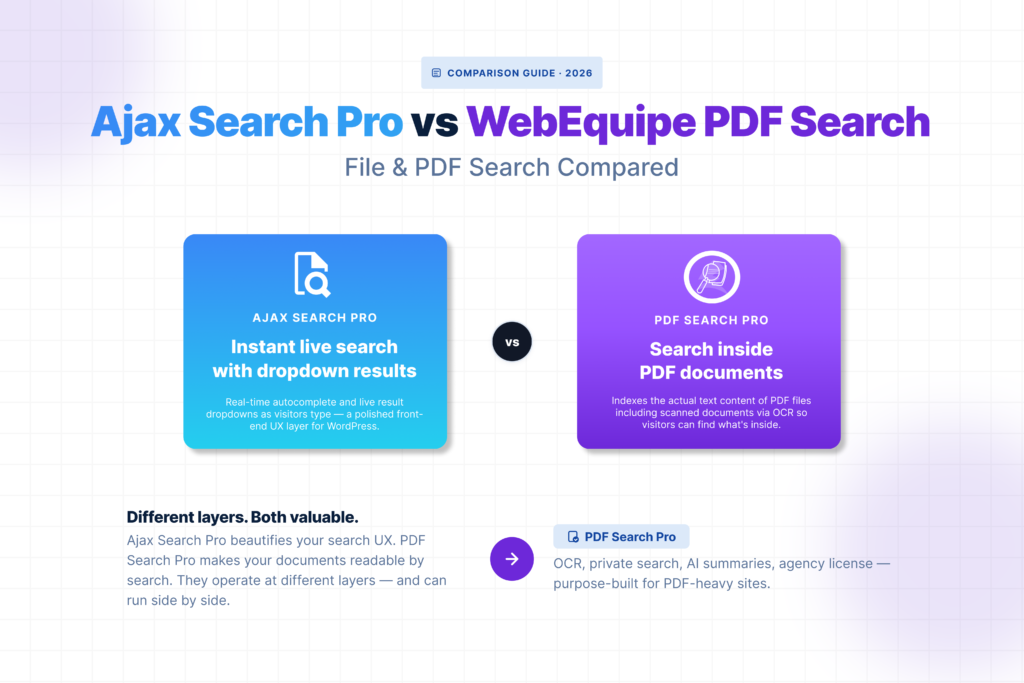
Ajax Search Pro is a popular choice for live search on WordPress — the kind where results appear as you type, with images, custom post types, and styled dropdowns. For front-end search UX it’s capable and well-supported. But if your visitors need to find content inside PDF files — not just PDF titles, but the […]
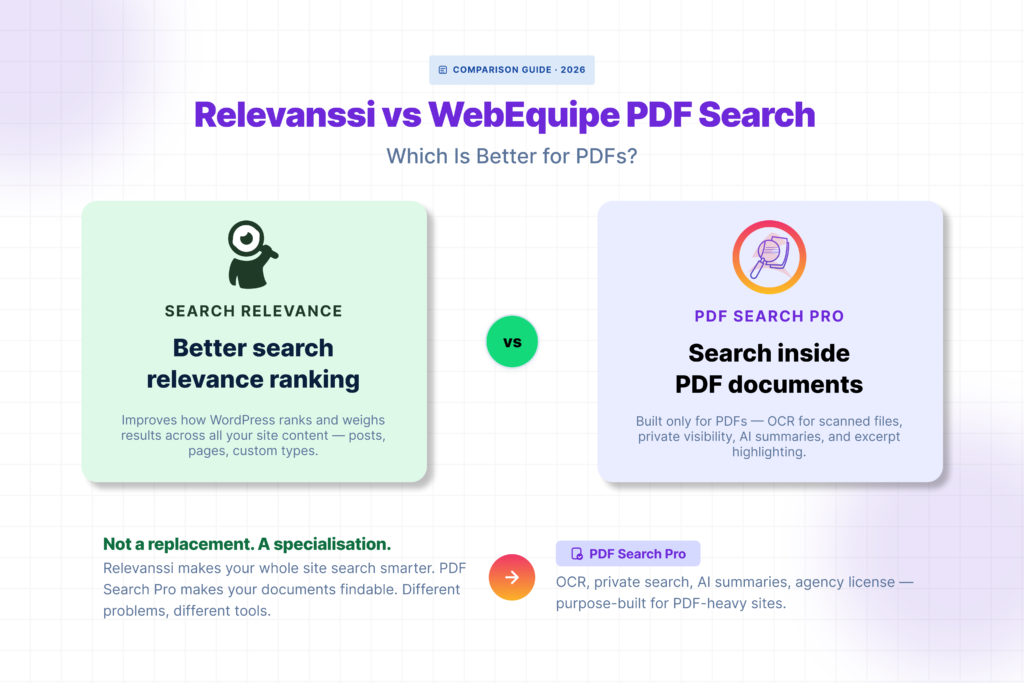
Relevanssi is one of the most popular WordPress search plugins for a good reason. It fixes the relevance problems that make default WordPress search frustrating — better ranking, fuzzy matching, AND-OR logic, highlighted excerpts. For sites where search quality matters, it’s a significant upgrade. But if your problem is specifically that visitors can’t find content […]
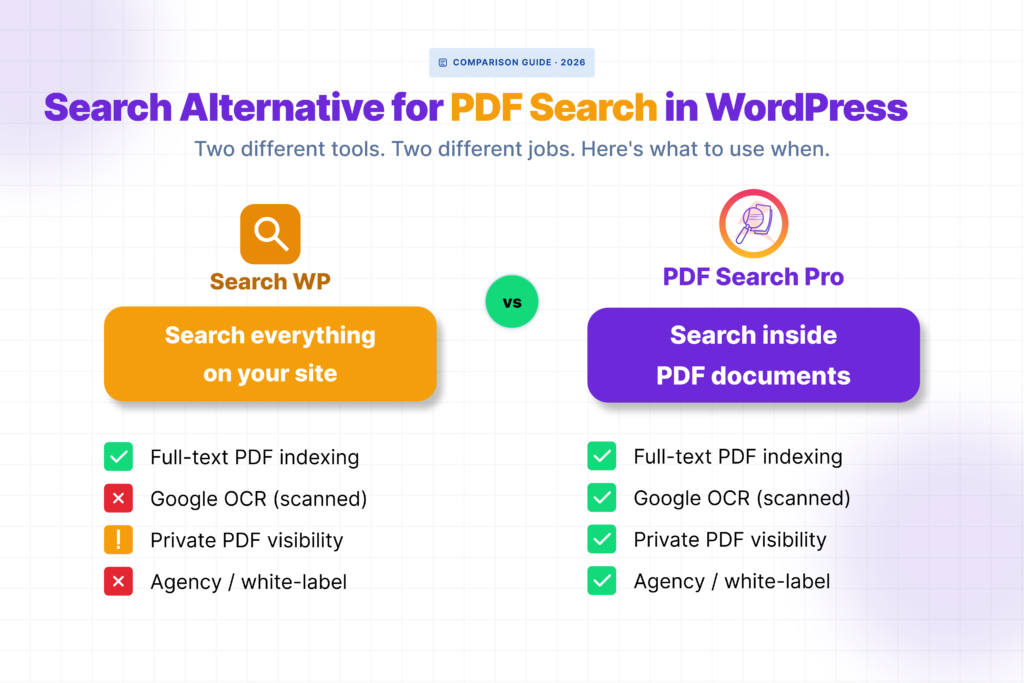
SearchWP is a well-built plugin. If you need to search across custom post types, WooCommerce products, custom fields, and ACF data all at once, it’s probably the right tool. But if your main problem is that visitors can’t find content inside your PDF files — especially scanned documents or restricted member resources — SearchWP isn’t […]
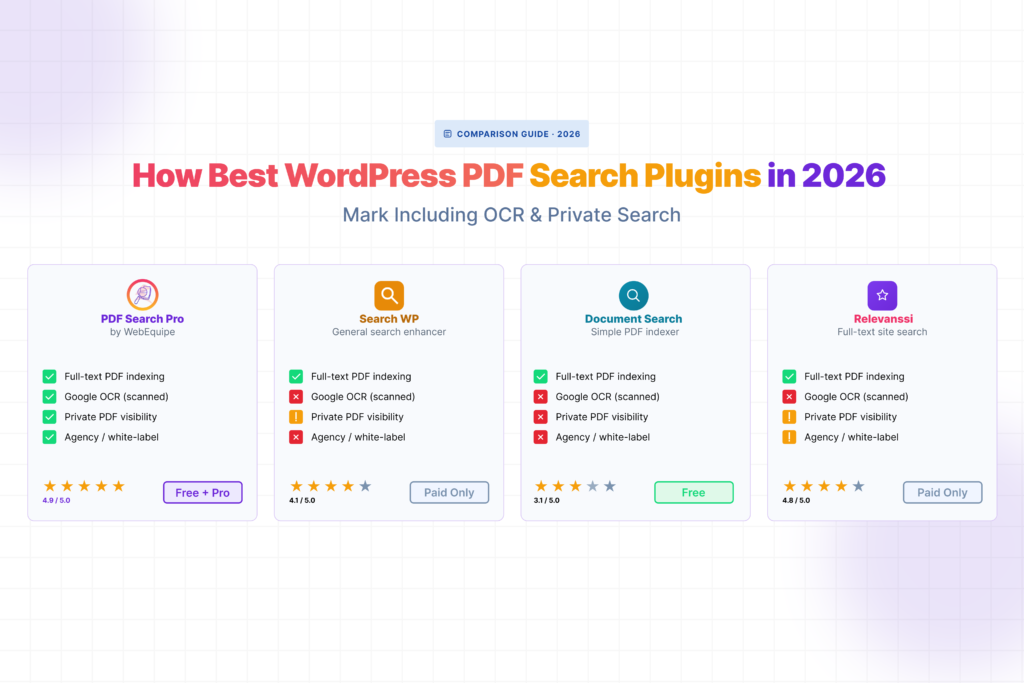
Most WordPress search plugins treat PDFs as an afterthought. They’ll index a filename, maybe a description field — but the actual text inside the document? Usually not. If your site runs on documents — manuals, handbooks, reports, forms, catalogs — that gap matters a lot. Here’s an honest look at the plugins that actually solve […]
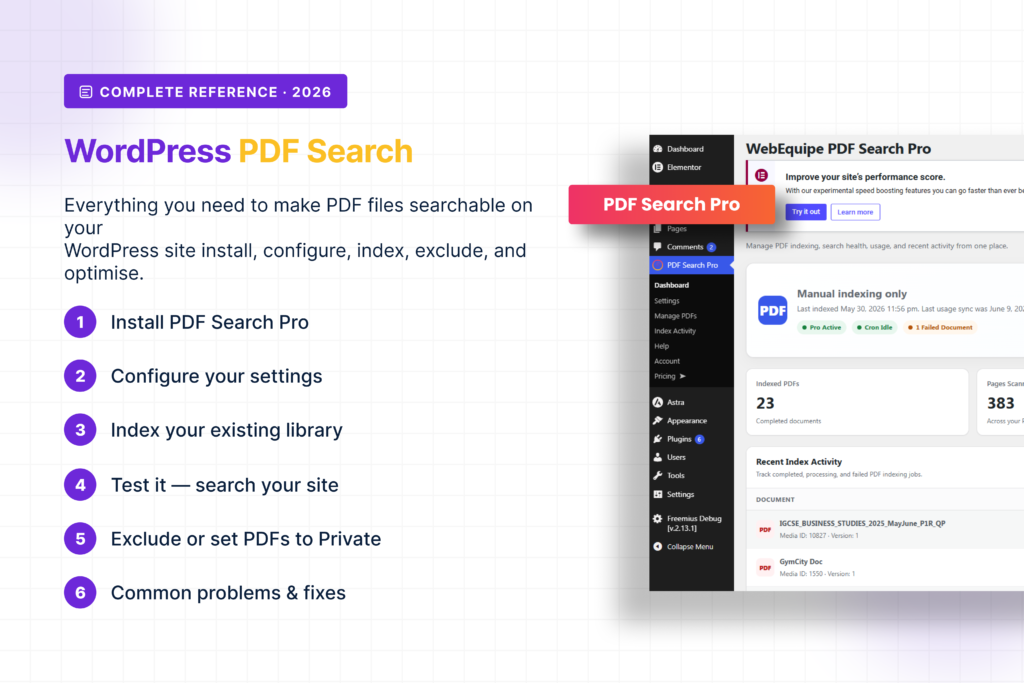
WordPress doesn’t search inside PDF files. Not by default, not ever. You can upload hundreds of documents and your site’s search bar will ignore every word inside all of them. This guide covers everything — why it happens, how to fix it, how to handle scanned documents and private files, how to read your index […]
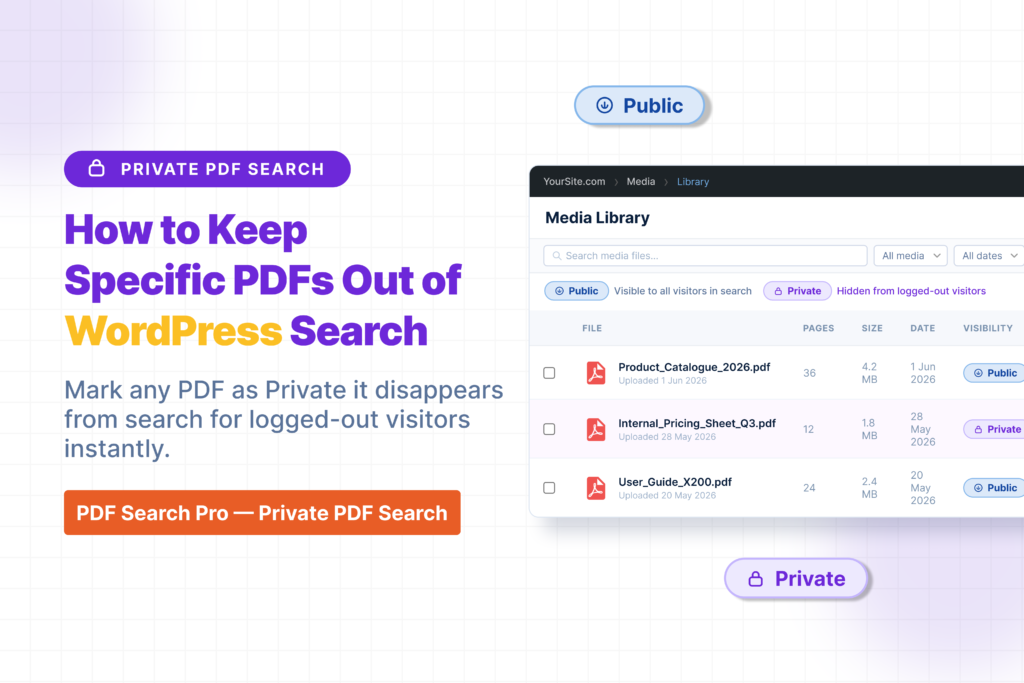
Not every PDF on your site should be searchable by everyone. Internal documents, draft files, member-only resources, staff handbooks — these need to stay out of public search results. There are two ways to handle this in WebEquipe PDF Search, and they solve different problems. Using the wrong one causes its own issues, so it’s […]
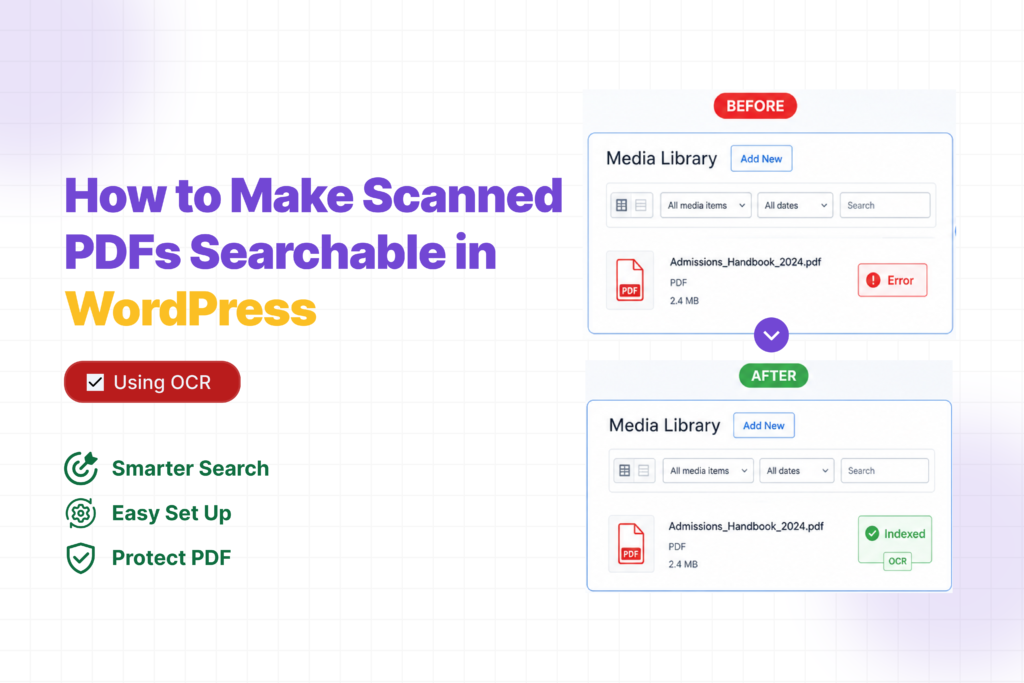
Your PDF search plugin is throwing Error on certain files because it’s trying to read a photo, not text. Scanned PDFs don’t have a text layer — they’re images of pages. There’s nothing to extract. OCR fixes that. Here’s how to set it up. Why Scanned PDFs Fail When you export a PDF from Word […]
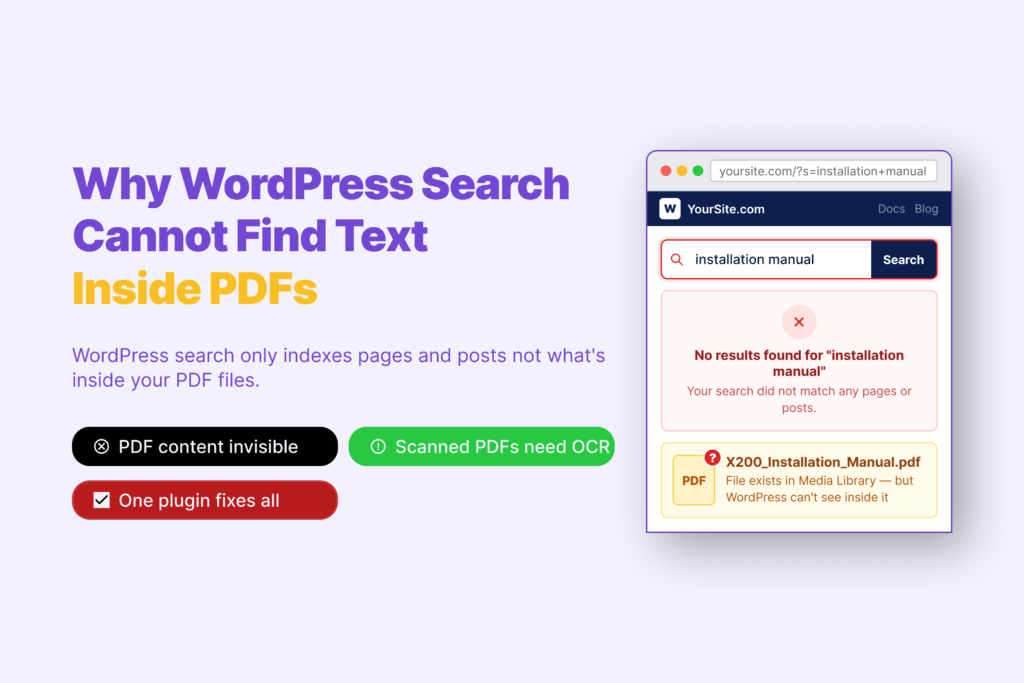
You search your own site for something you know is there. The word appears on page four of a PDF you uploaded last month. WordPress returns nothing.No results. Just that quiet, useless blank page.It feels like it should work. You uploaded the file. It’s sitting in your Media Library. Why can’t search find it? The […]
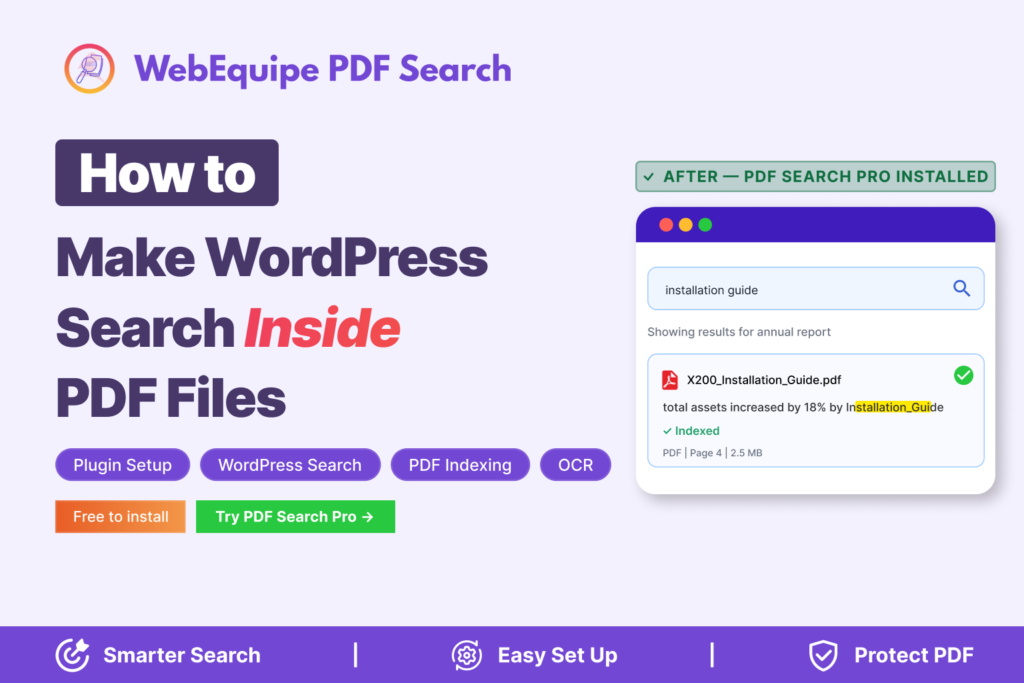
You upload a PDF to WordPress. A visitor comes to your site, searches for something they know is in that document — and gets nothing back.No results. The file is sitting right there in your Media Library. The answer they need is on page three. WordPress just has no idea it exists.We hear this constantly […]
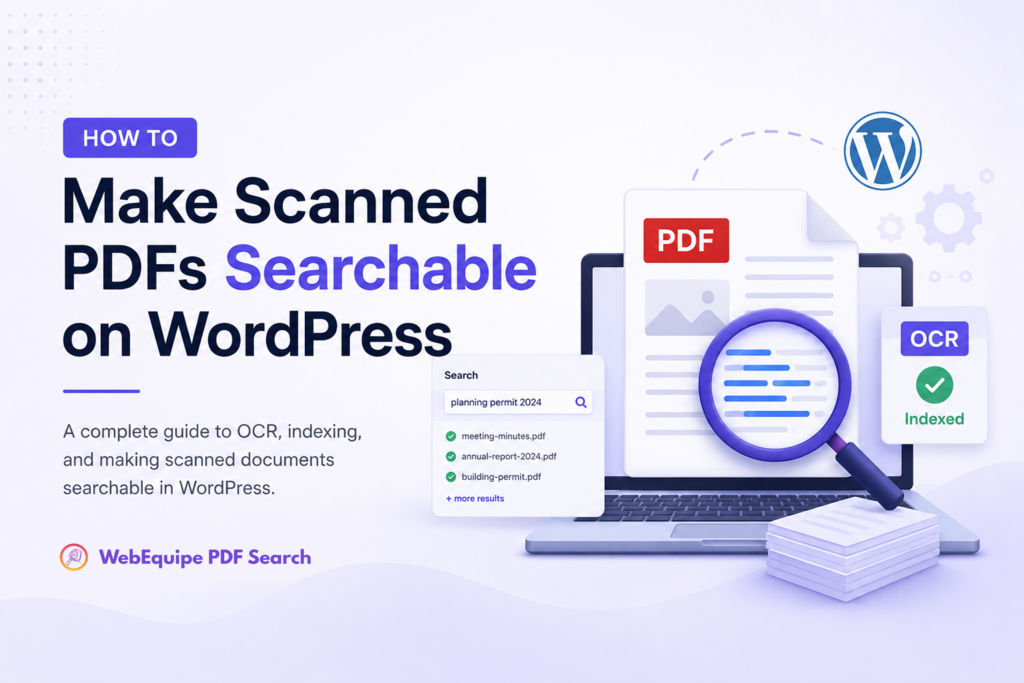
Two types of PDFs exist on most WordPress sites — only one is searchable by default. Most site owners don’t know which of their PDFs are scanned. This guide explains the difference, how to check, and how to make scanned documents searchable. The Difference Between Text PDFs and Scanned PDFs Why Scanned PDFs Are Invisible […]
It started with an email from a student at 11:47 PM on a Tuesday.“Hi, I can’t find the Week 3 reading assignment anywhere on the site. Can you send me the link? My paper is due tomorrow.”Sarah, our department coordinator, forwarded it to me with a note: “This is the 4th one today.”I logged into […]

Gamification isn’t a gimmick anymore. It’s becoming standard. Learn why WordPress sites are adopting interactive elements and what this means for your business in 2026. Something’s changing in how websites work.Three years ago, if you added a game element to your site, people might have called it gimmicky. Fun, maybe, but not serious business.In 2026? […]
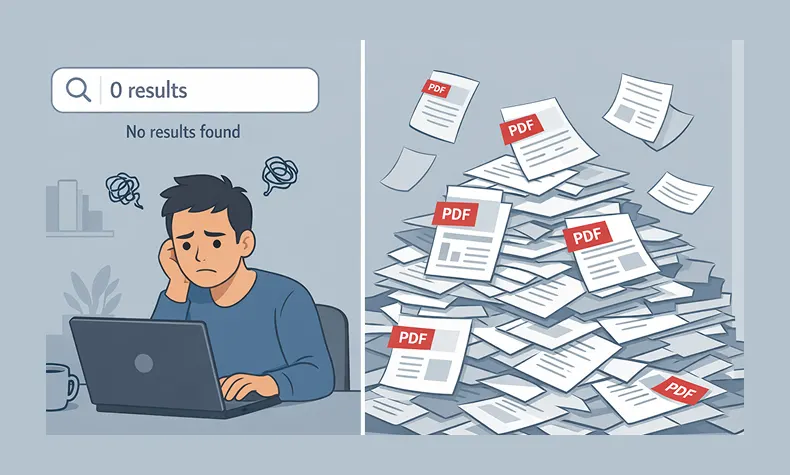
You know that feeling, right?A visitor emails you: “Hey, I can’t find your pricing guide on your website.”You pause. Because you know it’s there. You uploaded it yourself three weeks ago. It’s a beautiful 12-page PDF sitting right in your Media Library.So you go to your own site and search for it.Nothing.You try different keywords. […]
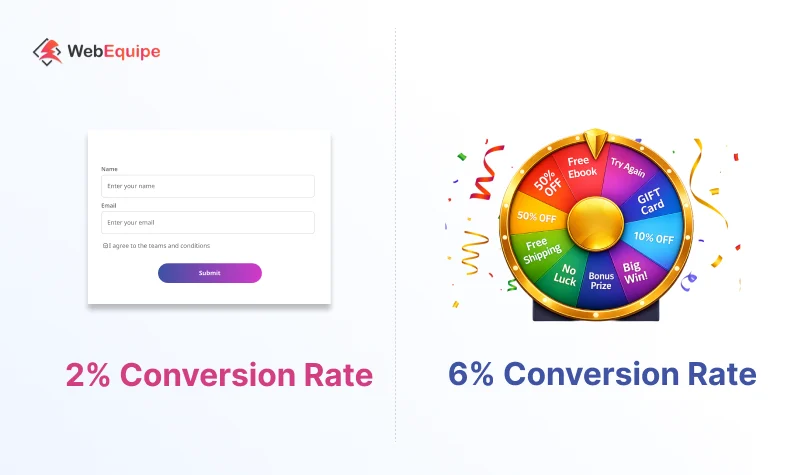
Let’s talk about something that’s probably frustrating you right now. Your email signup forms aren’t working. You know they’re important. You’ve added them to your homepage, your blog posts, your sidebar. Maybe you’re even offering a discount or free download. And still, barely anyone signs up. You’re not alone. We see this all the time. […]