
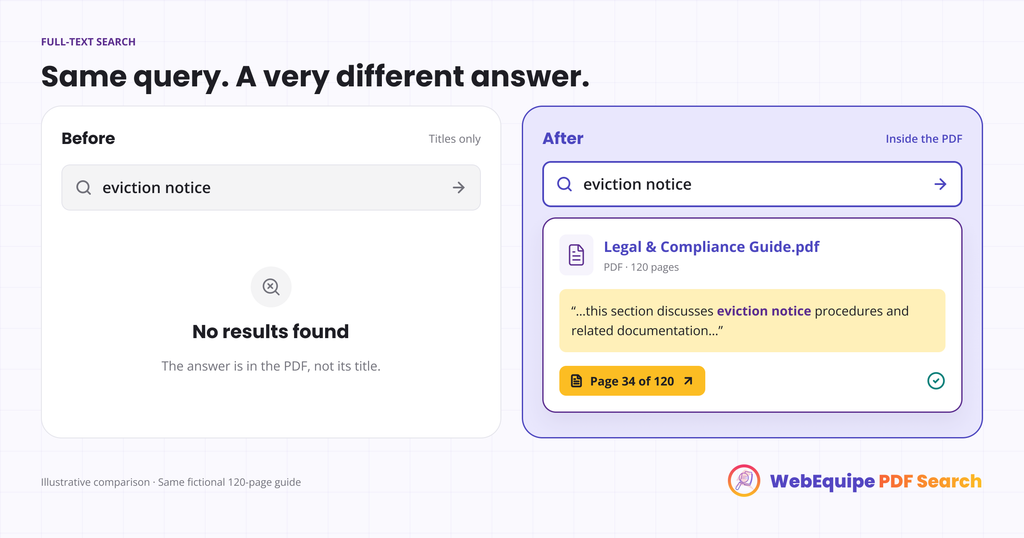
Someone lands on a legal aid site looking for one thing: what happens if their landlord hands them an eviction notice with no warning. The site has a tenant rights guide, a genuinely thorough one, 60 pages covering everything from lease basics to court procedure. The answer is in there. It’s just not findable.
They search “eviction notice.” Nothing comes back, because the guide is a PDF and the site’s search has never looked inside a PDF in its life. So they either give up, or they open the document and start scrolling through sixty pages hoping to land near the right section.
This happens constantly on legal and compliance sites, and it’s rarely because the information is missing. It’s because the information is trapped inside a file format search was never built to read.
Why Legal and Compliance PDFs Are Especially Bad at This
Legal documents tend to be long, dense, and precise on purpose. A compliance policy needs to cover every scenario. A client guide needs to be thorough enough to hold up as actual guidance. Nobody writing these documents is trying to bury information, the length is a feature of doing the subject matter justice, not a flaw.
But that thoroughness is exactly what makes them hostile to browse. A 100-plus page policy document with no working search is functionally the same as a locked filing cabinet for anyone who doesn’t already know which page to turn to.
What Full-Text Search Actually Changes
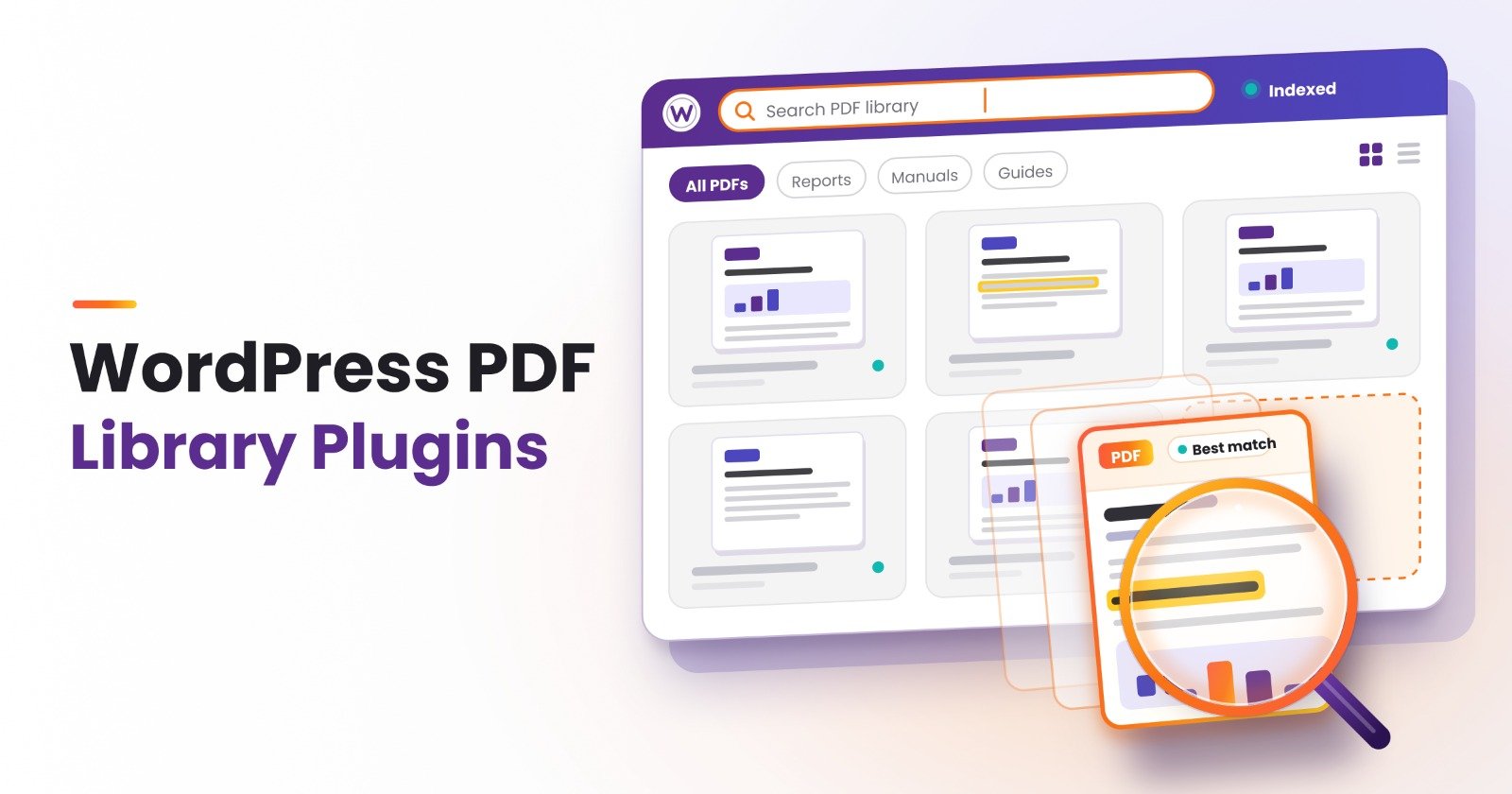
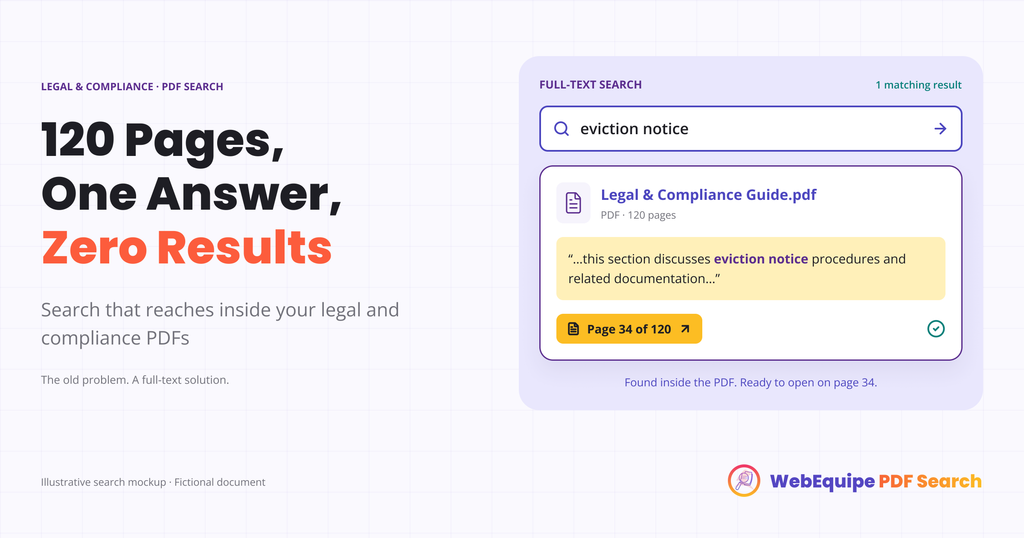
Once PDF Search indexes the tenant rights guide, or the compliance policy, or the case study library, the site’s search stops treating the PDF as a black box. It reads the actual text and adds it to search results, so a search for “eviction notice” returns the guide because the phrase genuinely appears in it, not because someone tagged the file correctly.
This works the same way whether it’s one guide or a whole resource library. A law firm publishing dozens of client handouts, or a compliance team maintaining a stack of policy PDFs, gets the same outcome: search finally reflects what’s actually written, not just what’s in the filename.
Landing on the Clause, Not the Cover Page
Finding the right document is only step one. A 60-page guide is still 60 pages once someone opens it, and most people won’t scroll through all of it looking for one section.
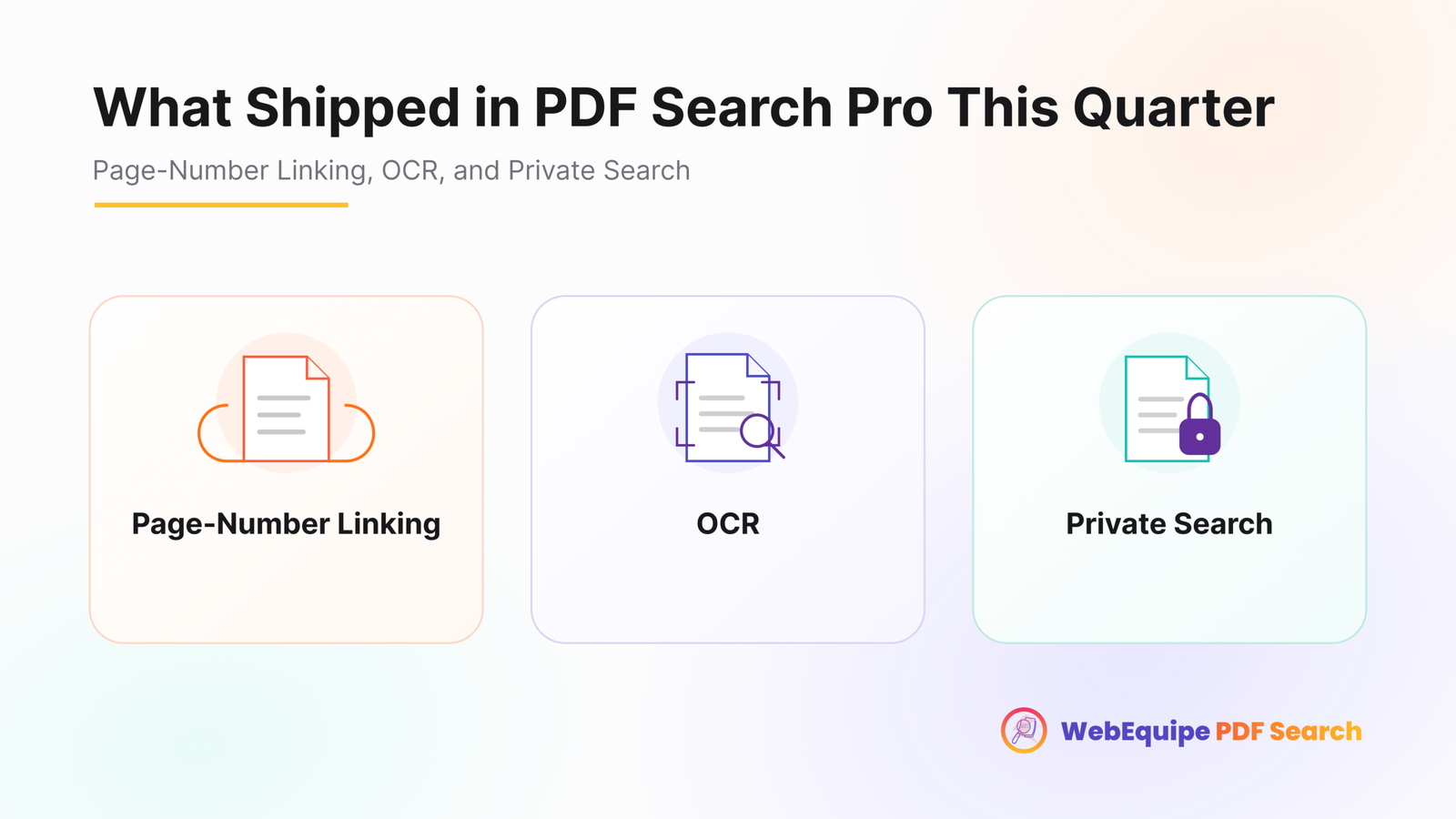
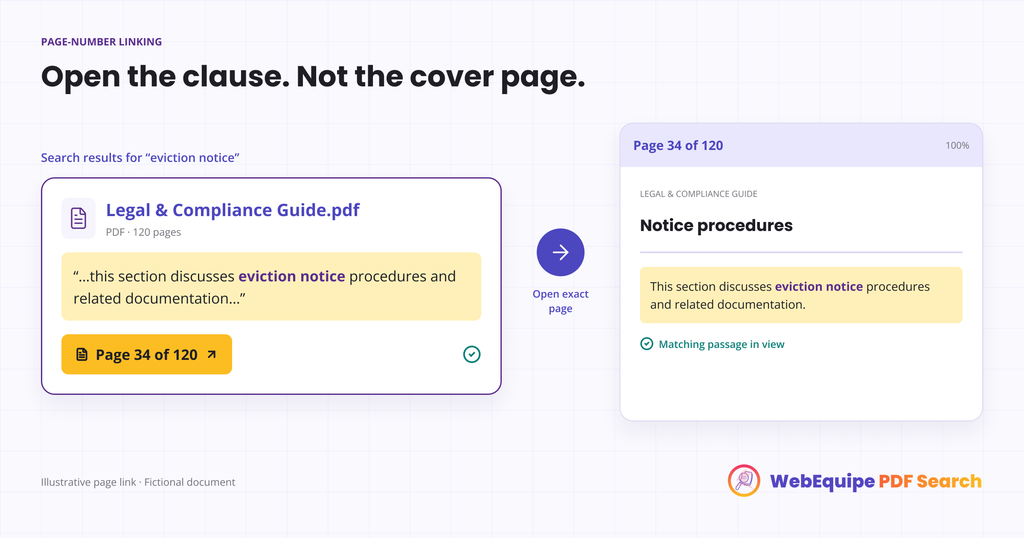
Search results link directly to the page where the match was found. Someone searching “eviction notice” doesn’t land on page one of the guide, they land on the page that actually covers eviction notices. The difference between finding the document and finding the answer disappears.
For legal and compliance content specifically, where the exact wording of a clause often matters, landing on the right page rather than an approximate area of a long document is the whole point.
Older Case Files and Scanned Records
Some legal and compliance archives go back further than digital publishing, older case studies, historical policy versions, records scanned from physical files. Those don’t have real, selectable text, so standard indexing can’t read them.
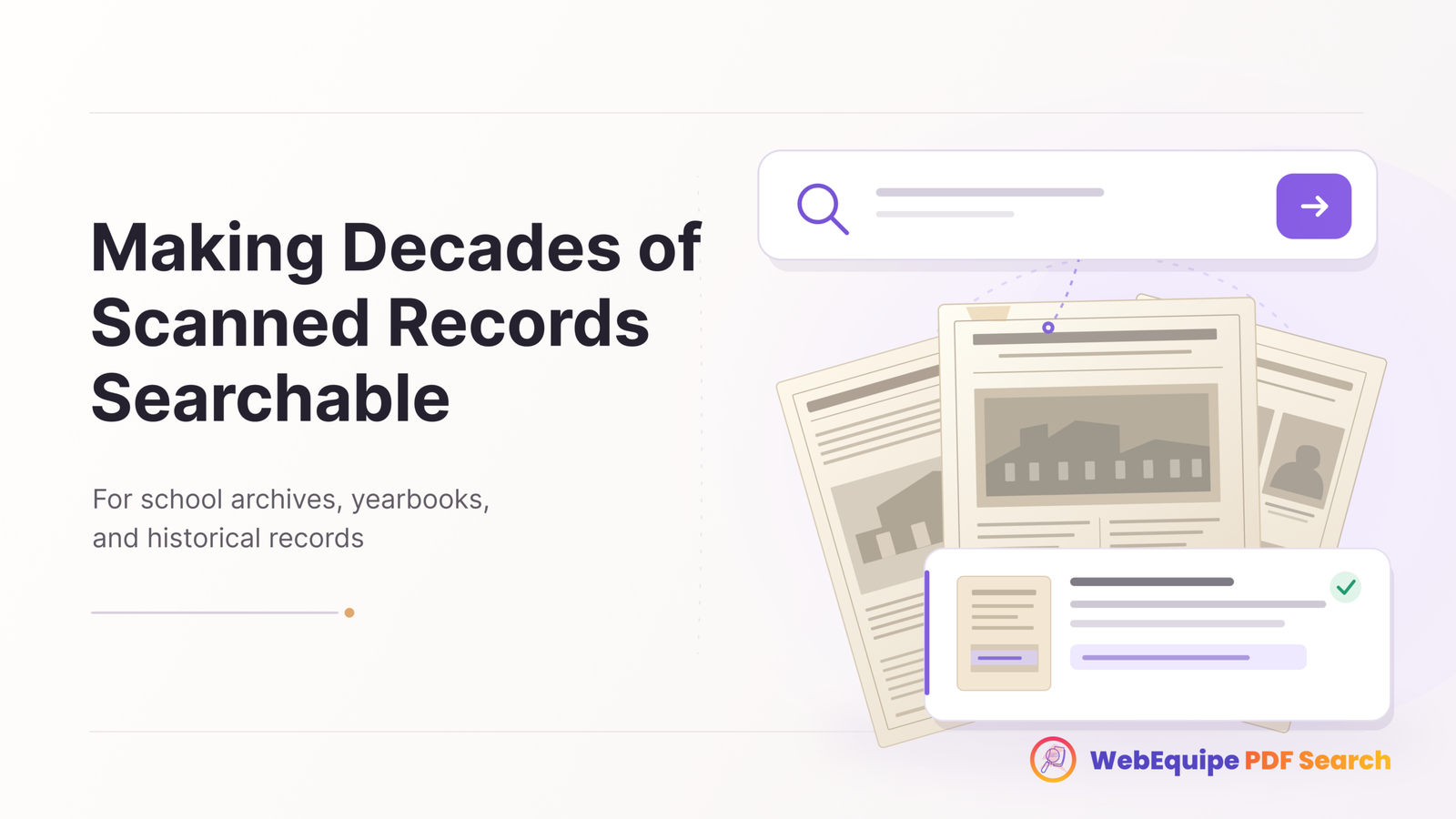
OCR handles that by converting scanned pages into searchable text during indexing. An older case file becomes just as searchable as something published last week, without anyone retyping it.
Why This Matters Beyond Convenience
For a legal aid organization, someone who can’t find the answer to “what happens if I get an eviction notice” might not follow up with a call either. They might just assume there’s no help available. For a compliance team, a policy that’s technically published but practically unfindable doesn’t do much for anyone trying to follow it correctly.
Making PDF content searchable isn’t just a UX nicety here. It’s the difference between information existing and information actually reaching the person who needs it.
Frequently Asked Questions
Do we need to restructure our existing guides and policy documents?
No. Indexing works on PDFs exactly as they’re already uploaded.
Will this work for scanned older case files, not just recent digital documents?
Yes, through OCR, which converts scanned pages into searchable text during indexing.
Does search find the exact clause, or just the document it’s in?
Results link to the specific page where the match was found, not just the file.
Can we keep certain documents restricted to logged-in staff or clients only?
Yes. Specific PDFs can be marked private so they stay indexed and searchable for logged-in users while staying out of public search results.
Does this replace how our resource library is currently organized?
No. It adds search on top of whatever structure already exists. Nothing about how documents are displayed needs to change.
How long does OCR take on an older scanned archive?
It depends on volume. Text-based PDFs index immediately at no OCR cost; scanned pages process against your plan’s monthly OCR quota.
Getting Started
Most sites can index an existing library of guides and policies without any restructuring, with older scanned records processed over time as OCR capacity allows.