
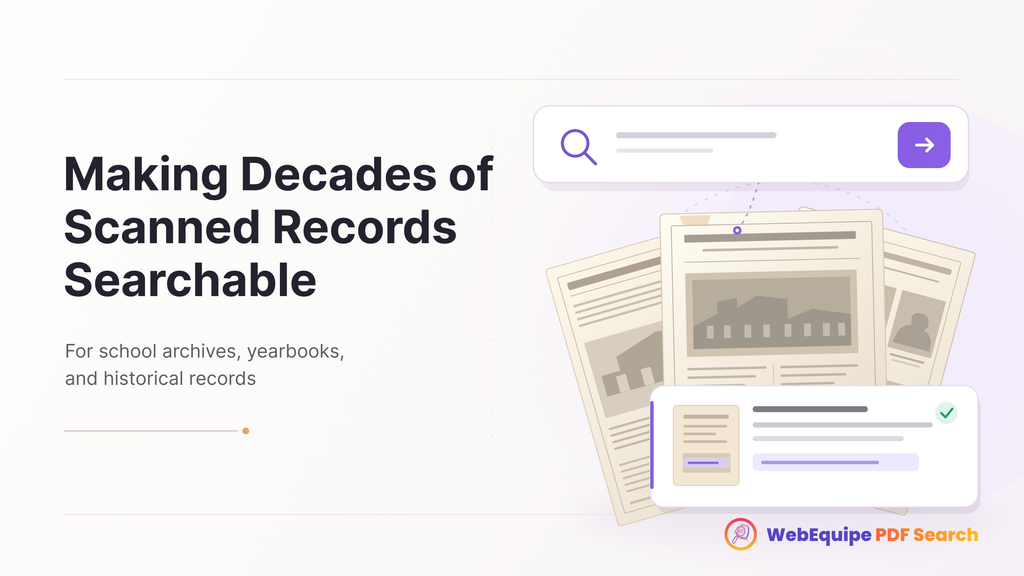
A librarian spends a summer scanning decades of old school newsletters, yearbooks, and historical records, uploading each one carefully to the website’s archive page. It’s genuinely valuable work. A student researching the school’s history, or a former student looking for an old mention of themselves, now has access to material that used to live only in a filing cabinet or a basement box.
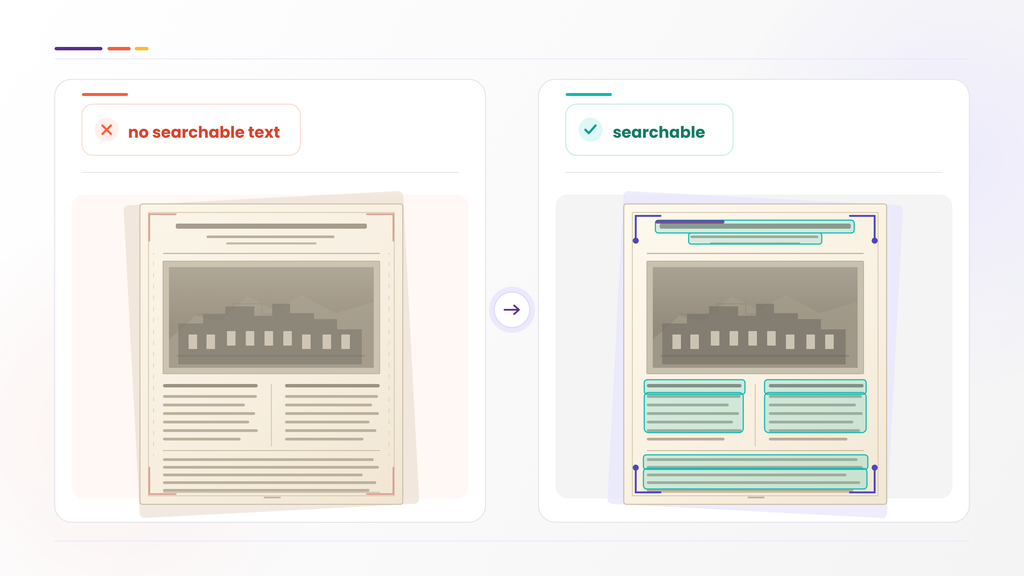
Except none of it is actually searchable. The files are scanned images of paper, not text, so there’s nothing for standard search to read. A student looking for one specific mention has to open dozens of PDFs and scroll through each one by eye, which mostly means they give up before finding anything.
Why Scanned Archives Are a Different Problem Than Regular PDFs
Most PDFs uploaded to a website today are exported directly from a document, so the text inside them is real, selectable text a search plugin can read. A scanned archive is different. Someone put a physical page on a scanner and saved the result as an image. There’s no text layer at all, just a photograph of a page that happens to be saved as a PDF.
That means even a well-organized archive, correctly labeled, sorted by year, thoughtfully uploaded, stays functionally unsearchable without something that can actually read what’s on the scanned page.
What OCR Actually Does Here
OCR converts the text in a scanned image into real, searchable text during indexing. A newsletter from 1987 scanned last summer gets processed the same way as a document published yesterday: the words on the page become words a search can find.
For an archive built up over years of careful scanning work, this is the step that turns “we have the material” into “people can actually find things in it.” The scanning work already happened. OCR is what makes that work pay off.
Finding the Right Page in a Long Archive Document
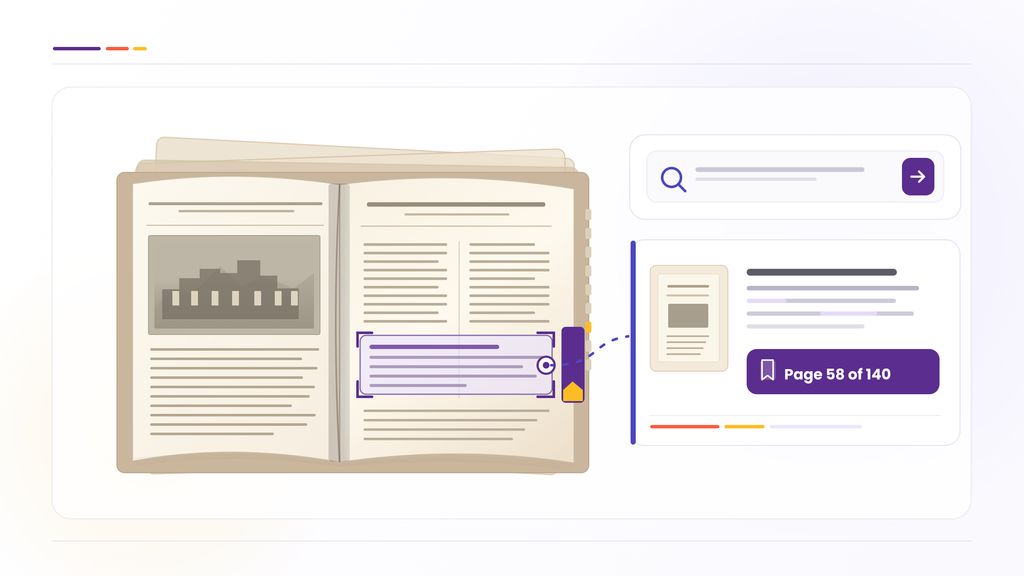
Old newsletters and yearbooks are often bound as long, multi-issue PDFs, sometimes an entire year’s worth of newsletters in a single file. Once indexed, a search for a specific name or event doesn’t just point to that whole file. Results link directly to the page where the match was found, so a student searching for one mention lands on the actual page, not the first page of a document covering an entire year.
For archival material specifically, where someone is often looking for one specific reference buried inside a much larger document, this matters more than almost anywhere else.
Keeping Some Material Restricted
Not every archived record needs to be public. Some school archives include material meant only for staff, alumni association members, or researchers with specific access, student records or internal historical documents, for instance.
Specific PDFs can be marked private, so they stay searchable for the intended audience once they’re logged in, without appearing in public search results.
The Actual Payoff
Archival scanning is slow, careful work, and it’s easy for it to end there, technically preserved, practically inaccessible. Making that material searchable is what turns years of scanning effort into something a student, researcher, or former student can actually use, rather than a well-organized pile of PDFs nobody can search through.
Frequently Asked Questions
Do we need to re-scan our archive to make it searchable?
No. OCR works on the scanned PDFs exactly as they already exist, no re-scanning needed.
How accurate is OCR on older, lower-quality scans?
Accuracy depends on scan quality and how legible the original text is. Clean, well-lit scans of printed text generally process reliably; faded or handwritten material can vary.
Can students search across an entire archive, or one document at a time?
Once indexed, search covers everything at once. A single search can return results from any indexed document in the archive, not just one file at a time.
Does search point to the specific page, or just the archive file?
Results link to the page where the match was found, even in a long, multi-issue document.
Can we restrict some archived material to staff or members only?
Yes. Specific PDFs can be marked private while staying fully searchable for authorized, logged-in users.
How much of our archive can we process at once?
That depends on your plan’s monthly OCR page quota. Large archives typically process over more than one billing cycle rather than all at once.
Getting Started
If your archive is already scanned and uploaded, the scanning work is done. What’s left is indexing it, which happens without needing to touch the files themselves.