
A buyer lands on a development’s website looking for one specific thing: a 3-bedroom unit with a balcony, under a certain price. The site has dozens of brochures and floor plan PDFs covering every building and unit type in the project. Somewhere in that stack is exactly what they want. They just have no way to search for it.
So they start opening PDFs one at a time, or they give up and email the sales office instead. Either way, the brochure did its job of existing, but not its job of actually helping someone find a match.
Why Real Estate PDFs Pile Up Like This
Brochures, floor plans, investor packs, and leasing documents are usually produced per building, per unit type, sometimes per phase of a development. That’s the right way to produce them, each one needs to look polished and be easy to hand to a prospective buyer as a standalone document.
The downside is that a site can end up with dozens of these PDFs, and there’s no practical way for a visitor to know which one has the unit, amenity, or price point they’re actually after without opening each one individually.
What Changes Once They’re Indexed
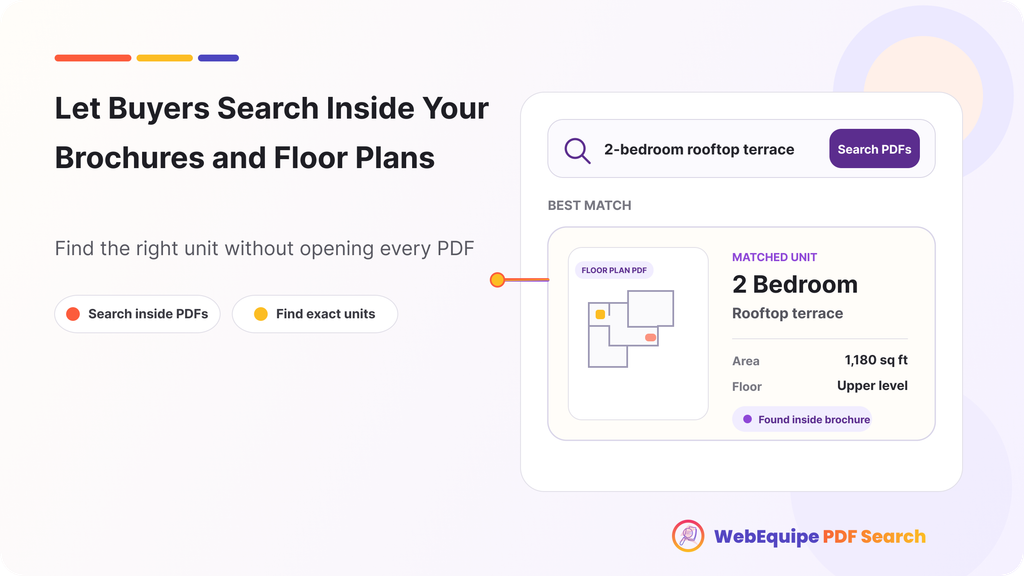
Once PDF Search indexes the brochures and floor plans, a visitor searching “2-bedroom” or a specific building name or an amenity like “rooftop terrace” gets results pulled from the actual content of those PDFs, not just filenames like “Building-A-Brochure-Final-v3.pdf.”
That’s the real gap most real estate sites have. The documents are detailed and well produced. The search just never had a way to read what’s inside them.
Landing on the Right Unit, Not the Cover Page
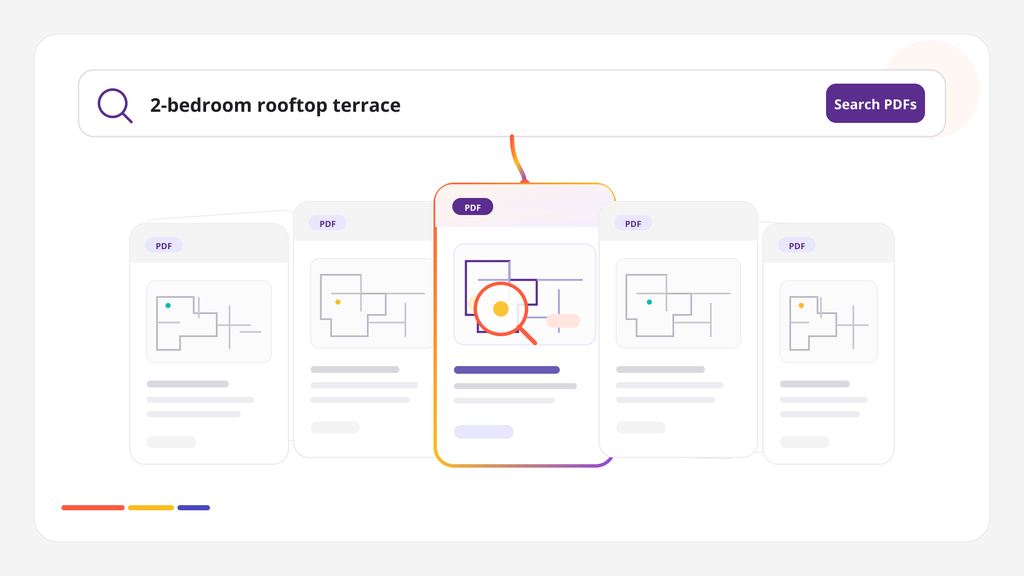
An investor pack or a multi-building brochure can run dozens of pages covering every unit type in a development. Search results link directly to the page where a match was found, so a search for a specific unit type or floor plan opens right there, not on the brochure’s cover page.
For someone comparing options across several properties, that’s the difference between a search that technically works and one that actually helps them shortlist something in the next few minutes instead of the next few days.
Keeping Investor Documents Private
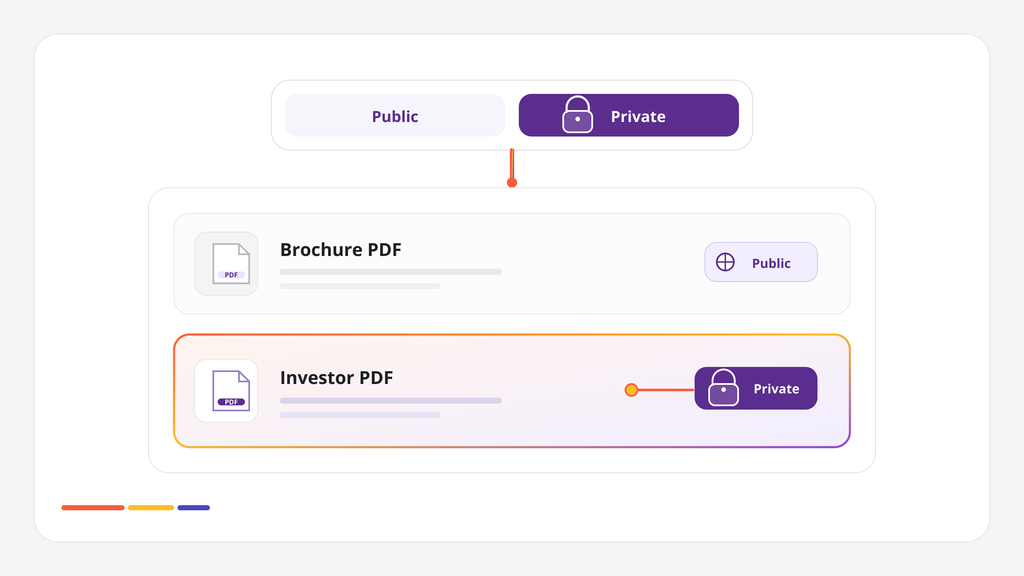
Not everything belongs in public search. Investor packs, pricing sheets for early-access phases, or leasing documents meant for qualified buyers only sometimes need to stay out of general search results while still being usable once someone’s actually logged in or given access.
Specific PDFs can be marked private, so they stay fully indexed and searchable for the audience meant to see them, without showing up for anonymous visitors browsing the public site.
What This Actually Saves
A sales team fields the same questions over and over: does anything have a home office, is there anything under a certain price, which building has the best view. A lot of those questions already have answers sitting in a brochure PDF. Making that content searchable means some of those buyers find their own answer before ever picking up the phone, and the ones who do call are usually further along and more qualified.
Frequently Asked Questions
Do we need to reformat our existing brochures and floor plans?
No. Indexing works on the PDFs exactly as they’re already uploaded.
Can buyers search by unit type, amenity, or building name?
Yes, as long as those terms appear in the PDF’s actual text, search will return it as a result.
Can we keep investor packs or early-access documents restricted?
Yes. Specific PDFs can be marked private so they’re searchable only for logged-in or authorized visitors.
Does this work for floor plan PDFs that are mostly images?
If a floor plan PDF has little to no real text, OCR can extract any labeled text present. Purely visual floor plans with no text content won’t have much to index beyond what’s actually written on them.
Does search link to the specific unit or building, or just the file?
Results link to the page where the match was found, so buyers land on the relevant section directly.
Will this help with brochures across multiple properties or just one?
It works the same across as many brochures and buildings as you have indexed, all searchable from one search.
Getting Started
Most real estate sites can index their existing brochures and floor plans without any changes to how those documents are currently organized or displayed.