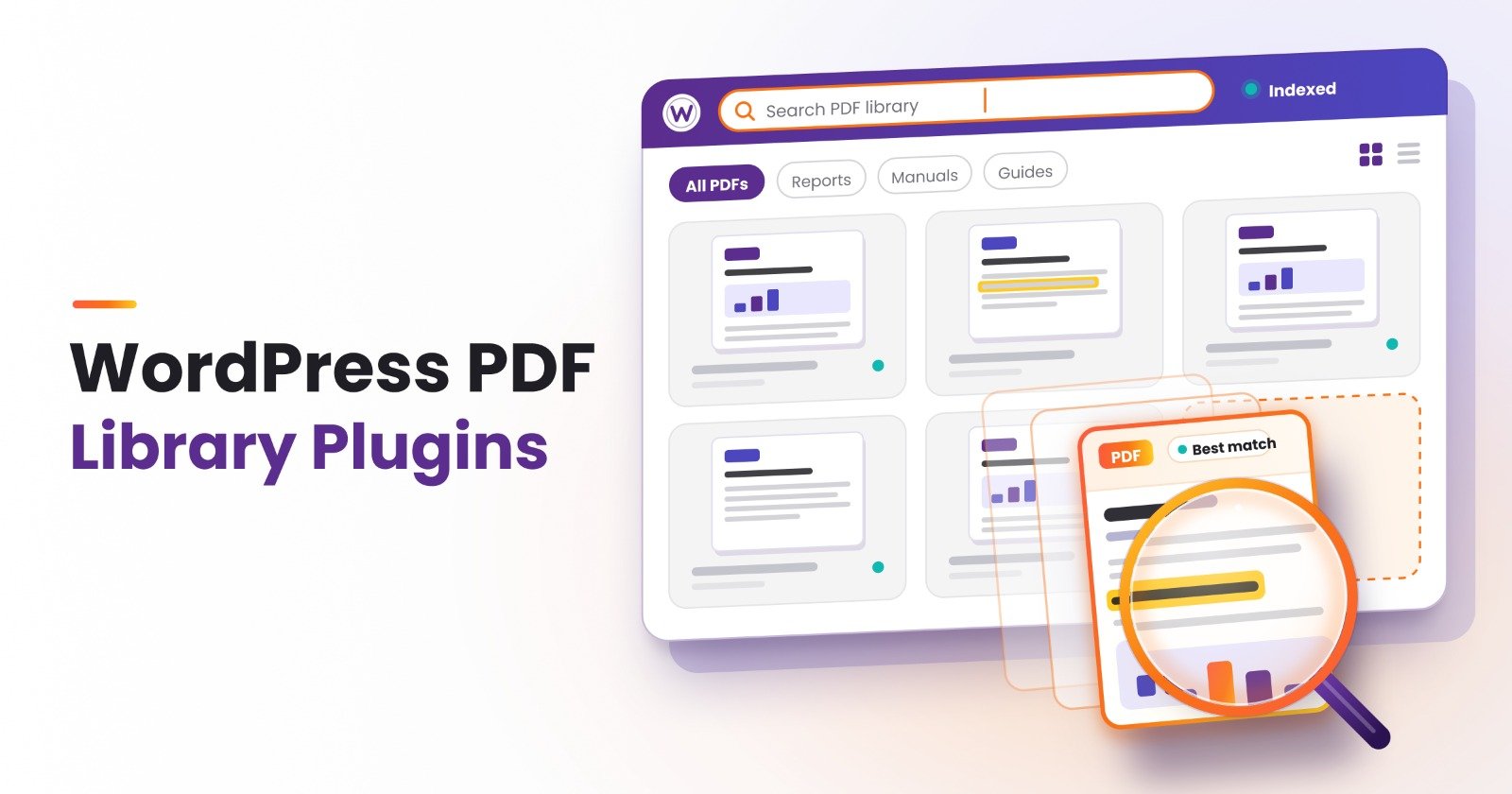

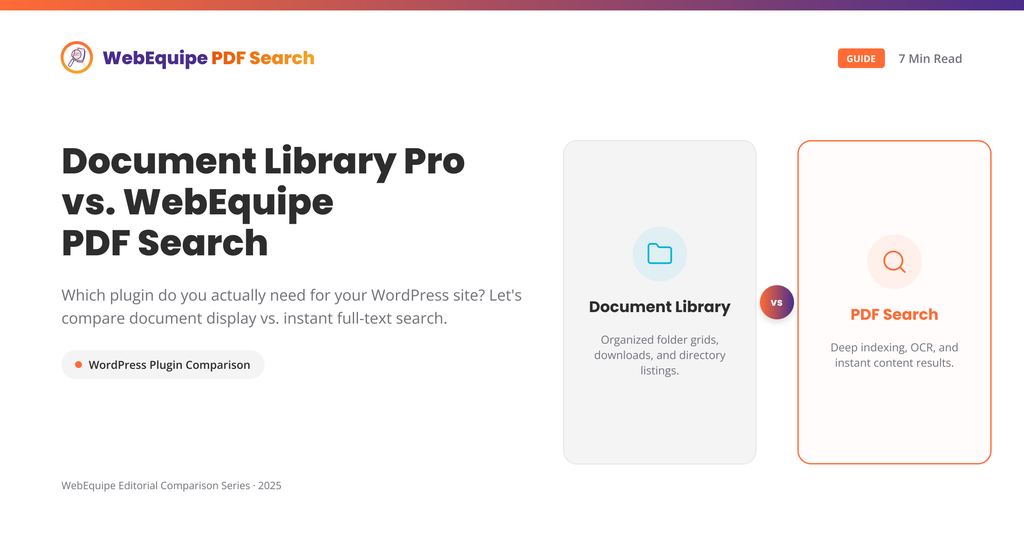
These two plugins get compared a lot, and honestly, they’re not really solving the same problem. That’s worth untangling before you spend money on either one.
Document Library Pro is built for sites that want to present documents well – folders, filters, download tracking, access control, and a proper portal experience. WebEquipe PDF Search is built around one narrower job, making the words inside your PDFs show up when someone searches your site.
If you just want visitors to find a PDF by what’s written inside it, you might not need everything Document Library Pro offers. If you want a full document management experience with browsing, filtering, and gated downloads, PDF search alone won’t get you there either. Here’s how to tell which situation you’re actually in.
What Document Library Pro Is Good At
Document Library Pro is a document management plugin first. It gives you a proper front-end library page where visitors can browse documents by folder or category, filter by file type, and see things like file size and last-updated dates laid out cleanly. You get download tracking, so you know which documents people are actually opening. You can gate downloads behind an email opt-in if you’re using documents for lead generation. Access control lets you restrict specific folders to logged-in users or particular membership levels.
For a site whose whole purpose is being a document portal, a resource center, an intranet, or a client deliverables page, this is genuinely useful structure. It’s not just storage; it’s presentation.
Where It Doesn’t Cover PDF Search Specifically
Here’s the catch: Document Library Pro organizes and presents documents. It doesn’t index what’s written inside them.
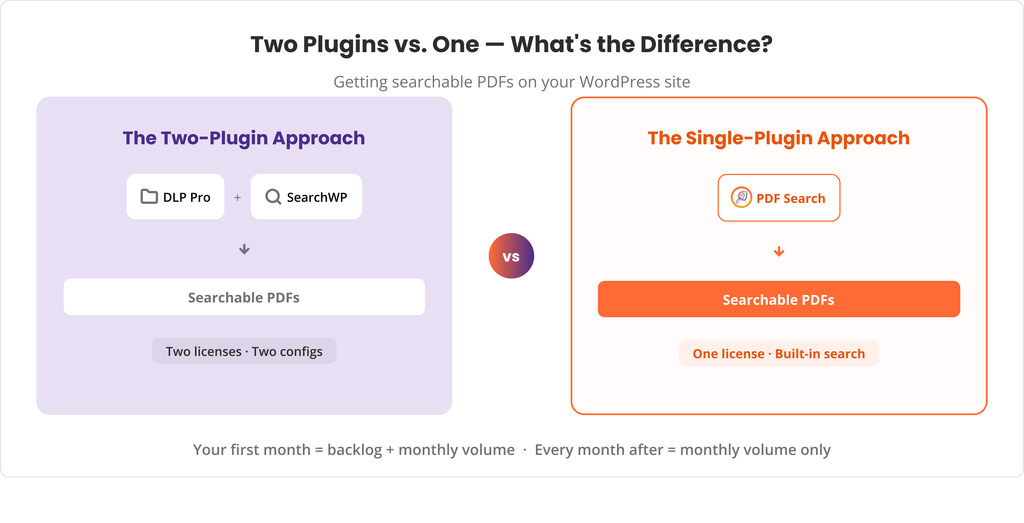
If a visitor searches your site for a term that only appears in the body text of a PDF, such as a bylaw clause, a course code, or a warranty term, Document Library Pro on its own won’t surface that result. Its own documentation points this out directly: for full-text search inside documents, you’re expected to pair it with a separate search plugin, most commonly SearchWP.
That means the actual PDF search capability isn’t really coming from Document Library Pro at all. You’re buying two plugins to get one outcome and paying for two licenses to make it work.
There’s no OCR either. Scanned PDFs, the kind with no real text layer, stay unsearchable regardless of how nicely they’re organized in your library.
How WebEquipe PDF Search Compares
WebEquipe PDF Search does one thing and tries to do it well, index the actual text inside your PDFs so it shows up in normal WordPress search, or through a dedicated PDF-only search form.
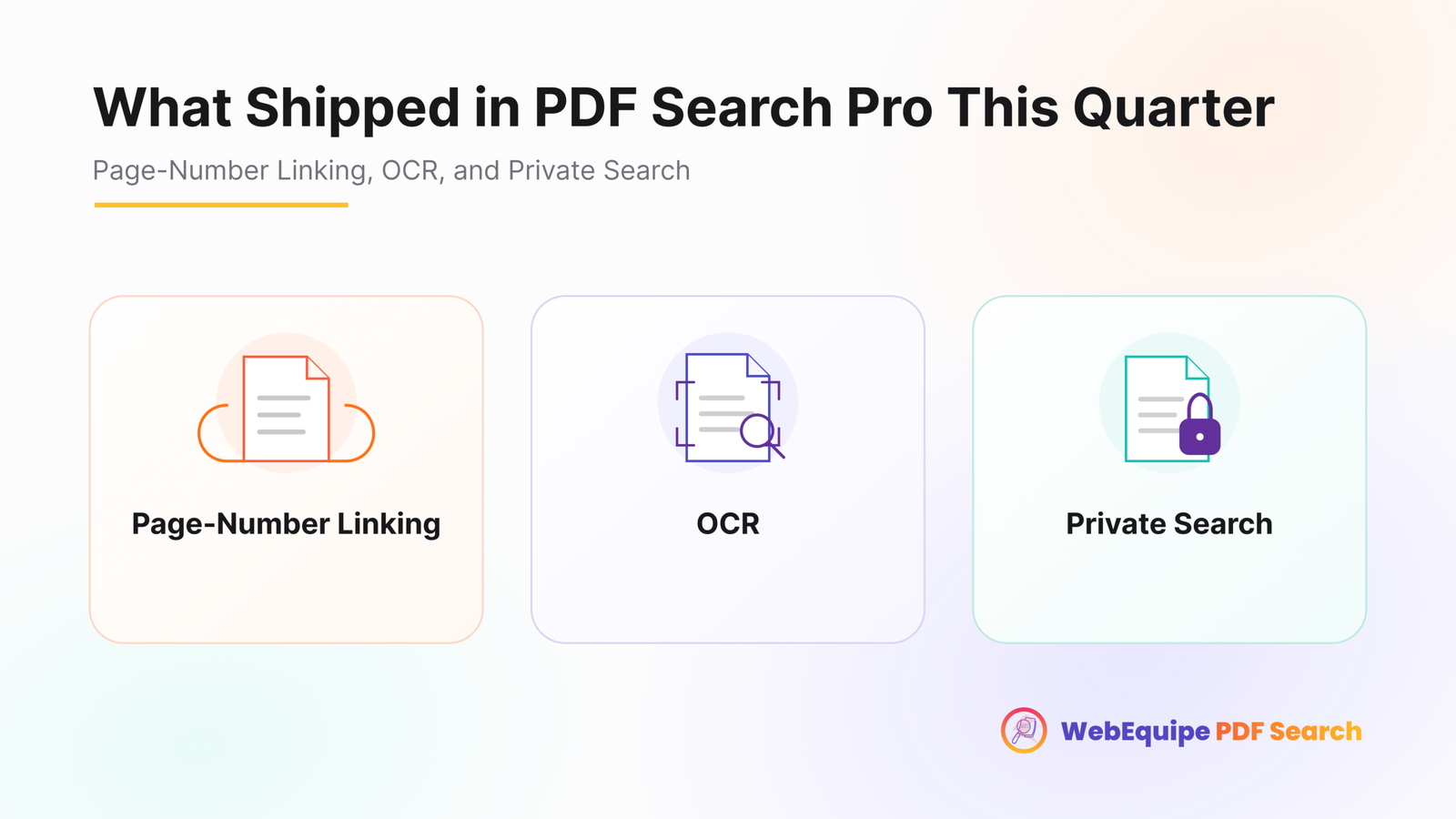
The free version handles text-based PDFs out of the box. No second plugin is required to make search work. The Pro version adds OCR through Google Vision for scanned documents, so image-based files become searchable too, not just organized. It also adds Private PDF Search, so specific documents can stay hidden from logged-out visitors while remaining fully searchable for people who are logged in, and page-number linking, so a search result opens the PDF at the exact page where the match was found instead of page one.
What you won’t get with WebEquipe PDF Search is the browsing and portal experience Document Library Pro is built around. There’s no folder-based front-end library page, no download-gated lead capture, and no document versioning. This plugin isn’t trying to be a document management system. It’s trying to make sure nothing in your PDFs is invisible to search.
Feature Comparison
| WebEquipe PDF Search | Document Library Pro | |
|---|---|---|
| Full-text PDF search built in | ✓ Free | ✗ Requires a separate search plugin (e.g. SearchWP) |
| Scanned PDF / OCR | ✓ Paid | ✗ |
| Private / logged-in-only PDFs | ✓ Paid | ✓ |
| Search result links to the exact PDF page | ✓ Paid | ✗ |
| Folder/category browsing front-end library | ✗ | ✓ |
| Download tracking | ✗ | ✓ |
| Email-gated downloads / lead capture | ✗ | ✓ |
| Document versioning | ✗ | ✓ |
| Free tier available | ✓ | ✗ Paid plugin |
Using Both Together
They’re not competing for the same shelf space, so running both isn’t unusual. A site might use Document Library Pro to give visitors a proper browsable resource center, then add WebEquipe PDF Search so anything typed into the search bar can actually find content buried inside those documents, including scanned PDFs once OCR is enabled.
If you already own Document Library Pro and it’s paired with a search plugin, it’s worth checking whether that combination already handles scanned PDFs and page-level linking before assuming you need to add anything.
Who Should Use Which
Use WebEquipe PDF Search if:
- Your main problem is that PDF content isn’t turning up in search results
- You have scanned documents that need OCR to become searchable
- You want some PDFs restricted to logged-in users, but still findable by them
- You’d rather start free and only pay once you need OCR or private search
Use Document Library Pro if:
- You want a dedicated, browsable document portal on your site, not just search
- Download tracking or gated lead capture matters to your workflow
- You need document versioning or a folder-based library structure
- Full-text PDF search isn’t the primary goal, presentation and organization are
Use both if:
- You want a proper document library experience for browsing, plus real full-text search that also covers scanned files and keeps certain documents private
Frequently Asked Questions
Does Document Library Pro search inside PDF content on its own?
Not by itself. Its own documentation recommends pairing it with a separate search plugin like SearchWP for full-text search inside documents.
Does Document Library Pro support OCR for scanned PDFs?
No. Scanned, image-based PDFs stay unsearchable regardless of how they’re organized in the library.
Is WebEquipe PDF Search a document management plugin?
No. It doesn’t provide folder browsing, download tracking, or lead-gated downloads. It’s focused specifically on making PDF content searchable.
Can I use WebEquipe PDF Search alongside Document Library Pro?
Yes. One handles presentation and organization, while the other handles making the content actually searchable, including scanned documents.
Which one is cheaper if I only need PDF search?
WebEquipe PDF Search has a free tier that covers text-based PDF search on its own. Document Library Pro is a paid plugin, and full-text search still requires pairing it with another paid search plugin.
Which One Fits Your Site
If the actual complaint you’re hearing is, “I know it’s in a PDF, but search can’t find it,” that’s a search problem, not a library problem, and WebEquipe PDF Search solves it directly without needing a second plugin. If what you’re really after is a polished front-end document center with browsing, tracking, and gated downloads, that’s Document Library Pro’s job.