
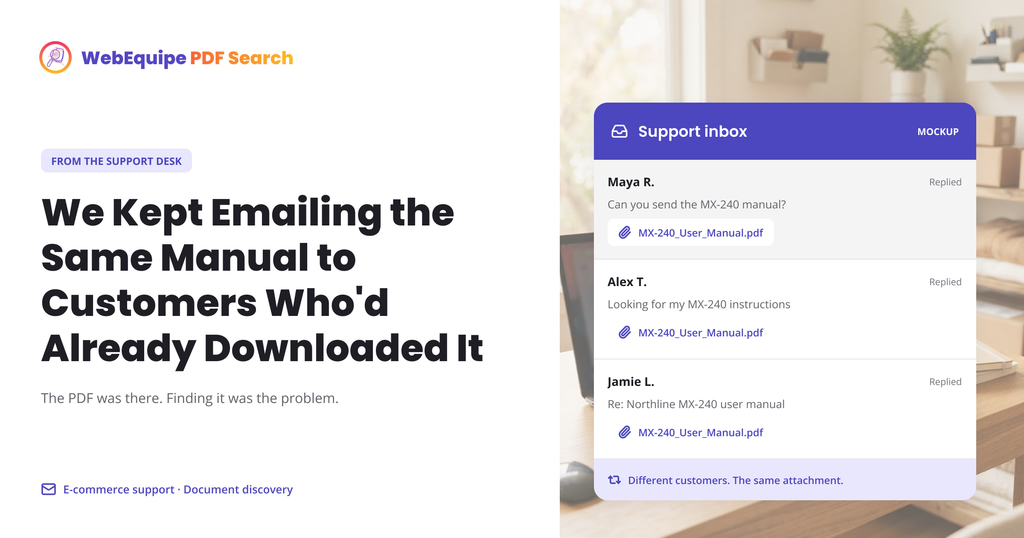
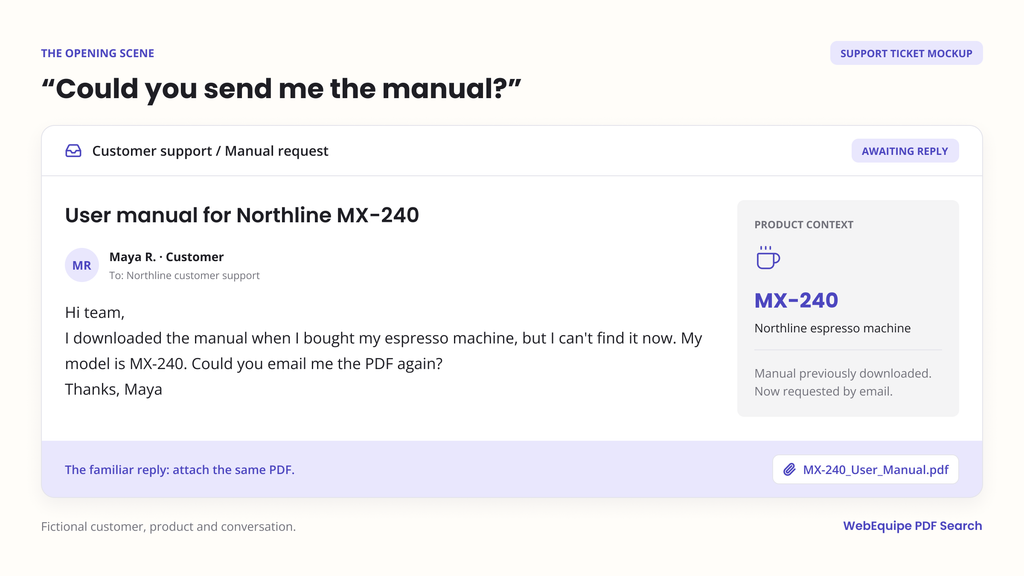
A small appliance retailer we’ll call Merrow Home Goods had a support routine that nobody had designed on purpose, it had just formed over time. A customer would email asking for the installation manual for a specific model number. Support would search the file server, find the right PDF, and attach it to a reply.
This happened, on average, several times a day. For manuals that were already sitting in the WordPress Media Library, publicly available, already uploaded specifically so customers wouldn’t need to ask.
The Gap Between “Uploaded” and “Findable”
The manuals were there. Customers were searching the site for their model number, things like “DW-4400 installation,” and getting nothing. Not because the manual didn’t exist, but because WordPress search only reads posts and pages, and a PDF is neither. The model number was sitting in the document text, on page two, in a table nobody had typed into a blog post.
So customers did the next logical thing: they emailed support and asked directly. Support, in turn, did the only thing they could: manually find the file and send it. Every email was a few minutes of someone’s day spent solving a problem the website was supposed to have already solved.
What Changed
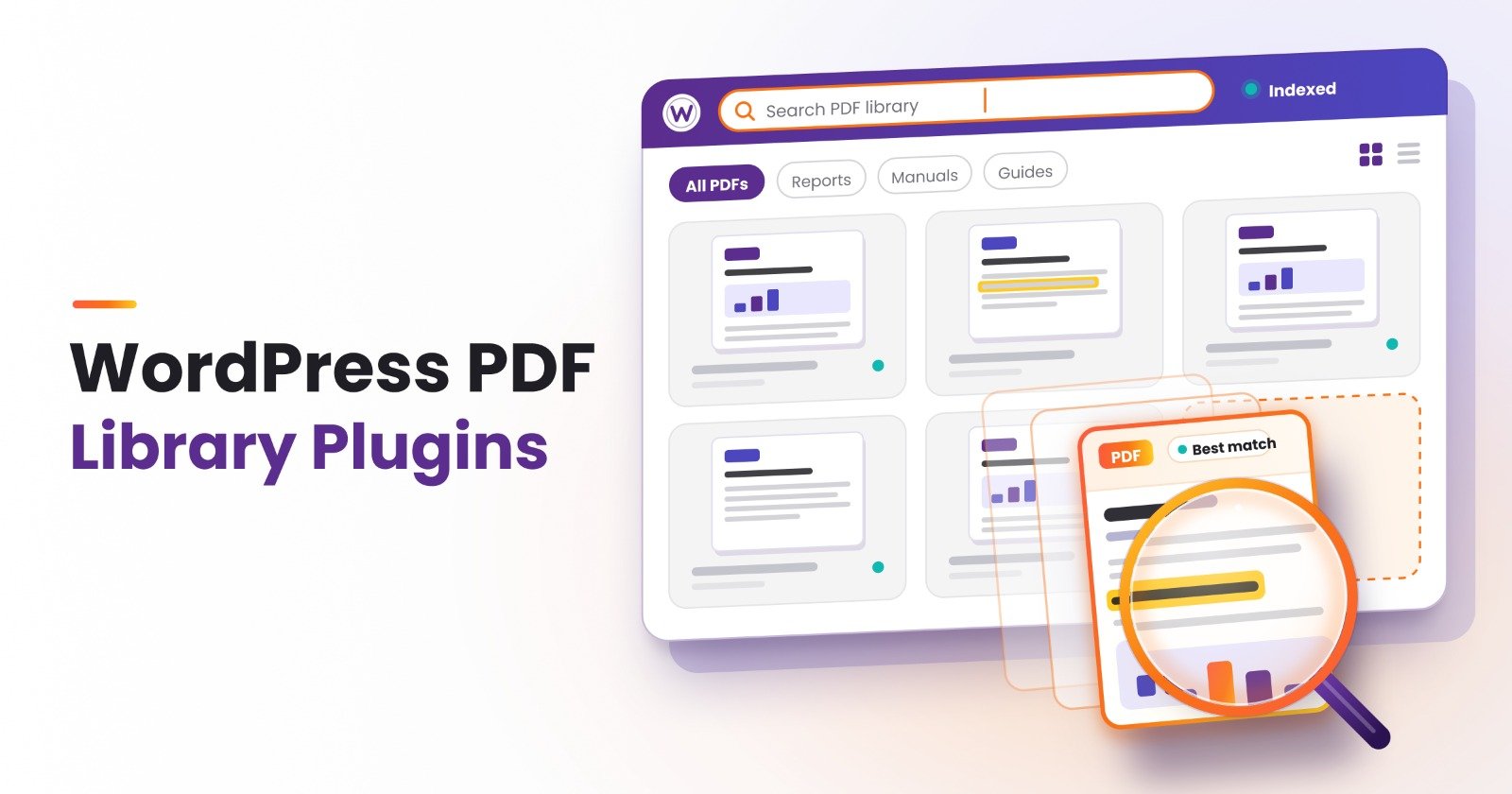
The team installed WebEquipe PDF Search and ran an initial index across the manual library. The plugin extracted the text from every text-based manual PDF, including the model numbers, part numbers, and troubleshooting steps buried inside them.
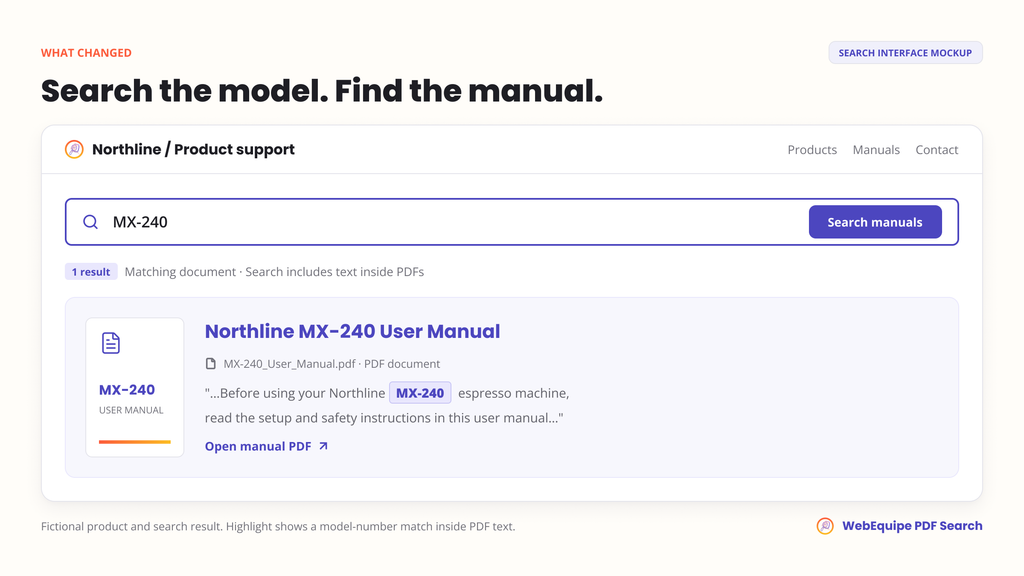
A customer searching “DW-4400 installation” now got the manual back directly, with an excerpt showing the exact matching text, the file size, and page count, so they knew what they were about to open before clicking.
The Part That Actually Mattered
What changed wasn’t the manuals. They were the same PDFs, same content, same location. What changed was that the search box finally did the job customers assumed it was already doing.
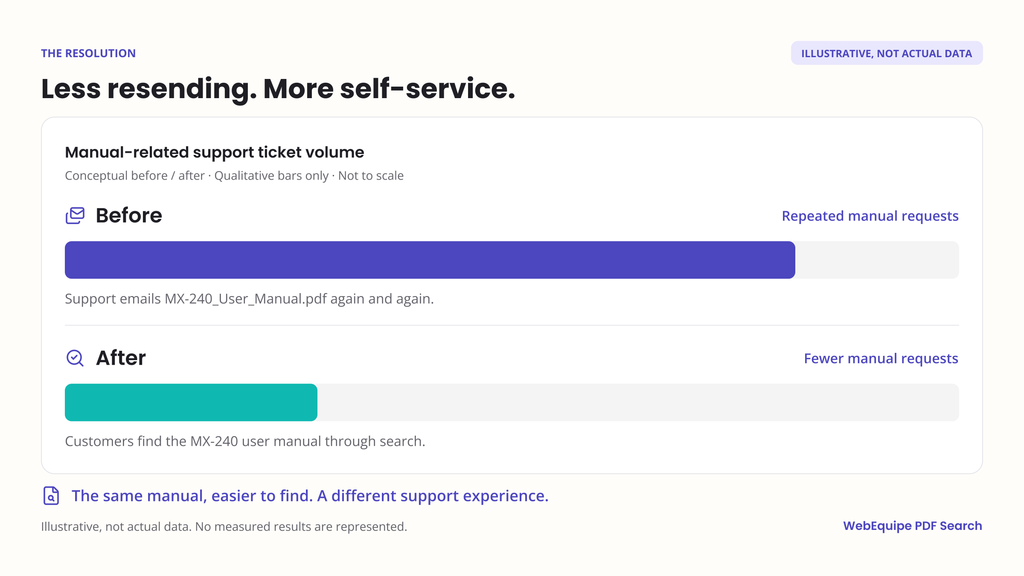
Support tickets asking “can you send me the manual for X” didn’t disappear completely, some customers still prefer to just ask a person. But the volume of manual-request emails dropped noticeably, because most people, given a search box that actually works, will use it before writing an email.
Why This Persona Matters Most
Of all the sites that benefit from PDF search, product and documentation sites tend to see the clearest return. The pain is specific and the fix is direct: customers already know exactly what they’re looking for, a model number, a part number, a specific troubleshooting step. They’re not browsing. They’re searching for one thing, and if it doesn’t appear, they either give up or file a ticket. Making the manual searchable removes the ticket entirely, for exactly the queries where the answer already existed.
What This Doesn’t Cover
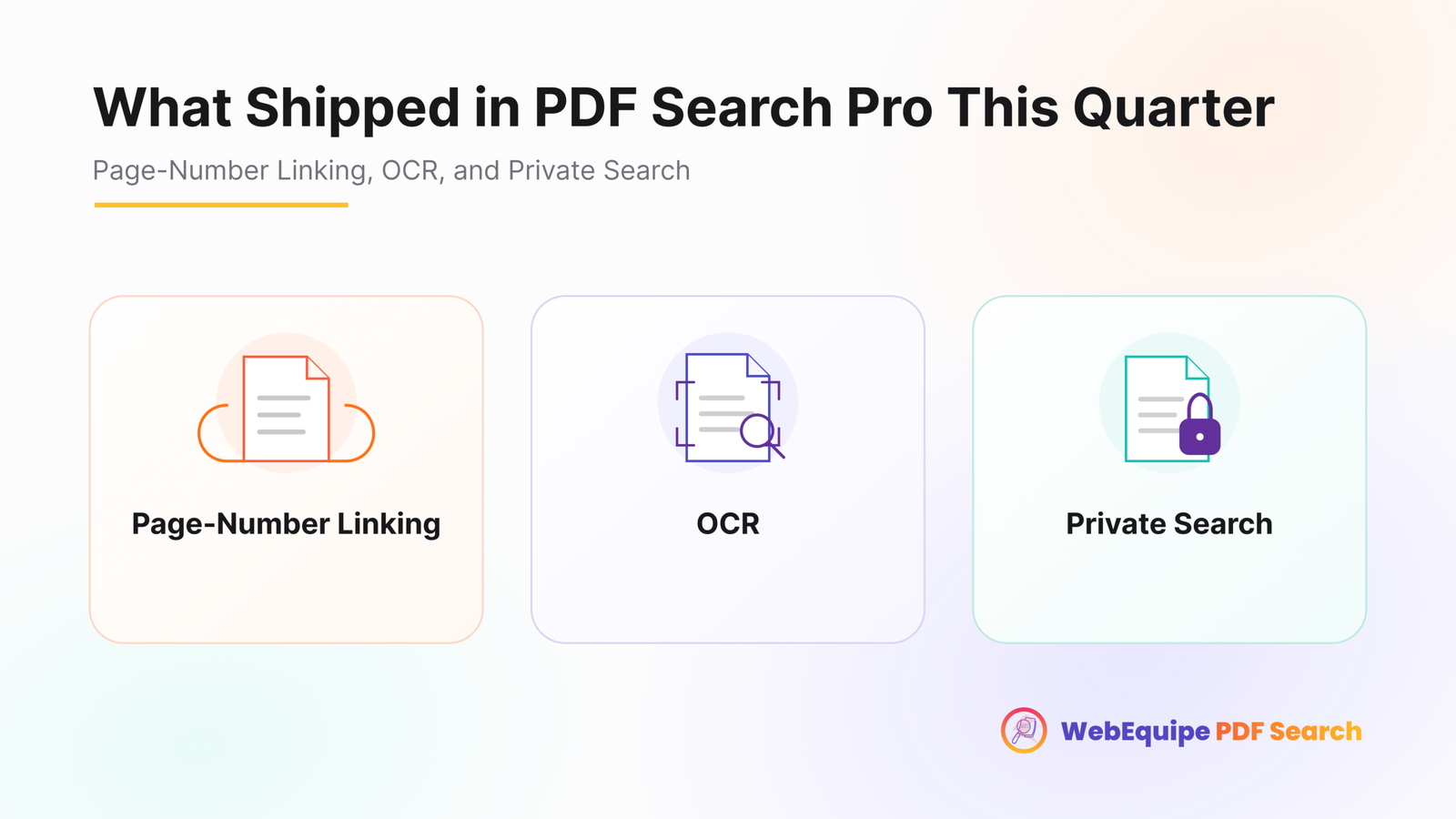
Worth noting directly: if any of those manuals were scanned images rather than text-based PDFs, older documentation that predates digital-native formats, the free plugin can’t extract text from them. That’s specifically what OCR in PDF Search Pro is for, and it’s worth checking your manual library for scanned files before assuming everything is covered.
The Takeaway
If your support inbox fills up with requests for documents you’ve already published, the documents aren’t the problem. The search box is. And that’s usually a much smaller fix than it looks like from inside a busy support queue.