
The best WordPress document management plugins turn scattered uploads into an organized, searchable library on your own site. The top picks are WebEquipe PDF Search Pro, Document Library Pro and WordPress Download Manager. Download Monitor, WP Document Revisions, WP File Download, FileBird and DOCman complete the list.
Each plugin does a different main job. Some display libraries or gate downloads, while others handle version control or full-text PDF search. You’ll also see the five plugin types and the features worth paying for.
AI is changing the category too. The WordPress 7.0 AI Client, AI agents over MCP and OCR for scanned PDFs lead that shift.
Costs run from free to about $599 per year. A setup walkthrough and tips for choosing the right plugin close out the guide.
What Is a WordPress Document Management Plugin?
A WordPress document management plugin is a tool for storing, organizing and protecting documents in WordPress. It also publishes them to visitors, all from the WordPress dashboard.
It handles PDFs, Word, Excel and PowerPoint files in one central location. Visitors get a searchable library, while you decide who opens each file.
Schools, councils and membership associations use these plugins to share resources. Legal teams and businesses use them to publish forms, policies and reports.
What Are the Best WordPress Document Management Plugins?
The best WordPress document management plugins are WebEquipe PDF Search Pro, Document Library Pro and WordPress Download Manager. Download Monitor, WP Document Revisions, WP File Download, FileBird and DOCman complete the list.
Each pick leads at one job: search, library display, gated downloads, tracking, versioning, cloud sync, folders or permissions. We chose them on features, pricing, update activity, active installs and AI readiness. If you only manage PDFs, our list of WordPress PDF library plugins goes deeper.
The 8 best WordPress document management plugins are compared in the table below.
| Plugin | Best For | Free Version | Starting Paid Price | AI Features |
| WebEquipe PDF Search Pro | Searching inside PDFs and scanned files | Yes | $89 per year | Google Vision OCR for scanned PDFs |
| Document Library Pro | Front-end document library | Yes, Document Library Lite | $149 per year | None listed |
| WordPress Download Manager | Access control and gated downloads | Yes | $99 per year | AI Abilities and an MCP server |
| Download Monitor | Download tracking and reports | Yes | $138 per year, first-year deals common | None listed |
| WP Document Revisions | Version control and collaboration | Yes, free only | Free | AI revision summaries, agent access |
| WP File Download | Cloud-synced document libraries | No | $49 with 1 year of updates | None listed |
| FileBird | Media Library folders | Yes | Lifetime Pro license | None listed |
| DOCman | User and group permissions | No | Business plan, see vendor | None listed |
Prices change often, and these were checked on November 10, 2026.
1. WebEquipe PDF Search Pro: Best for Searching Inside PDFs and Scanned Files
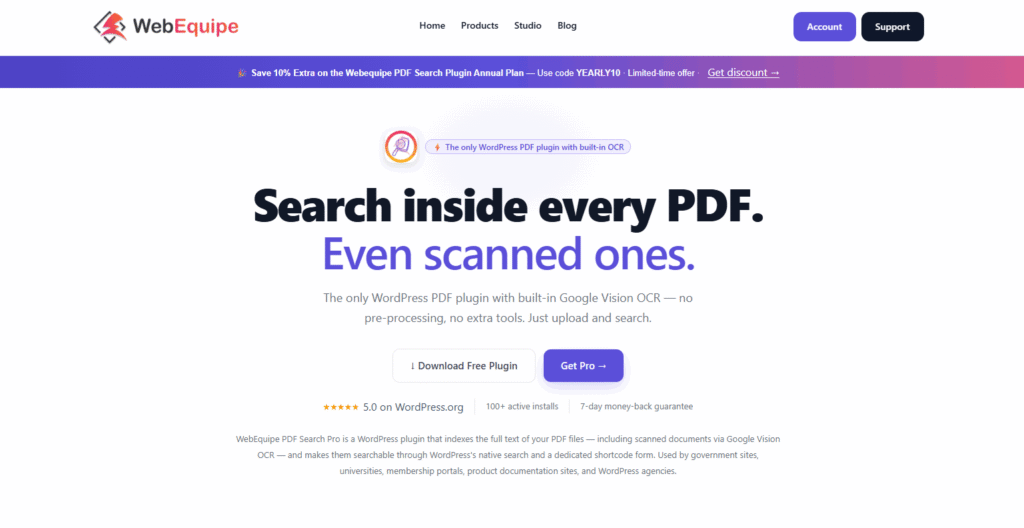
WebEquipe PDF Search Pro is a WordPress plugin that indexes the text inside PDF files. Visitors can then find documents by their content, not just file names. It adds PDF text to native WordPress search or a shortcode search form.
The key features of WebEquipe PDF Search Pro are given below.
- Full-text PDF search with automatic indexing on upload, on every plan.
- Google Vision OCR for scanned PDFs in 50+ languages, with page-number linking from Starter.
- Advanced filters by date, file size, page count, category and author from Starter.
- Private PDF search and an analytics dashboard for top and zero-result queries on Pro.
A free plan covers text-based PDFs. Starter, Pro and Agency cost $89, $169 and $529 per year. They include 1,000, 3,000 and 10,000 OCR pages a month.
It searches PDFs only, and password-protected PDFs are coming soon. Pair it with a library plugin for folders or other file types.
2. Document Library Pro: Best All-Round Front-End Document Library
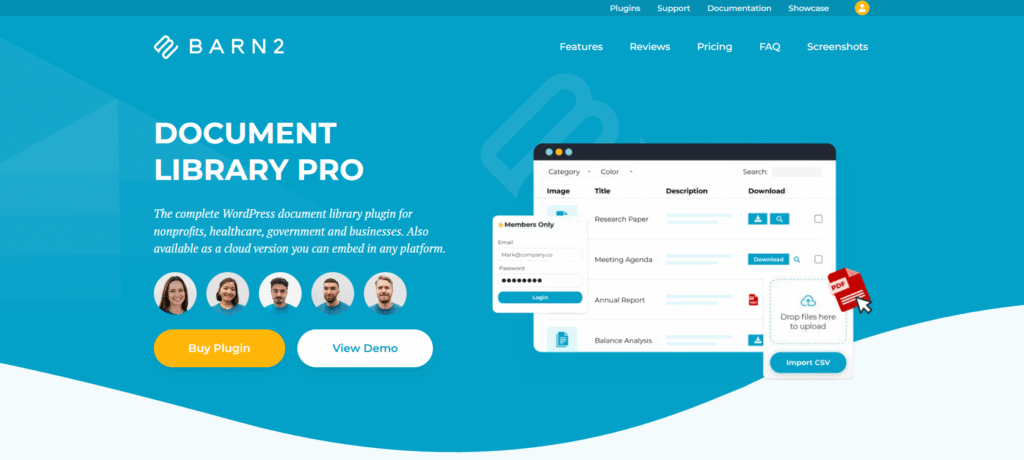
Document Library Pro by Barn2 is a plugin that displays documents in searchable, filterable tables, grids or folders. It suits schools, nonprofits and businesses with large public libraries.
The key features of Document Library Pro are listed below.
- Table, grid and folder layouts with instant search, filters, sorting and previews.
- Search inside PDF, Word and Excel files on Advanced, but not scanned PDFs.
- Access control by password, role or user, plus version control and auto-expiring documents.
- External links from Dropbox, Google Drive, OneDrive, SharePoint and Amazon S3, plus bulk CSV import.
Essentials starts at $149 per year and Advanced at $199 for 1 site. The free Document Library Lite is on WordPress.org.
Barn2 says it’s trusted by over 14,000 websites, and its page lists no AI features. See our Document Library Pro comparison for PDF search.
3. WordPress Download Manager: Best for Access Control and Gated Downloads
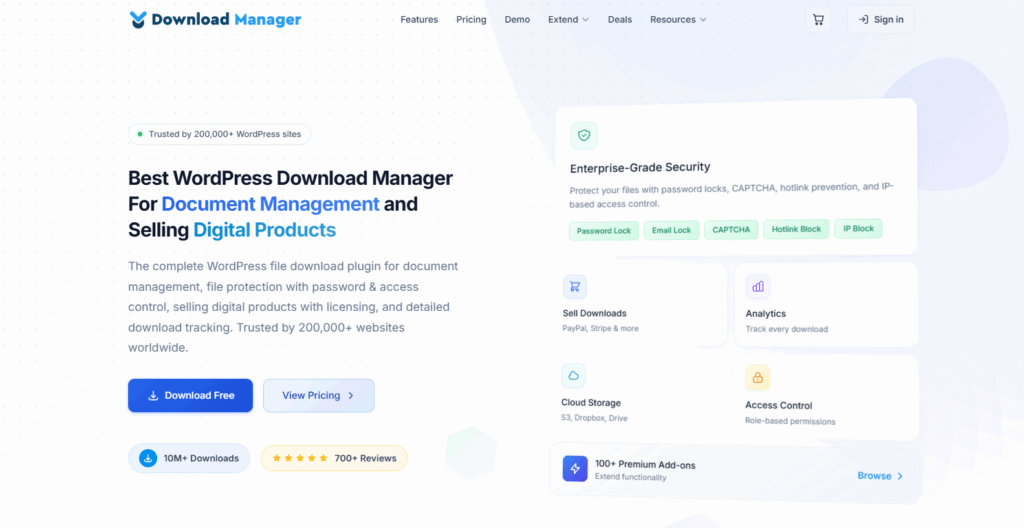
WordPress Download Manager is a file and document management plugin that controls who can download each file. It also logs every download, and it has 90,000+ active installations on WordPress.org.
The key features of WordPress Download Manager are outlined below.
- Password, user role and category-level permissions with per-user download limits.
- Download logs, per-file counters, CAPTCHA, IP blocking and terms-agreement prompts.
- Built-in viewer for DOC, PDF and PowerPoint files, plus Media Library file protection.
- Free add-ons for Google Drive, Dropbox, Box and OneDrive storage.
The core plugin is free. Pro costs $99 per year for 1 site. Business is $299 for up to 5 sites, and Developer is $499 for up to 48.
Version 3.3.73 added AI Abilities, so MCP clients such as Claude and Cursor can manage files and stats. They stay off until enabled and need WordPress 6.9+. Version 3.3.74 added an MCP server.
4. Download Monitor: Best for Download Tracking and Reports
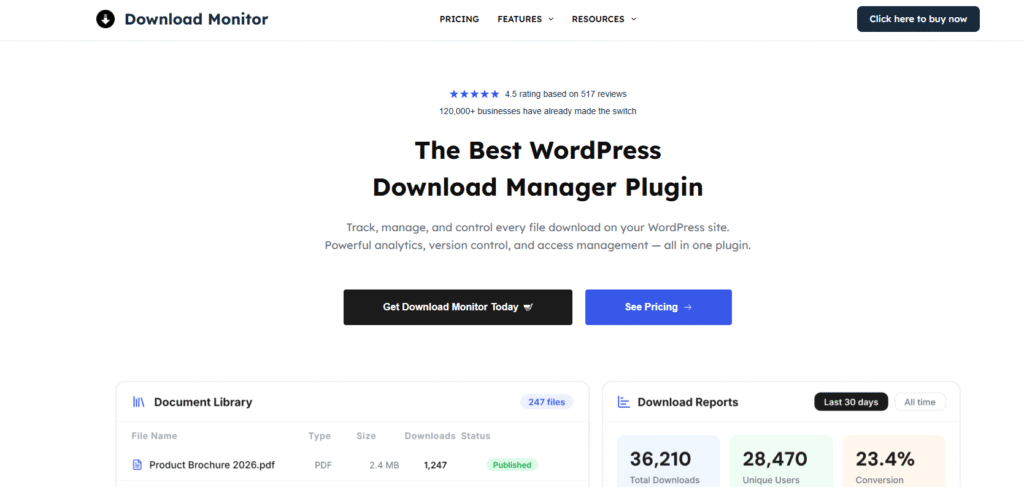
Download Monitor is a free WordPress plugin that manages downloadable documents and tracks how often each gets downloaded. It has 80,000+ active installations and a 4.5-star rating on WordPress.org.
The key features of Download Monitor are given below.
- Download tracking with reports, a dashboard widget and front-end download counts.
- Multiple file versions, a Gutenberg Download Button block and shortcodes.
- Members-only downloads, terms and conditions, and REST API endpoints in the free version.
- Paid extensions for Amazon S3 and Google Drive hosting, CSV import and email locks.
The core plugin is free. Basic, Popular and Complete plans cost $138, $258 and $398 per year for 1, 3 and 5 sites. First-year discounts often apply, so check the current offer.
It can also sell downloads through its Shop mode.
5. WP Document Revisions: Best for Version Control and AI Revision Summaries
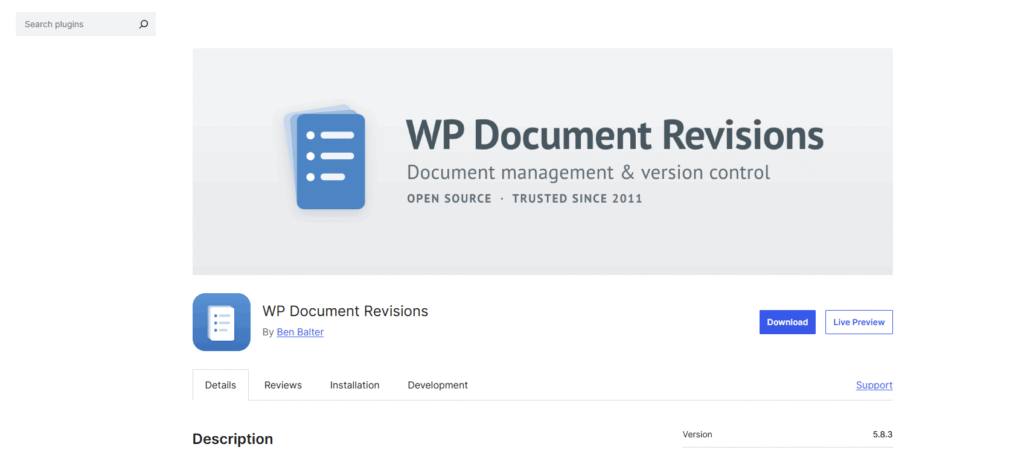
WP Document Revisions is a free plugin that turns WordPress into a document collaboration and version control system. It suits teams that draft and edit documents together, not just publish them.
The key features of WP Document Revisions are outlined below.
- Unlimited revisions with a revision log, one-click revert and a unique URL per revision.
- File check-out and locking, so two people can’t overwrite the same document.
- Customizable workflow states with optional email notifications when a state changes.
- Private, password-protected or public document status, switched with a single click.
Opt-in revision summaries use the WordPress 7.0 AI Client. Text is extracted from PDF, DOCX and ODT files. AI agents get read-only access through the Abilities API and MCP Adapter.
With 2,000+ active installations, it best fits smaller internal teams.
6. WP File Download: Best for Cloud-Synced Document Libraries
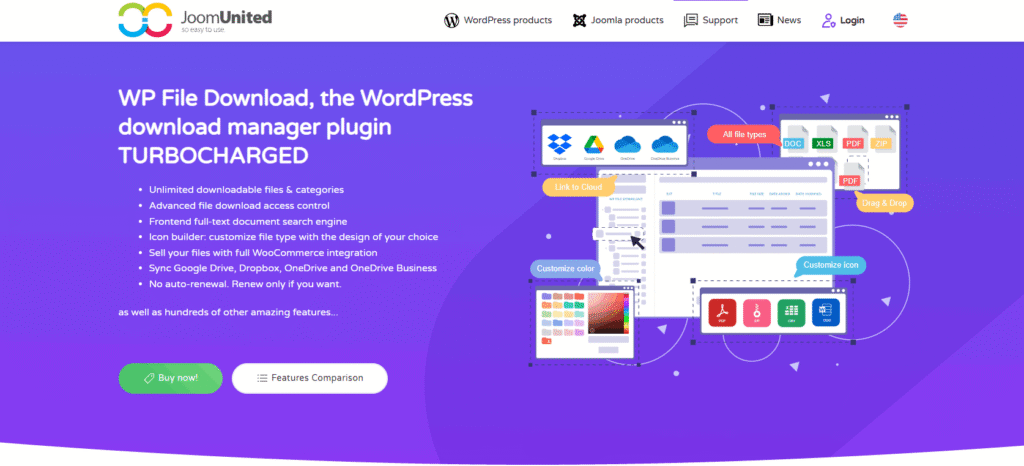
WP File Download by JoomUnited is a WordPress file manager plugin. It organizes documents into categories and syncs them with cloud storage. It suits sites that already keep documents in Google Drive, Dropbox or OneDrive.
The key features of WP File Download are shown below.
- Full-text document search that indexes files in the background, with previews and filters.
- Two-way sync with Google Drive, Dropbox and OneDrive through the Cloud addon, plus S3 and Nextcloud.
- Automatic versioning that keeps up to 99 old versions with one-click restore.
- Permissions by user role, file category and file owner, plus per-user download tracking.
The plugin costs $49, or $69 with all addons, each with 1 year of updates and support. The product page lists no AI features.
7. FileBird: Best for Organizing the Media Library Into Folders
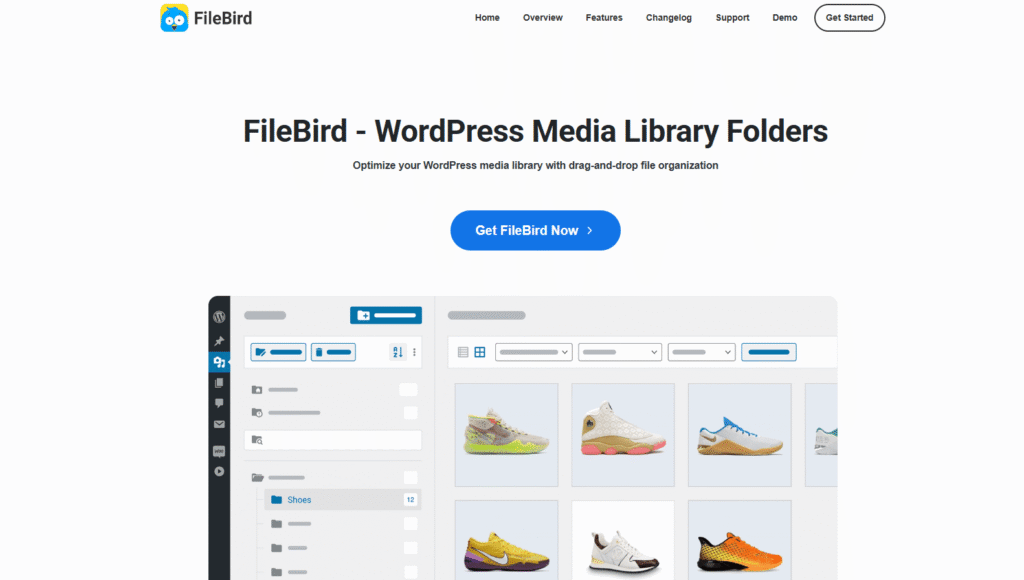
FileBird is a WordPress media library folder plugin that sorts uploaded files into folders with drag and drop. It organizes the back end, so editors find files faster. The separate FileBird Document Library add-on shows those folders as a front-end document gallery.
The key features of FileBird are given below.
- Unlimited folders and subfolders with drag-and-drop sorting and a right-click context menu.
- Search for files and folders in the Media Library and the post editor.
- Pro lets you download an entire folder as a ZIP and sort by file size.
- A Document Library add-on that builds a front-end gallery from your existing folders.
FileBird has 200,000+ active installations and a 4.7-star rating on WordPress.org. The core plugin is free, and Pro is sold as a one-time lifetime license.
8. DOCman: Best for Granular User and Group Permissions
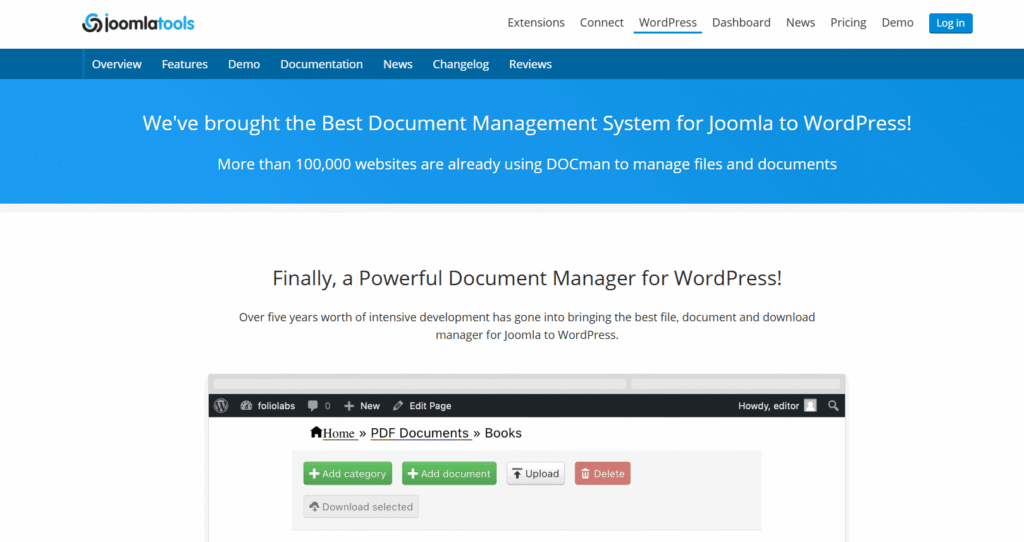
DOCman by Joomlatools is a commercial WordPress document manager built around detailed permissions for users and groups. It’s adapted from the long-running Joomla extension of the same name.
The key features of DOCman are outlined below.
- Add, edit, delete, upload and download permissions per user or user group.
- Nested categories to any depth, created from the admin area or the front end.
- Front-end document management and private file sharing without WordPress admin access.
- Gutenberg blocks, shortcodes and interface translations in 47 languages for global teams.
DOCman has no free version. Business covers up to 5 sites and Agency covers unlimited sites, but the product page doesn’t list prices. It also lists no AI features.
What Are the Types of WordPress Document Management Plugins?
WordPress document management plugins fall into five types, grouped by the main job each one does.
The 5 types of WordPress document management plugins are given below.
- Document library plugins. These display files in a searchable front-end library. Document Library Pro is a strong example.
- Download manager plugins. These control, gate and track file downloads. WordPress Download Manager fits this group.
- Media library folder plugins. These sort back-end uploads into folders for editors. FileBird is the best-known example.
- Version control and collaboration plugins. These track every revision so teams can edit safely. WP Document Revisions leads here.
- Document search and indexing plugins. These make the text inside files searchable. WebEquipe PDF Search Pro does this for PDFs.
What Features Should a WordPress Document Management Plugin Have?
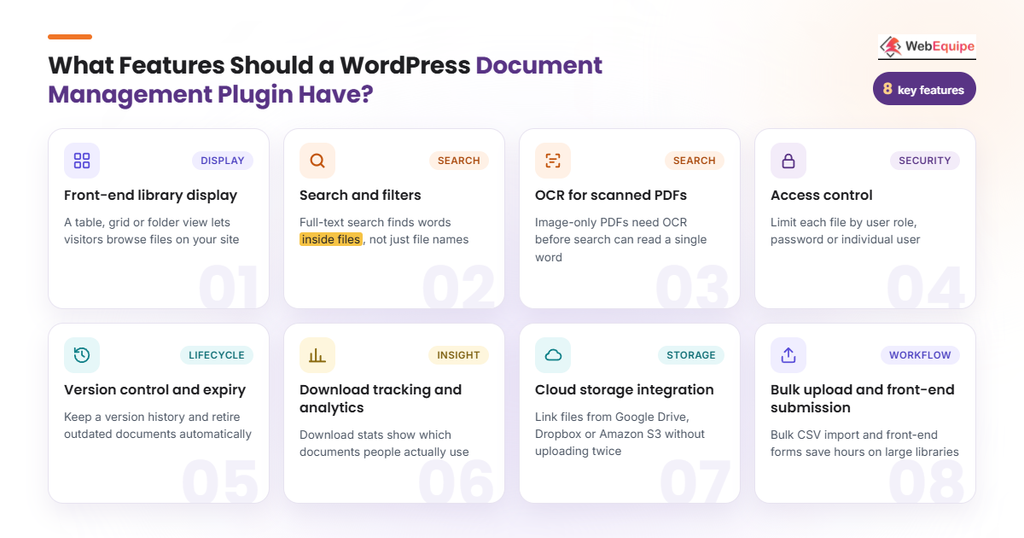
A WordPress document management plugin should have a front-end library, deep search and solid access control. Versioning, tracking and cloud storage round out the list.
The 8 features a WordPress document management plugin should have are outlined below.
- Front-end library display. A table, grid or folder view lets visitors browse files on your site.
- Search and filters. Full-text search should find words inside files, not just file names.
- OCR for scanned PDFs. Image-only PDFs need OCR before search can read a single word.
- Access control. Limit each file by user role, password or individual user.
- Version control and expiry. Keep a version history and retire outdated documents automatically.
- Download tracking and analytics. Download stats show which documents people actually use.
- Cloud storage integration. Link files from Google Drive, Dropbox or Amazon S3 without uploading them twice.
- Bulk upload and front-end submission. Bulk CSV import and front-end forms save hours on large libraries.
For PDF-heavy sites, compare dedicated WordPress PDF search plugins too.
How Is AI Changing WordPress Document Management Plugins?
AI is changing WordPress document management plugins by connecting them to AI models, agents and smarter search.
WordPress 7.0 “Armstrong” shipped on May 20, 2026. It added the AI Client in Core and a Connectors screen, which work alongside the Abilities API. So plugins can now call AI models through one shared, provider-agnostic interface.
The 5 main AI changes in WordPress document management are given below.
- Built-in AI connections. The WordPress 7.0 AI Client lets any plugin send prompts to an AI model. Site owners add providers and API keys under Settings > Connectors.
- AI agents managing files. WordPress Download Manager 3.3.73+ lets MCP clients such as Claude manage packages and files. Each ability stays off until enabled.
- AI revision summaries and text extraction. WP Document Revisions drafts summaries from the changes between versions. It also pulls text from PDF, DOCX and ODT files.
- OCR for scanned PDFs. WebEquipe PDF Search Pro uses Google Vision OCR to read image-only pages. That lets you search scanned PDFs like any other document.
- Semantic search. Semantic search turns content and queries into vector embeddings to match meaning. A search for leave policy can then find vacation rules.
AIIM’s 2025 IDP survey of 600 enterprises found 78% are operational with AI. And 65% are considering new intelligent document processing projects.
Still, Document Library Pro, WP File Download and DOCman list no AI features. For now, AI is an add-on layer, not a standard feature.
How Much Do WordPress Document Management Plugins Cost?
WordPress document management plugins cost anywhere from free to about $599 per year. Six of the eight plugins above have a free version.
Most single-site paid plans cost $49 to $199 per year. Multi-site licenses reach $499 to $599, such as Document Library Pro Advanced for 50 sites.
Cost also depends on annual or lifetime licensing, add-ons and OCR pages for scanned PDFs. First-year deals often renew at a higher regular price. Our guide on how many OCR credits you need helps you size an OCR plan.
How to Set Up a Document Management System in WordPress?
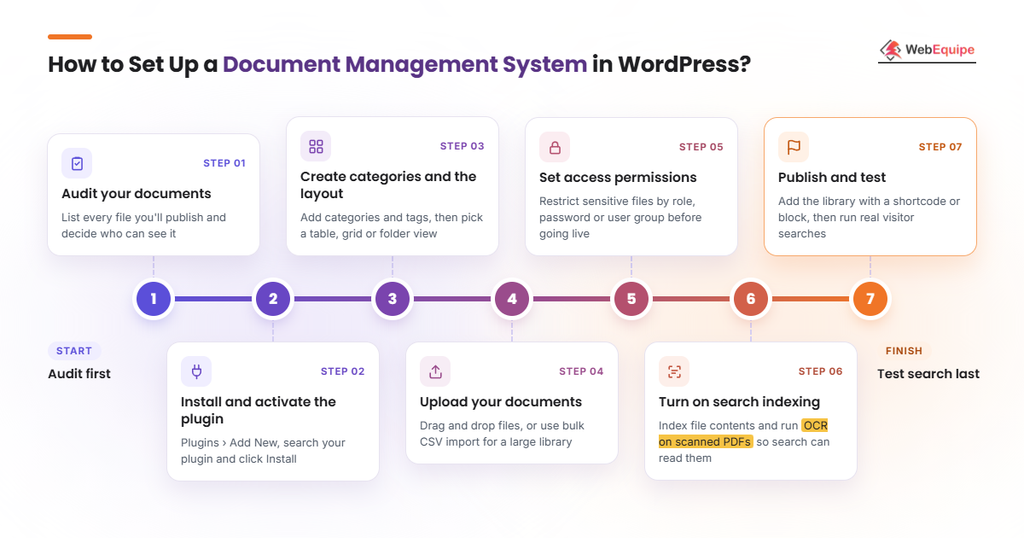
To set up a document management system in WordPress, audit your files first and test search last. Installation, structure, uploads, permissions and indexing come in between.
7 steps to set up a document management system in WordPress are given below.
- Audit your documents. List every file you’ll publish and decide who should be able to see it.
- Install and activate the plugin. Go to Plugins > Add New, search for your chosen plugin and click Install.
- Create categories and the layout. Add categories and tags, then pick a table, grid or folder layout.
- Upload your documents. Drag and drop files, or use bulk CSV import to move a large library.
- Set access permissions. Restrict sensitive files by user role, password or user group before anything goes live.
- Turn on search indexing. Index file contents and run OCR on scanned PDFs so search can read them.
- Publish and test. Add the library with a shortcode or block, then run real searches visitors would try.
For step 6, use our checklist to make PDFs searchable.
How to Choose the Right WordPress Document Management Plugin?
To choose the right WordPress document management plugin, start with your main use case. Then match everything else to it.
The factors to check before choosing a WordPress document management plugin are outlined below.
- Main use case. Do you need to display, sell, collaborate on or search documents?
- File types and library size. A few PDFs need far less than thousands of mixed files.
- Search depth. Pick file-name search, full-text search or OCR for scanned files.
- Access control. List which documents need role, password or group limits.
- Storage location. Decide whether files live on your server or in the cloud.
- Budget and license type. Compare annual and lifetime licenses, including renewal prices.
- Update activity. Check the last update, active installs and security record.
- AI readiness. Look for WordPress 7.0 AI Client and MCP support.
Test the free version before you buy, since six of these eight plugins have one.
Want visitors to find what’s inside your PDFs? Try WebEquipe PDF Search free, then add OCR when your scanned files need it.
How Secure Are WordPress Document Management Plugins?
WordPress document management plugins are as secure as their access controls, file protection and update habits. Protected file URLs stop people from guessing a direct link to a private file. Regular updates matter too, since plugins patch security issues over time.
Before installing, check the plugin’s last-updated date. Then look up its record in a vulnerability database such as WPScan or Patchstack.
Can You Restrict Document Access by User Role in WordPress?
Yes, you can restrict document access by user role in WordPress because most document plugins add permission settings.
Document Library Pro limits files by role, password or individual user. WordPress Download Manager works by role and category, while DOCman sets permissions per user group. WebEquipe PDF Search Pro’s private PDF search hides member-only PDFs from logged-out visitors.
Here’s how to build a private PDF library.
Is It Safe to Use AI Features on Private Documents?
Yes, AI features are safe for private documents when you control what gets sent and to whom.
The WordPress 7.0 AI Client sends prompts to the provider you set in Settings > Connectors. OCR also sends scanned pages to an outside service, such as Google Vision.
The AI features covered here are opt-in or off by default. Still, read each provider’s data retention terms and keep confidential files out of AI processing.
Are WordPress Document Management Plugins Worth It?
Yes, WordPress document management plugins are worth it because they save time and give visitors self-service access. An organized library also means fewer support requests asking where a form lives.
The value grows with your library size, your access rules and how often visitors search for documents. A site with ten PDFs may not need one, but a council records archive will.
Is There a Free WordPress Document Management Plugin?
Yes, there are free WordPress document management plugins, such as Download Monitor, FileBird and WP Document Revisions. Document Library Lite, WordPress Download Manager’s free tier and WebEquipe PDF Search’s free plan are on WordPress.org too.
Free versions cover basic needs well, but they come with limits. Document Library Lite, for example, has no bulk upload, version control or role-based access. You’ll usually upgrade to Pro once your library or access rules grow.
Can WordPress Replace a Dedicated Document Management System?
No, WordPress can’t fully replace a dedicated document management system for regulated work. It lacks formal document control.
Plugins handle publishing, sharing, versioning and search well. But they lack the approval rules and audit-ready workflows regulated teams need.
For public libraries, member resources and school or council archives, WordPress is usually enough.
What Are the Pros and Cons of Using WordPress for Document Management?
WordPress is a low-cost, flexible home for documents, but it needs plugins to search and control them properly.
The pros and cons of using WordPress for document management are given in the table below.
| Pros | Cons |
| The library matches your theme and lives on your own site. | Default WordPress search doesn’t look inside PDF contents at all. |
| Visitors can search, filter and preview documents on the front end. | Scanned or image-only PDFs need OCR before anyone can search them. |
| Access can be limited by password, user role or individual user. | Free versions often lack bulk upload, version control and role-based access. |
| Free plugins cover libraries, downloads, folders and versioning at no cost. | Plugins need regular updates, and some have had resolved security issues. |
| Plugins add version history and download tracking to every file. | There’s no formal document control for approval rules or audit workflows. |
How Do WordPress Document Management Plugins Compare to Similar Tools?
Document management plugins overlap with two similar tools: document control systems and the built-in WordPress Media Library. The key differences come down to rules, audience and front-end features.
What Is the Difference Between Document Management and Document Control?
Document management covers storing, organizing and sharing files, while document control adds rules on top. Document control enforces versioning rules and approval workflows, so every change is reviewed and recorded.
That matters for compliance in regulated work, such as healthcare or manufacturing. Most WordPress plugins focus on document management, not formal control.
What Is the Difference Between a Document Library Plugin and the WordPress Media Library?
The WordPress Media Library stores uploads for editors in the back end. A document library plugin puts those files in front of visitors.
It adds front-end search, filters, document categories, access control and download tracking. The Media Library is storage, not a library.
Frequently Asked Questions
What Does a WordPress Document Management Plugin Do?
A WordPress document management plugin uploads, organizes and protects your documents in one place. It sorts files into categories, restricts who can open them and makes them searchable. Visitors get previews, while you get download tracking and version updates that keep every file current.
Can WordPress Search Inside PDF Files?
No, default WordPress search doesn’t search inside PDF files because it only checks the file title and description.
The text inside a PDF never reaches the search index. A PDF search plugin fixes that by extracting and indexing the text in each file. Scanned PDFs need one more step, OCR, to turn page images into text.
Here’s how to search inside PDF files on your own site.
Can You Track Who Downloads Documents in WordPress?
Yes, you can track who downloads documents in WordPress with a download manager plugin. WordPress Download Manager keeps download logs, per-file counters and per-user download limits.
Download Monitor adds download reports and a dashboard widget. WP File Download also tracks downloads per user, so you can see exactly who opened what.
Can WordPress Sync Documents With Google Drive or Dropbox?
Yes, WordPress can sync documents with Google Drive or Dropbox through a document plugin. WP File Download offers two-way sync with Google Drive, Dropbox and OneDrive through its Cloud addon.
Other plugins link to cloud files instead of syncing them. Document Library Pro links files from Dropbox, Google Drive and SharePoint. WordPress Download Manager has free add-ons for Google Drive, Dropbox, Box and OneDrive.
Which File Types Can a WordPress Document Library Hold?
A WordPress document library can hold PDFs, Word documents, Excel sheets, PowerPoint decks and OpenDocument files. WordPress accepts all of these in the Media Library by default.
Search support varies by plugin, though. Document Library Pro searches inside PDF, Word and Excel files on its Advanced plan. WebEquipe PDF Search Pro focuses on PDFs, including scanned ones read with OCR.
Final Thoughts
The best WordPress document management plugin is the one that matches your main job. Document Library Pro leads for display, WordPress Download Manager for gated downloads and Download Monitor for tracking. WP Document Revisions handles versioning, WP File Download handles cloud sync, FileBird handles folders and DOCman handles permissions.
For PDF search, WebEquipe PDF Search Pro is the pick. AI features are arriving through WordPress 7.0, so check AI support when you renew or switch.
Make your PDFs searchable today. Try WebEquipe PDF Search free, then upgrade for OCR on scanned PDFs. Compare plans on the PDF Search Pro pricing page.