
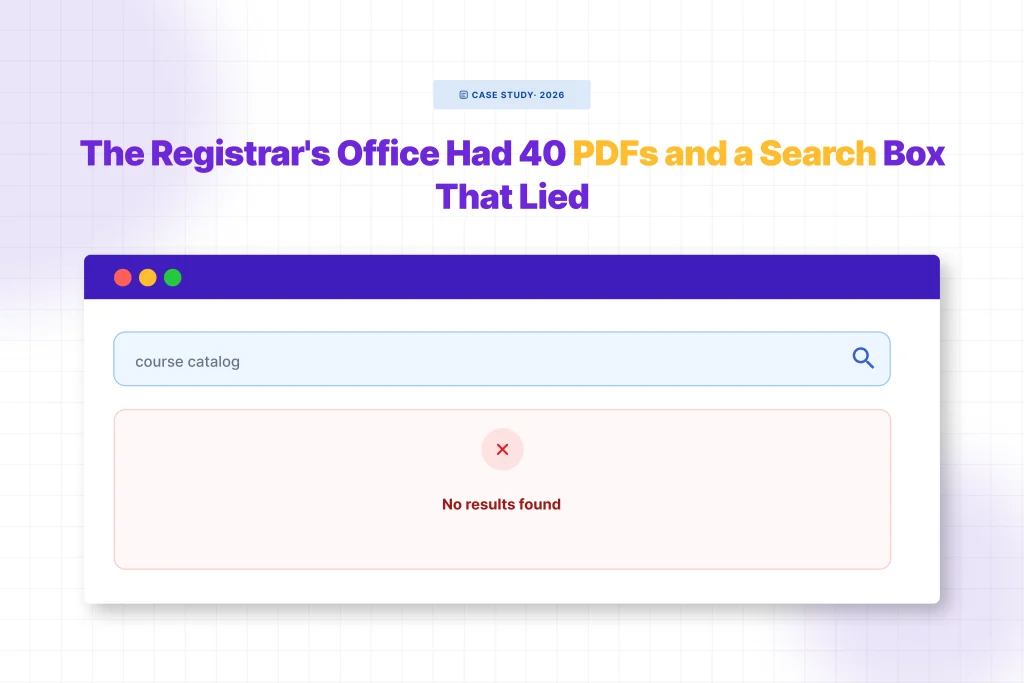
Every August, the same email showed up in the registrar’s inbox at a mid-sized college we’ll call Ashcombe: “I searched the site for ECON 301 and got nothing. Is it not offered this semester?”
It was offered. It was one of forty PDFs sitting in the Media Library: course catalogs, prerequisite sheets, add/drop deadlines, academic calendars. All of it uploaded, all of it organized, all of it technically “on the website.”
None of it searchable.
The registrar’s assistant, whose job already involved answering the same five questions on repeat during registration week, had started doing something quietly absurd: manually checking which PDF contained which course code, then emailing students a direct link. It worked, but it didn’t scale. Registration week meant forty emails a day, all versions of the same problem.
The Part Nobody Had Diagnosed
Here’s what nobody on staff had realized: WordPress search was never broken. It was doing exactly what it was built to do, searching the words typed into posts and pages. The course catalog wasn’t a page. It was a PDF, dropped into the Media Library the way departments had always shared documents.
WordPress stored the filename. It stored a URL. It never opened the file, never read what was inside it. So when a student typed “ECON 301,” search had nothing to match against, because the words “ECON 301” existed only inside a PDF nobody had ever asked WordPress to look inside.
This is the part most site owners don’t find out until a student complains directly, or an email like the one above lands in an inbox during the busiest week of the semester.
What Changed
The fix took less time than diagnosing the problem had. The registrar’s office installed WebEquipe PDF Search, a free plugin built to do one specific thing: extract the text inside PDFs and feed it into WordPress’s normal search.

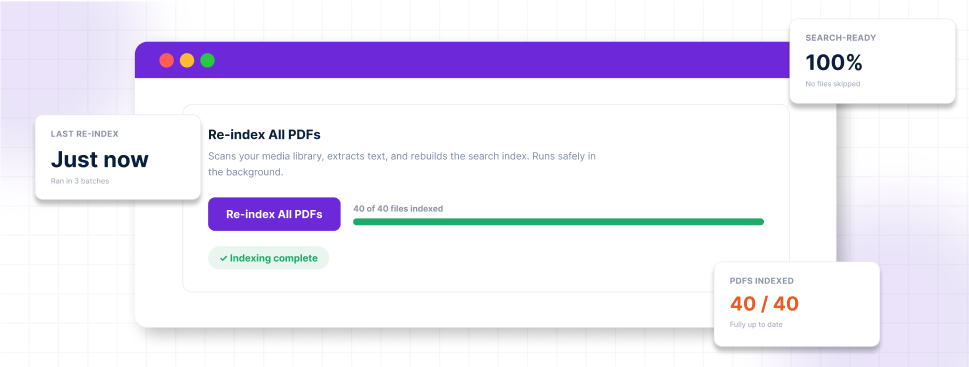
Running Re-index All PDFs once pulled every existing catalog, calendar, and prerequisite sheet into the index. New uploads after that were indexed automatically the moment a department uploaded them, no manual step required.
The Moment It Worked
The following registration week, a student searched “ECON 301” on the site. This time, a result appeared: the course catalog PDF, with an excerpt pulled straight from the page listing the course, the credit hours, and the prerequisite.
No email to the registrar’s office. No manual lookup. The answer was already there, WordPress just finally knew how to find it.
Why This Matters Beyond One Semester
Schools accumulate PDFs the way most organizations do, gradually, without a plan. Syllabi, handbooks, policy updates, financial aid forms. Each one gets uploaded because it needs to live somewhere, and the Media Library is the obvious place. Nobody sits down and decides these documents should be invisible to search. It just happens by default, because that’s how WordPress ships.
The cost isn’t abstract. It’s a support inbox that fills up every registration period with questions that already have answers, just answers nobody could find.
What This Doesn’t Fix
Worth being direct about a limitation: this only works for text-based PDFs, documents exported from Word, Google Docs, or similar tools. Older scanned handbooks or photocopied policy documents don’t have a text layer to extract, and the free plugin can’t read them. That’s a real gap for schools with older paper archives, and it’s specifically what OCR in PDF Search Pro is built to close.
The Takeaway
If your school’s website has course catalogs, handbooks, or policy PDFs that visitors search for and never find, the problem isn’t your content. It’s that WordPress was never told to look inside the files you already have.