
Every registration period, the same thing happens. A student needs to check one detail, a prerequisite, a course code, a withdrawal deadline, and the only place that information exists is a 200-page catalog PDF sitting in the Media Library. They open it, hit Ctrl+F if they think to, and start scrolling through a document that was clearly built to be printed, not searched.
Multiply that by every student trying to plan a semester at the same time, and you get exactly the kind of traffic spike that makes a hidden search problem suddenly very visible.
Why Catalogs End Up This Way
Course catalogs, student handbooks, and academic calendars are usually produced once a year, formatted carefully, and published as a single PDF because that’s the easiest way to distribute something that needs to look consistent and be downloadable. Nobody’s doing anything wrong here. It’s just that a document built for print doesn’t automatically become searchable once it’s uploaded to a website.
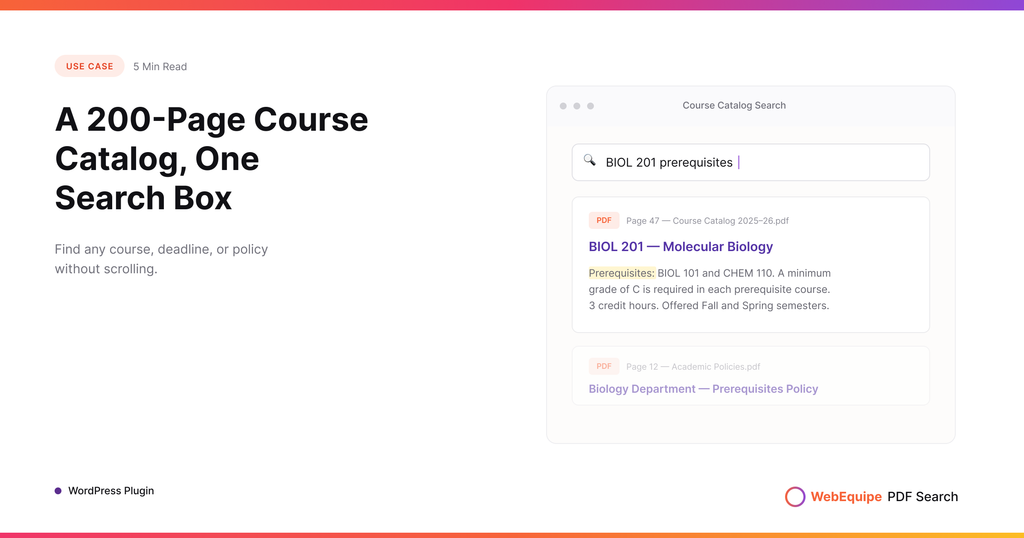
WordPress’s default search doesn’t look inside that PDF either. It sees a file, maybe a title, and stops there. So a student searching “ENGL 201 prerequisite” gets nothing, even though the answer is sitting in the catalog they’d find themselves if they knew exactly where to scroll.
What Changes Once the Catalog Is Indexed
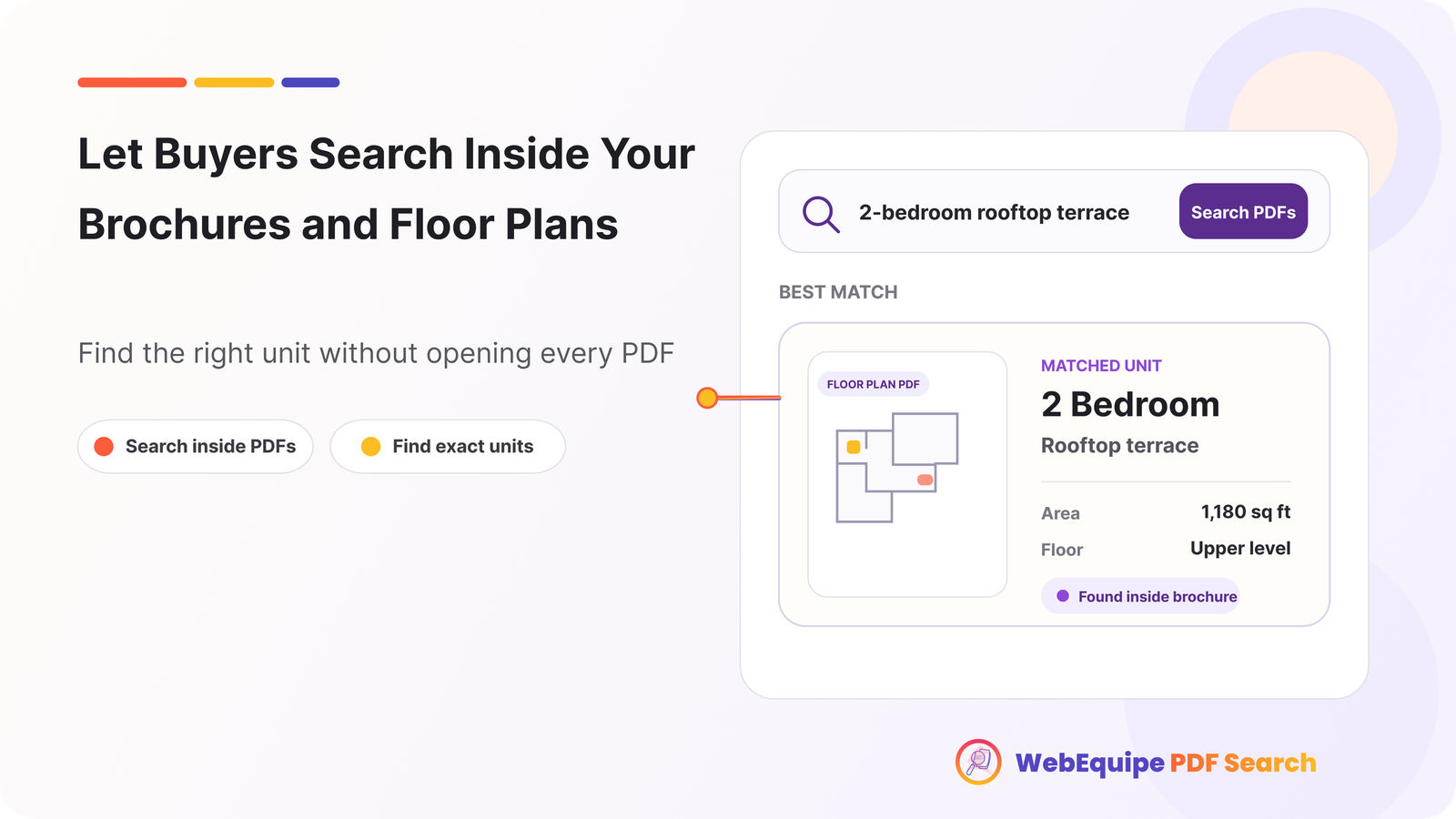
Once PDF Search indexes the catalog, that same search actually works. A student typing a course code, a program name, or a specific policy term gets a result that points straight at the catalog, because the plugin has read the actual text inside it, not just the filename.
This applies to more than just the current year’s catalog. Student handbooks, financial aid guides, academic policy documents, whatever else lives as a PDF on the site gets folded into the same search. A student doesn’t need to know which document has the answer. They just need to know what they’re looking for.
Landing on the Right Page, Not Just the Right File
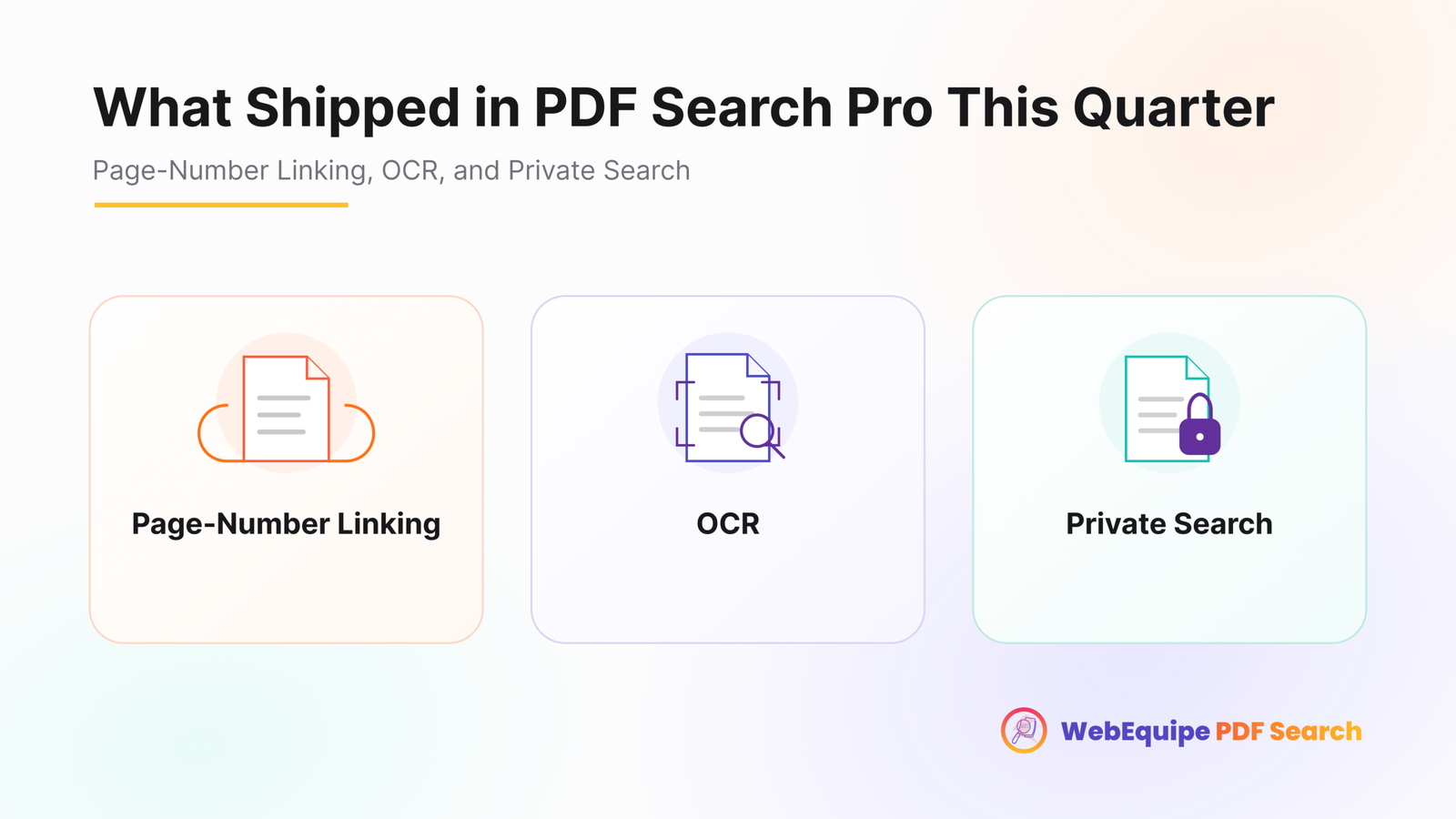
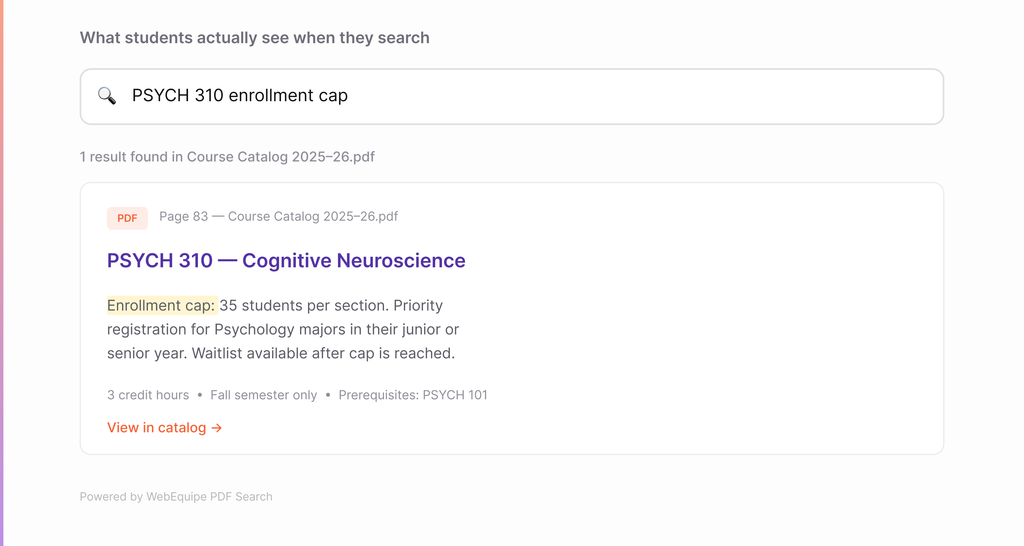
A 200-page catalog is still 200 pages once someone finds it. Search results link directly to the page where the match was found, so a search for a specific course code opens the catalog already on that course’s listing, not the cover page.
For something like a course catalog, this is the difference between “technically searchable” and actually useful. Finding the file was never really the hard part. Finding the paragraph inside it was.
Older Handbooks and Scanned Records
Some institutions have catalogs or policy documents going back further than digital publishing, scanned from printed originals, sitting in the archive as image-based PDFs with no real text layer. Those don’t index through standard extraction, since there’s no text to read.
OCR handles that case by converting scanned pages into searchable text during indexing. A handbook from a decade ago becomes just as searchable as this year’s PDF, without anyone needing to retype or reformat it.
Handling the Seasonal Spike
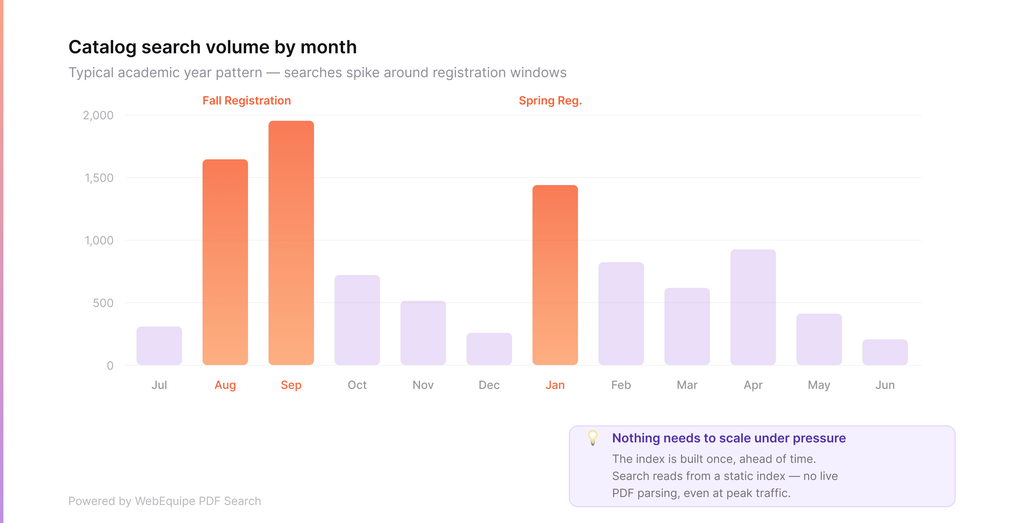
Search traffic around a catalog or handbook isn’t steady. It spikes hard around registration, orientation, and the start of each semester, then drops off. That’s normal, and it’s exactly the period where a broken or missing search experience does the most damage, since it’s also when the most students are trying to self-serve an answer instead of emailing the registrar’s office.
Indexing happens ahead of time, not during the spike itself, so there’s nothing that needs to scale up under pressure. The catalog is either indexed or it isn’t; once it is, search just works regardless of how many students are searching at once.
What This Actually Saves
The honest upside here isn’t really about the plugin. It’s about how many times the same question gets asked because the answer was technically published but never findable. Every student who can self-serve a prerequisite or a deadline from search is one fewer email to an advising office that’s already busy during registration season.
Frequently Asked Questions
Does this replace our existing catalog PDF or page?
No. The catalog stays exactly where it is. Indexing just makes its content searchable alongside the rest of the site.
Will this work for handbooks and policy documents too, not just the course catalog?
Yes. Any indexed PDF, catalogs, handbooks, academic policies, becomes part of the same searchable content.
What about older, scanned handbooks from before digital publishing?
Those are handled through OCR, which converts scanned pages to searchable text during indexing.
Does search find results inside a long catalog, or just point to the file?
Results link to the specific page where a match was found, so students land on the relevant course or section directly.
Will search hold up during registration week when traffic spikes?
Yes. Indexing happens ahead of time, so search performance during high-traffic periods isn’t affected by how many people are searching at once.
Do we need to reformat or restructure the catalog PDF first?
No. Indexing works on the PDF as it already exists in the Media Library.
Getting Started
Most institutions can index their current catalog and handbooks well ahead of the next registration period, with older scanned archives processed over time as OCR capacity allows.