
Most WordPress search plugins treat PDFs as an afterthought. They’ll index a filename, maybe a description field — but the actual text inside the document? Usually not.
If your site runs on documents — manuals, handbooks, reports, forms, catalogs — that gap matters a lot. Here’s an honest look at the plugins that actually solve it, what each one does well, and which situation each one fits.
What to Look for in a WordPress PDF Search Plugin
Before comparing options, it’s worth being clear about what the problem actually is. WordPress search doesn’t read PDF content by default. A plugin needs to do three things to fix that:
🟥 Extract text from the PDF.
This means opening the file and reading the content — not just the filename or metadata. For text-based PDFs this is straightforward. For scanned PDFs it requires OCR
🟥 Store that text in a searchable index.
Fast search requires the content to be pre-processed and stored, not read from the file on every query.
🟥 Surface results properly.
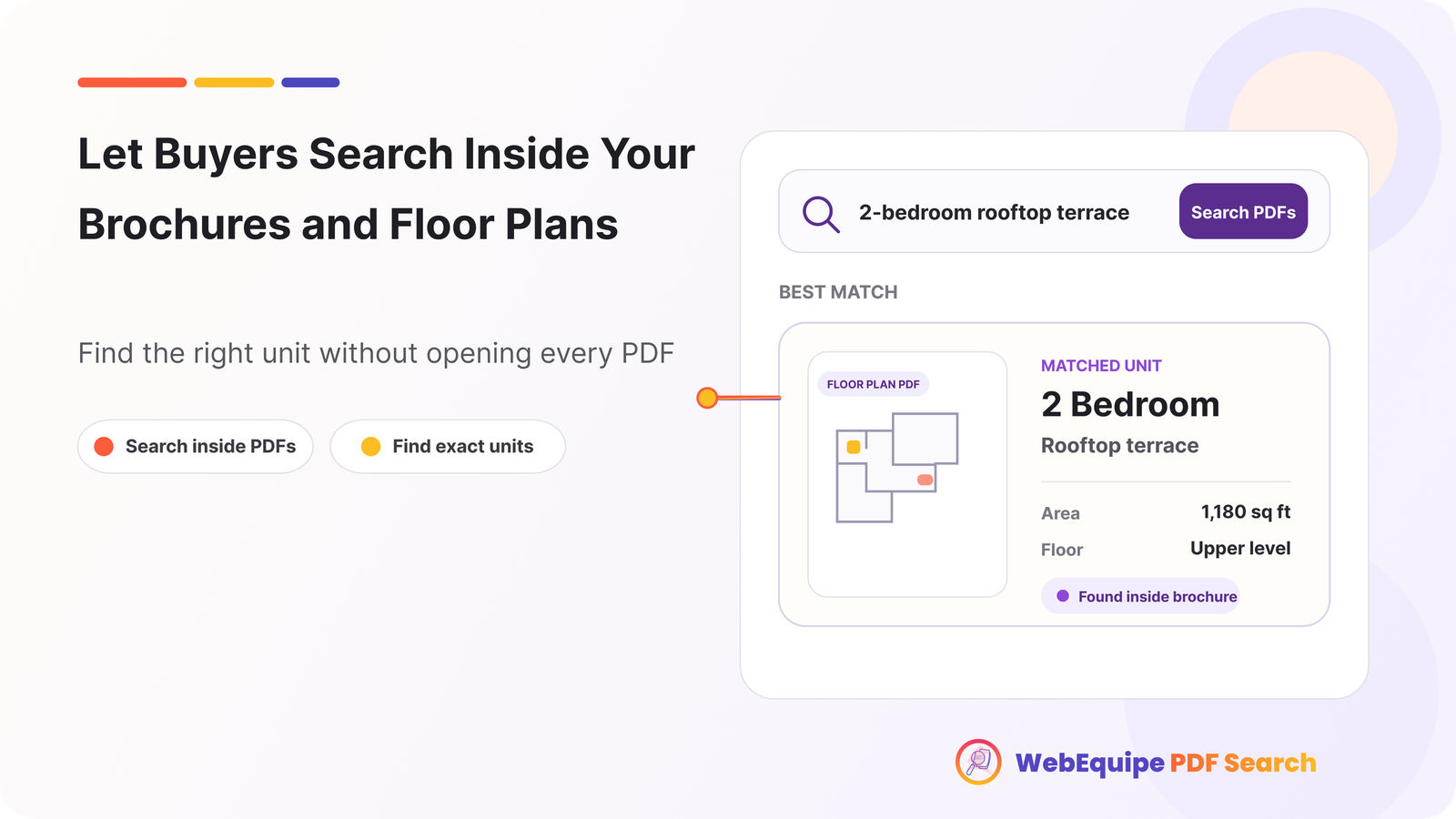
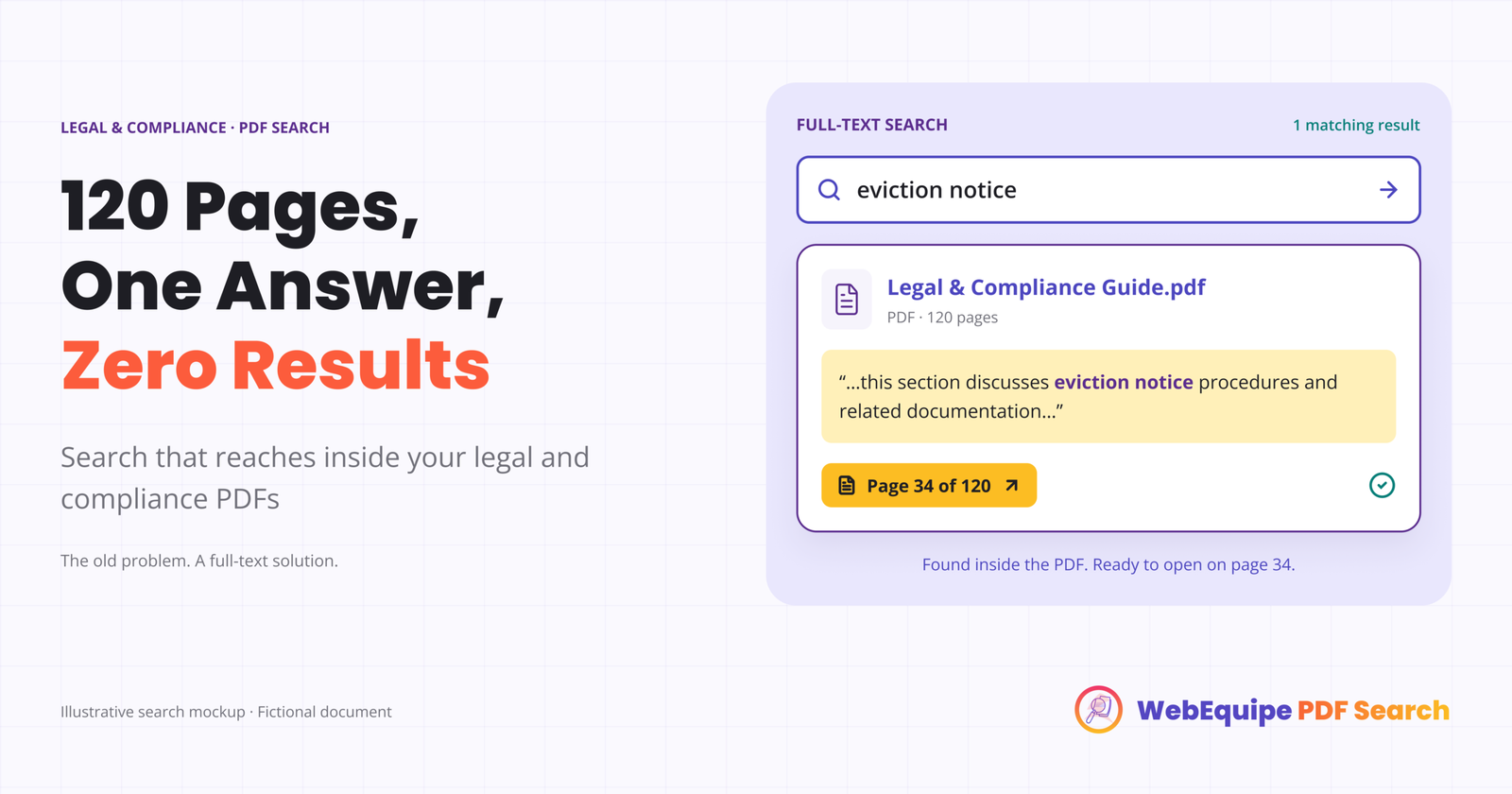
Showing a PDF title with no context isn’t useful. A good result includes an excerpt from the matching page so visitors know they’ve found what they’re looking for.
Beyond those basics, the things that separate good plugins from average ones are: how they handle scanned documents, whether they support private or restricted PDFs, how they manage large libraries, and what the admin workflow looks like when something goes wrong.
The Plugins Worth Considering
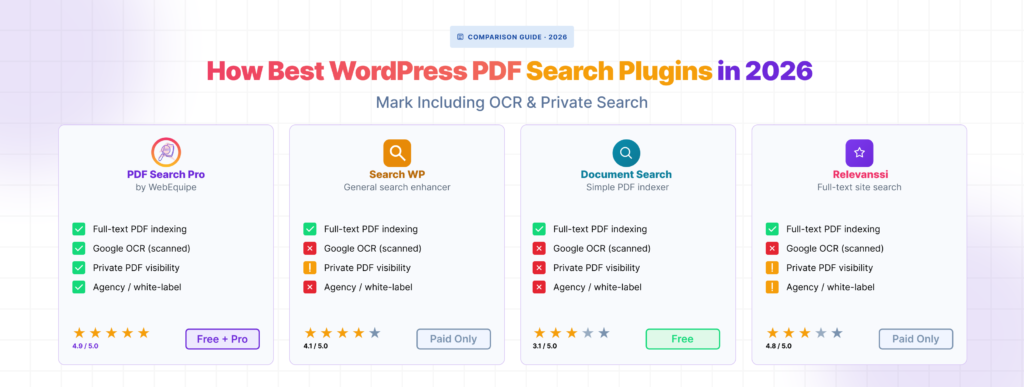
🟥 WebEquipe PDF Search
Purpose-built for PDF search. The free version handles text-based PDFs — auto-indexing on upload, WordPress search integration, a shortcode form, and a full Media Library management screen with per-file status.
The Pro version adds OCR via Google Vision for scanned documents, Private PDF Search for restricting files to logged-in users, and an Index Activity log that records every processing run with full error detail. Agency plan covers unlimited sites with white-label mode.
It’s the only plugin on this list built specifically around the PDF search problem rather than bolting it on to a broader search suite.
Best for: Sites where PDFs are the primary content — document libraries, resource centres, membership portals, government archives, product manual repositories.
Free plan: Yes — full text-based PDF search at no cost.
Paid plans: From $89/yr (Starter), $169/yr (Pro), $529/yr (Agency).
🟥 SearchWP
SearchWP is a full site search replacement that extends WordPress search across custom post types, custom fields, WooCommerce products, and documents including PDFs. PDF indexing is one feature among many.
It handles text-based PDFs reliably. Scanned PDF support requires a separate integration. The admin is comprehensive but reflects that breadth — there’s a lot to configure if you only need PDF search.
Pricing starts at $99/yr for the Standard plan. PDF document indexing requires the Professional plan at $199/yr.
Best for: Sites that need a complete search overhaul across multiple content types — not just PDFs.
🟥 Relevanssi
Relevanssi improves WordPress search relevance with better ranking, fuzzy matching, and highlighted excerpts. It’s widely used and well-maintained.
PDF indexing is a Premium feature. It extracts text from PDFs using external tools and adds them to the search index alongside posts and pages. There’s no built-in OCR for scanned documents.
The free version doesn’t include PDF support at all. Relevanssi Premium starts at $99/yr.
Best for: Sites that want better relevance and search quality across all content types, with PDF support as a secondary need.
🟥 WP File Download (JoomUnited)
WP File Download is a document management plugin that includes file search functionality. It handles multiple file types — PDFs, Word documents, spreadsheets — and provides a front-end file browser.
The search is file-content search rather than WordPress-native search integration. Results appear in its own interface rather than your site’s standard search results. PDF text extraction works for standard files; scanned document support isn’t a core feature.
Best for: Sites that need a full document library with browsing, filtering, and download management — not just PDF search.
Side-by-Side Comparison
| WebEquipe PDF Search | SearchWP | Relevanssi Premium | WP File Download | |
|---|---|---|---|---|
| Text-based PDF indexing | ✓ Free | ✓ Paid | ✓ Paid | ✓ Paid |
| Scanned PDF / OCR | ✓ Paid | Via integration | × | × |
| Private / restricted PDFs | ✓ Paid | × | × | Partial |
| WordPress search integration | ✓ | ✓ | ✓ | × |
| Dedicated shortcode search form | ✓ | ✓ | × | ✓ |
| Per-file status management | ✓ | × | × | × |
| Index Activity log | ✓ | × | × | × |
| Free tier with PDF search | ✓ | × | × | × |
| Starting price (paid) | $89/yr | $199/yr | $99/yr | $69/yr |
Which One Should You Use
You only need to search text-based PDFs and want to start free
WebEquipe PDF Search free version. Install it, run Re-index All PDFs, done. No paid plan required.
You have scanned documents that keep showing as Error
WebEquipe PDF Search Pro with OCR. It’s the only option here with built-in scanned PDF support that doesn’t require a separate integration or manual pre-processing.
You need PDFs restricted to logged-in users
WebEquipe PDF Search Pro. Private PDF Search is purpose-built for this — mark individual files as Private and they disappear from search for logged-out visitors.
You need to overhaul search across your entire site — posts, products, custom fields, and PDFs
SearchWP. It’s broader, more expensive, and more complex to configure — but it’s the right tool if PDF search is one piece of a larger search problem.
You want better search relevance across all content with PDF support as a bonus
Relevanssi Premium. Strong on relevance and ranking, PDF support is solid for standard documents.
You need a full document library with browsing, filtering, and multiple file types
WP File Download. Built for document management rather than search-first workflows.
A Note on Using Multiple Plugins Together
SearchWP and Relevanssi are site-wide search replacements. Running them alongside WebEquipe PDF Search on the same site can cause conflicts — both trying to modify the same WordPress search results.
If you’re already using SearchWP or Relevanssi for general search and only need to add PDF-specific features like OCR or private search, the cleanest approach is to use WebEquipe’s standalone shortcode form rather than the WordPress search integration. This keeps the two plugins out of each other’s way.
Frequently Asked Questions
Is there a free WordPress plugin that searches inside PDFs?
Yes — WebEquipe PDF Search. The free version indexes text-based PDFs and integrates with WordPress search at no cost. Scanned PDFs and private search require a paid plan.
Which WordPress PDF search plugin supports scanned documents?
WebEquipe PDF Search Pro is the only option on this list with built-in OCR for scanned PDFs via Google Vision. SearchWP can be extended with a third-party integration, but it’s not native.
Can I restrict PDF search results to logged-in users only?
WebEquipe PDF Search Pro includes Private PDF Search for this. No other plugin on this list has a built-in equivalent.
Do I need a paid plugin to search inside PDFs in WordPress?
Not for text-based PDFs. WebEquipe PDF Search is free for standard documents. You only need a paid plan for scanned PDF support (OCR) or logged-in-only visibility.