
A small estate-planning firm we’ll call Harlow & Vance had done the content marketing work most firms skip. Plain-language guides on probate, power of attorney, living trusts, each one a genuinely useful PDF, written to help prospective clients understand what they were walking into before ever booking a consultation.
Dozens of these guides sat in the WordPress Media Library. Each one had taken real time to write. None of them ever showed up when someone searched the site.
Where the Client Actually Was
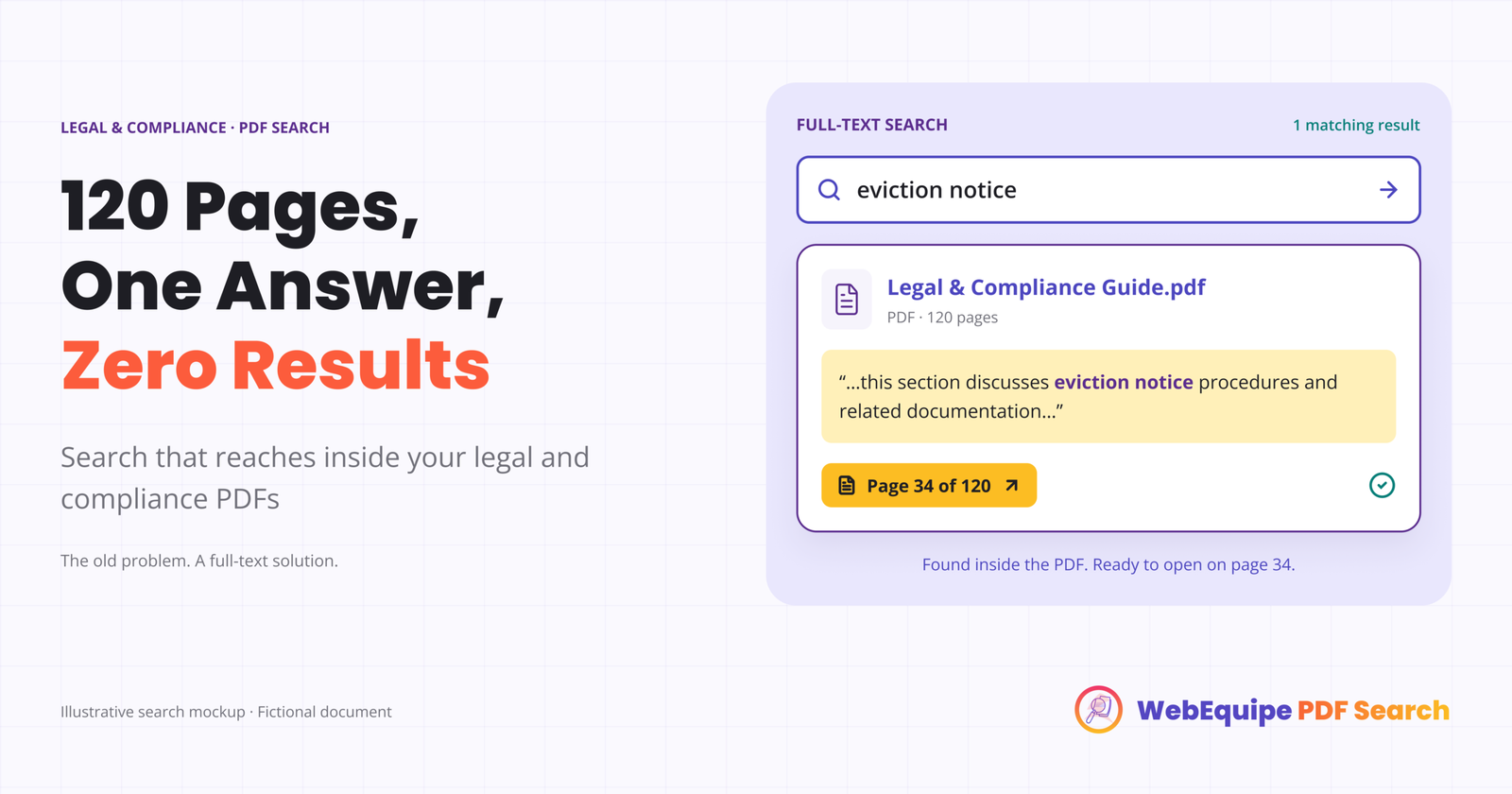
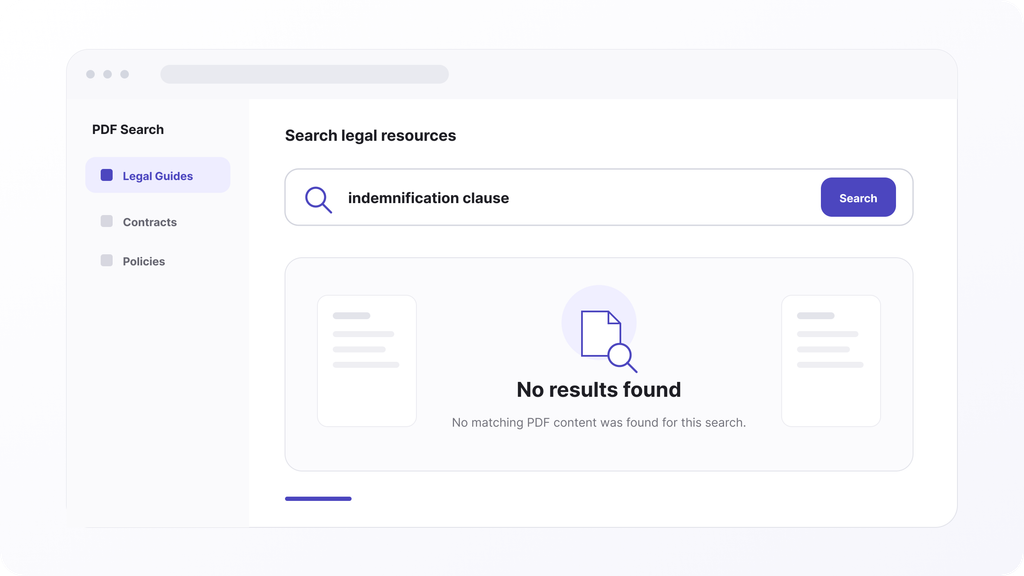
A prospective client, someone worried about a parent’s power of attorney, would land on the site and search “power of attorney checklist.” Nothing came back. Not because the firm hadn’t written that guide, they had, it was sitting right there as a PDF, it’s that WordPress search doesn’t open PDF files by default. It reads what’s typed into posts and pages, and a downloadable guide is neither.
The visitor, finding nothing, would either leave or dig through a resources page manually, scanning file names for anything that looked relevant. Some found what they needed. Many didn’t, and left without ever seeing content the firm had specifically written for them.
Why This Mattered More Than It Looked
For a legal or compliance-focused site, this gap is quieter than it is for, say, a product manufacturer. Nobody emails a law firm asking “where’s your PDF on power of attorney,” the way a customer might chase down a manual. They just leave. The cost shows up as a missed lead, not a support ticket, which makes it easy to miss entirely, there’s no complaint to trace it back to.
What Changed
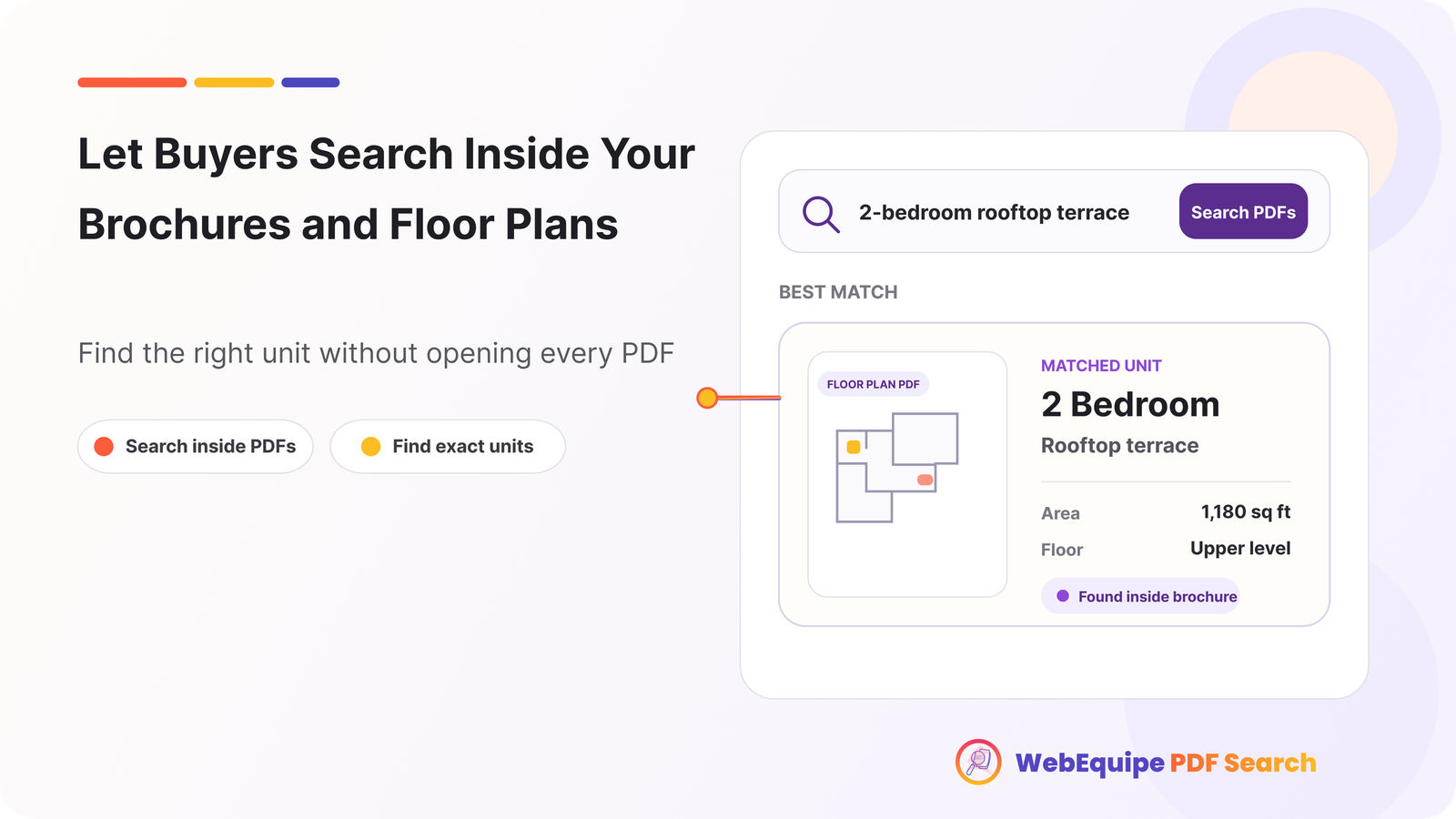
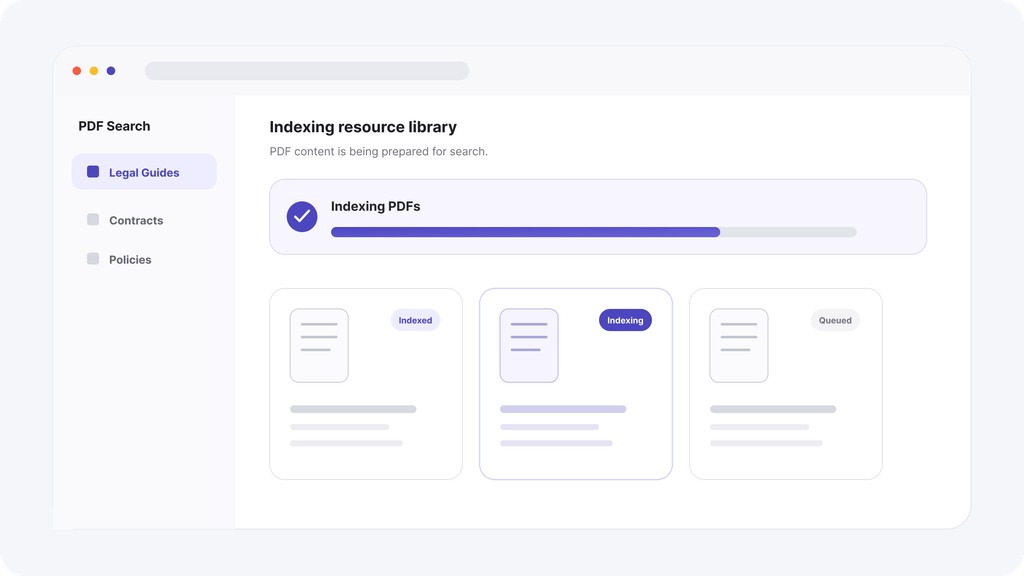
The firm installed WebEquipe PDF Search and indexed the full resource library. Each guide, checklist, and explainer PDF became part of the site’s normal search, the same box visitors already used to find blog posts and practice area pages.
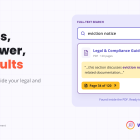
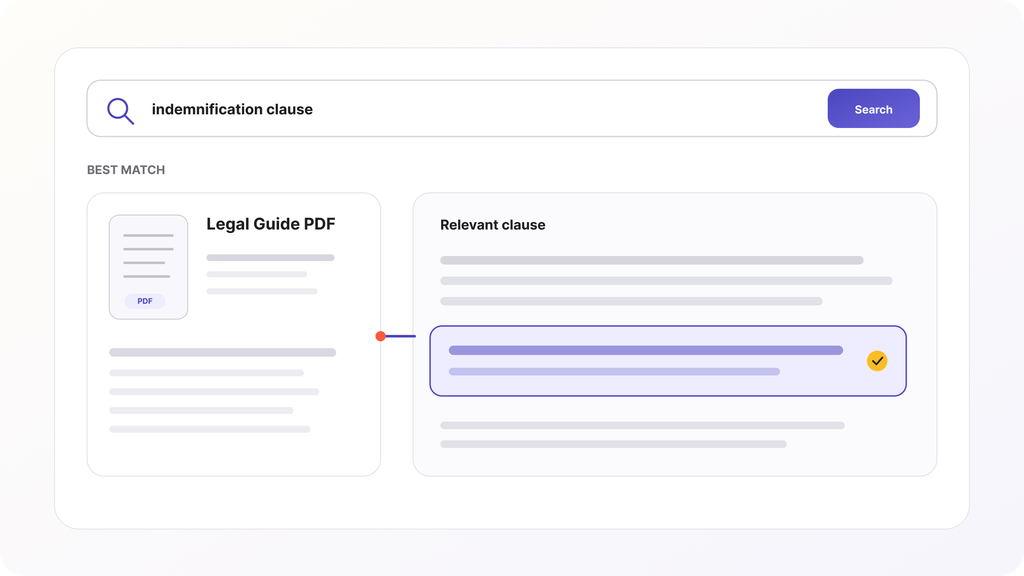
A search for “power of attorney checklist” now returned the exact guide, with an excerpt pulled from the relevant section and the file size shown up front, so a visitor knew what they were opening before clicking.
A Note on Sensitive Content
Worth being direct about something specific to legal and compliance sites: not everything in a resource library belongs in public search. Draft templates, internal compliance checklists, or documents meant only for existing clients should be handled with Exclude, or with Private PDF Search on Pro if the goal is member or client-only visibility rather than removing them from search entirely. The fix for making content findable and the fix for keeping it appropriately restricted are two different settings, and it’s worth deciding deliberately which PDFs belong in which category before running a full re-index.
The Takeaway
If your firm has written genuinely useful client resources and published them as PDFs, the writing isn’t the problem. The problem is that WordPress search was never told those documents exist. That’s a fixable gap, and closing it means the content you already wrote finally does the job it was written for.