
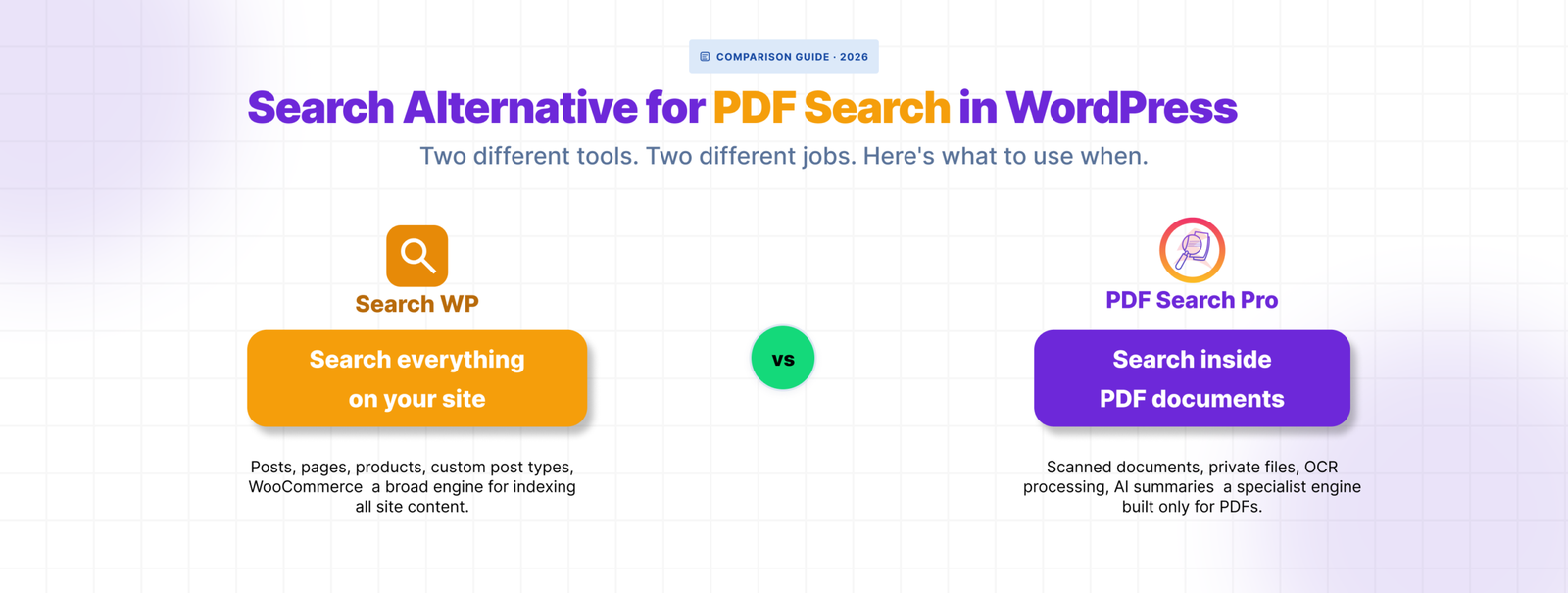
SearchWP is a well-built plugin. If you need to search across custom post types, WooCommerce products, custom fields, and ACF data all at once, it’s probably the right tool.
But if your main problem is that visitors can’t find content inside your PDF files — especially scanned documents or restricted member resources — SearchWP isn’t really built for that. PDF search is one line item in a long feature list, not the thing it was designed to solve.
Here’s where the gap shows up and what fills it.
What SearchWP Does Well
SearchWP replaces WordPress’s default search engine entirely. It gives you control over what gets searched, how results are weighted, and what content types appear. For sites with complex content structures — multiple post types, WooCommerce catalogues, lots of custom fields — that level of control is genuinely useful.
It indexes PDF content as part of its document search feature, available on the Professional plan. For standard text-based PDFs on a site that’s already using SearchWP for everything else, it works fine.
Where It Falls Short for PDF-Heavy Sites
🟥 No built-in OCR for scanned PDFs
SearchWP’s PDF indexing relies on extracting text from the file directly. If the PDF is a scanned document — a photograph of a page rather than digitally created text — there’s nothing to extract. SearchWP doesn’t have native OCR. You’d need to pre-process scanned files externally before they can be indexed, which means extra steps every time a scanned document gets uploaded.
For sites with a handful of scanned files this is manageable. For sites with archives of old reports, meeting minutes, government forms, or historical records, it becomes a real workflow problem.
🟥 No private PDF search
SearchWP doesn’t have a built-in way to mark individual PDFs as visible only to logged-in users. If you need member resources, staff handbooks, or restricted documents to be searchable only by people who are signed in, you’d need to handle that through a separate membership or access control plugin and hope the integration holds together.
🟥 PDF search requires the $199/yr plan
SearchWP’s PDF and document indexing is locked to the Professional plan. If PDF search is your primary need, you’re paying for the full search suite to get it — custom post type search, WooCommerce integration, metrics, live search — none of which you necessarily need.
🟥 No per-file status management
SearchWP doesn’t give you a dedicated screen showing which PDFs are indexed, which have failed, and why. If a PDF isn’t showing up in search, diagnosing the problem means digging through general search settings rather than looking at a per-file status log.
How WebEquipe PDF Search Fills the Gap
WebEquipe PDF Search was built specifically for the PDF search problem. Everything in it — the admin screens, the indexing workflow, the status management — exists because PDF search is the only thing it does.
🟥 OCR for scanned PDFs is built in.
On paid plans, Google Vision processes scanned documents automatically on upload. No pre-processing, no external tools, no extra steps. Scanned PDFs get indexed the same way as any other document.
🟥 Private PDF Search is a core feature.
Mark individual files as Private and they disappear from search results for logged-out visitors. Logged-in users find them normally. No membership plugin integration required.
🟥 The free version includes real PDF search.
Text-based PDFs, WordPress search integration, a shortcode form, and full Media Library management — all at no cost. You only pay when you need OCR or private search.
🟥 Per-file status is visible and actionable
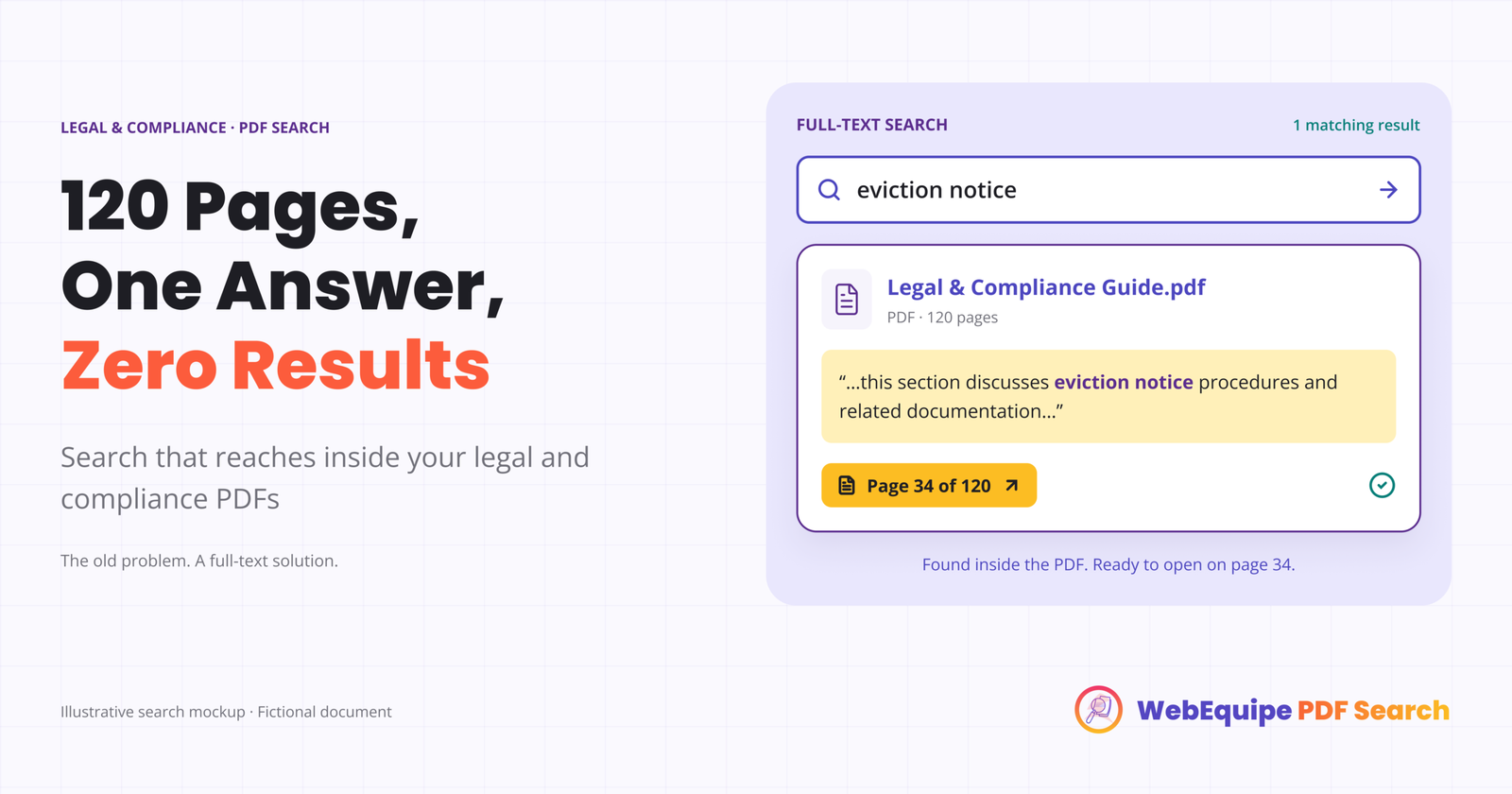
Every PDF in your library has a status badge — Indexed, Error, Excluded, Processing. The Index Activity log records every processing run with full error detail. When something goes wrong you can see exactly why.
Feature Comparison
| WebEquipe PDF Search | SearchWP Professional | |
|---|---|---|
| Text-based PDF indexing | ✓ Free | ✓ Paid ($199/yr) |
| Scanned PDF / OCR | ✓ Paid (from $89/yr) | ✕ Requires pre-processing |
| Private / logged-in-only PDFs | ✓ Paid | ✕ |
| Per-file status management | ✓ | ✕ |
| Index Activity log | ✓ | ✕ |
| Free tier with PDF search | ✓ | ✕ |
| Full site search replacement | ✕ | ✓ |
| Custom post type search | ✕ | ✓ |
| WooCommerce search | ✕ | ✓ |
| Starting price | Free / $89/yr | $199/yr |
Can You Use Both Together?
Yes — and for some sites this is the right setup.
If you’re already using SearchWP for site-wide search across posts, products, and custom fields, you don’t need to replace it. You can run WebEquipe PDF Search alongside it using the standalone shortcode form rather than the WordPress search integration.
This keeps SearchWP handling your general search while WebEquipe handles the PDF-specific workflow — OCR, private search, per-file status management — through a dedicated search form on your resources or documents page.
To avoid conflicts, leave Enable Search Integration off in WebEquipe PDF Search settings when running alongside SearchWP. Use the [webequipe_pdf_search_form] shortcode for PDF search instead.Who Should Switch and Who Shouldn’t
🟥 Switch to WebEquipe PDF Search if:
- PDFs are your primary search problem and you don’t need site-wide search replacement
- You have scanned documents that need OCR
- You need to restrict specific PDFs to logged-in users
- You want to start free and only pay when you need advanced features
🟥 Stick with SearchWP if:
- You need to search across custom post types, WooCommerce, and ACF alongside PDFs
- PDF search is one small part of a larger search overhaul
- You’re already on SearchWP Professional and standard text-based PDFs are all you need
🟥 Use both if:
- You need SearchWP for general site search and WebEquipe for OCR and private PDF search specifically
Frequently Asked Questions
Does SearchWP support scanned PDFs?
Not natively. SearchWP extracts text directly from PDF files. Scanned PDFs have no text layer, so they can’t be indexed without pre-processing the files externally first. WebEquipe PDF Search Pro handles this automatically with built-in OCR.
Is WebEquipe PDF Search cheaper than SearchWP for PDF search?
For PDF search specifically, yes. WebEquipe’s free version covers text-based PDFs at no cost. The Starter plan at $89/yr adds OCR. SearchWP’s PDF indexing requires the Professional plan at $199/yr.
Can WebEquipe PDF Search replace SearchWP entirely?
No — and it’s not designed to. WebEquipe is purpose-built for PDF search. It doesn’t replace site-wide search across custom post types, WooCommerce, or custom fields. If you need those, SearchWP is still the right tool for that job.
Will running both plugins cause conflicts?
Only if both are trying to modify WordPress search results at the same time. To avoid that, disable Enable Search Integration in WebEquipe PDF Search settings and use the shortcode form instead. SearchWP handles the main search, WebEquipe handles PDFs through its own form.