
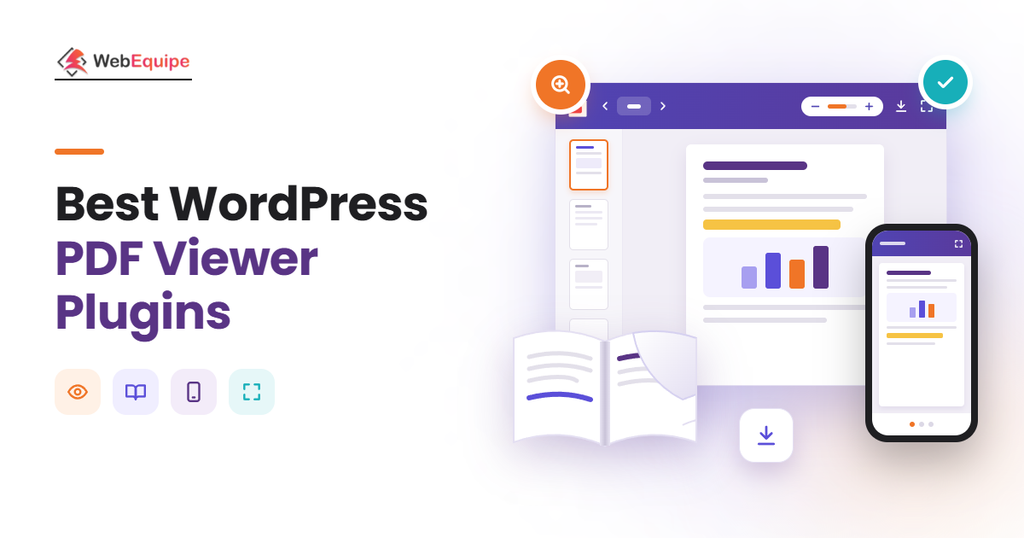
A WordPress PDF viewer plugin displays PDFs inline, so visitors read them without leaving your site. Our top picks for 2026 are WebEquipe PDF Search Pro, PDF Embedder and EmbedPress, plus seven strong alternatives.
Most viewers render files with Mozilla PDF.js, and some add a 3D flipbook layer. You’ll see how they work, which features matter and how AI is changing them.
Every pick has a free version, and paid upgrades start at $24. The guide ends with steps to add a PDF viewer and tips for choosing the right one.
What Is a WordPress PDF Viewer Plugin?
A WordPress PDF viewer plugin is a tool that embeds PDFs in posts and pages with reading controls. Visitors scroll, zoom and page through the document without leaving the page.
WordPress can already show a PDF inline with the core File block. A plugin adds a toolbar, zoom, text search, download control and flipbook layouts.
What Are the 10 Best WordPress PDF Viewer Plugins?
The 10 best WordPress PDF viewer plugins are WebEquipe PDF Search Pro, PDF Embedder, EmbedPress and DearFlip. 3D FlipBook, PDF Poster, Real3D FlipBook, PDF.js Viewer, Embed Any Document and Embed PDF Viewer complete the list.
Some suit simple embeds, some build flipbooks and others handle Office files too.
The 10 best WordPress PDF viewer plugins are compared in the table below.
| Plugin | Best For | Active Installs | Rating | Free Version | Paid Plans From |
| WebEquipe PDF Search Pro | Searching and viewing PDFs together | 200+ | 5/5 | Yes | $89/yr |
| PDF Embedder | Lightweight self-hosted embeds | 300,000+ | 4.7/5 | Yes | $59/yr renewal |
| EmbedPress | PDFs from multiple sources | 100,000+ | 4.8/5 | Yes | $69/yr list |
| DearFlip | Free 3D PDF flipbooks | 200,000+ | 4.9/5 | Yes, Lite | See vendor |
| 3D FlipBook | Catalogs and magazines | 70,000+ | 4.8/5 | Yes | See vendor |
| PDF Poster | Download control and watermarks | 20,000+ | 4.5/5 | Yes | $47.88/yr |
| Real3D FlipBook | Custom flipbook view modes | 10,000+ | 4.5/5 | Yes, no limits | $49/yr |
| PDF.js Viewer | Free open-source viewer | 20,000+ | 4.4/5 | Yes, fully free | No paid tier |
| Embed Any Document | Word, Excel and PowerPoint files | 50,000+ | 4.2/5 | Yes | $24 for Plus |
| Embed PDF Viewer | Minimal block-editor embed | 20,000+ | 4.7/5 | Yes, fully free | No paid tier |
Installs and ratings come from WordPress.org listings checked in November 2026, and install counts are rounded down.
1. WebEquipe PDF Search Pro: Best for Searching and Viewing PDFs Together
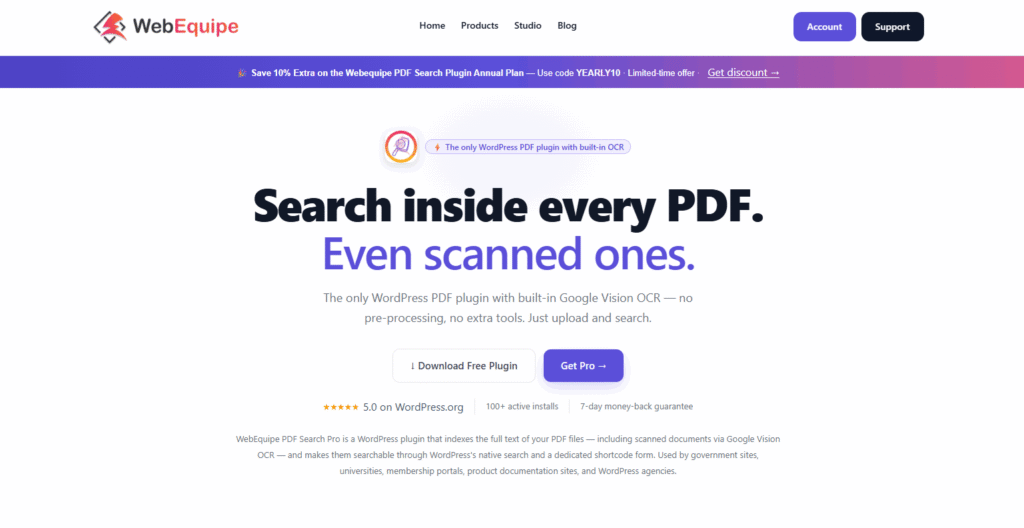
WebEquipe PDF Search Pro, our own plugin, indexes the text inside PDFs and adds it to WordPress search. Paid plans add DearFlip viewing, which makes it best for searching and viewing PDFs together. It has 200+ installs and a 5/5 rating from 3 reviews.
Key features of WebEquipe PDF Search Pro are given below.
- Full-text search across every indexed PDF, with automatic indexing on upload.
- DearFlip viewing and page-number linking in search results from the Starter plan.
- Google Vision OCR that makes scanned PDFs searchable in 50+ languages.
- Private PDF search for logged-in users and a search analytics dashboard on Pro.
The free plan covers text-based PDFs. Starter, Pro and Agency cost $89, $169 and $529 per year. You can test the free version in WordPress Playground.
It isn’t a standalone embed viewer, so pair it with one of the viewers below for inline display. Password-protected PDFs aren’t supported yet.
2. PDF Embedder: Best for Lightweight Self-Hosted PDF Embeds
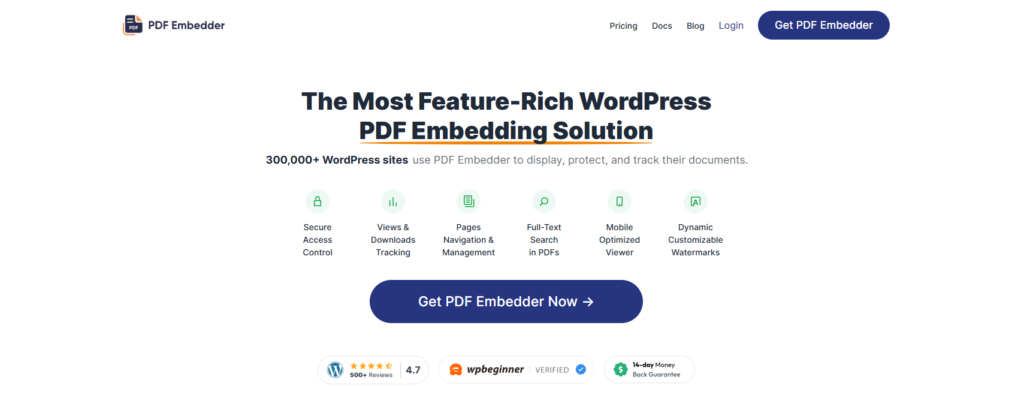
PDF Embedder is a free WordPress PDF viewer plugin that renders PDFs on your server with Mozilla’s PDF.js. That makes it best for lightweight embeds. Version 5.0.2 has 300,000+ installs and a 4.7/5 rating from 532 reviews.
Key features of PDF Embedder are given below.
- A responsive viewer that resizes with the browser.
- The PDF Embedder block plus the [pdf-embedder] shortcode for page builders.
- Toolbar placement at the top or bottom, on hover or fixed.
- Site-wide defaults that you can override for any single embed.
Premium renews at $59, $99, $159 and $259 per year, with a 14-day money-back guarantee. The Premium demos show the viewer on desktop and mobile.
The free version has no download button or clickable links, and no AI features are listed. See our PDF Embedder comparison for PDF search.
3. EmbedPress: Best for Embedding PDFs From Multiple Sources
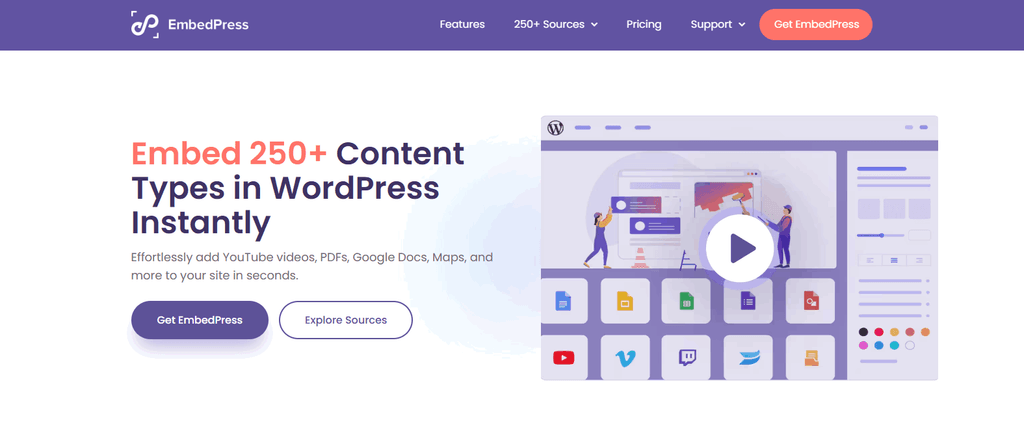
EmbedPress is a freemium embedding plugin by WPDeveloper that shows uploaded PDFs alongside content from other sources. That makes it best for mixed-source embeds. Version 4.7.2 has 100,000+ installs and a 4.8/5 rating from 308 reviews.
Key features of EmbedPress are given below.
- PDF upload and embedding, plus Google Docs and many other sources.
- A 3D flipbook viewer with toolbar and sound options.
- A PDF Gallery block in grid, masonry or carousel layouts with a popup viewer.
- Links that open a PDF at a specific page.
Pro lists at $69 per year for 1 site, $199 for unlimited sites or $399 lifetime. The PDF embed page shows the viewer and its options.
Custom branding, content protection and analytics are Pro features. EmbedPress itself has no AI features.
4. DearFlip: Best Free 3D PDF Flipbook Viewer
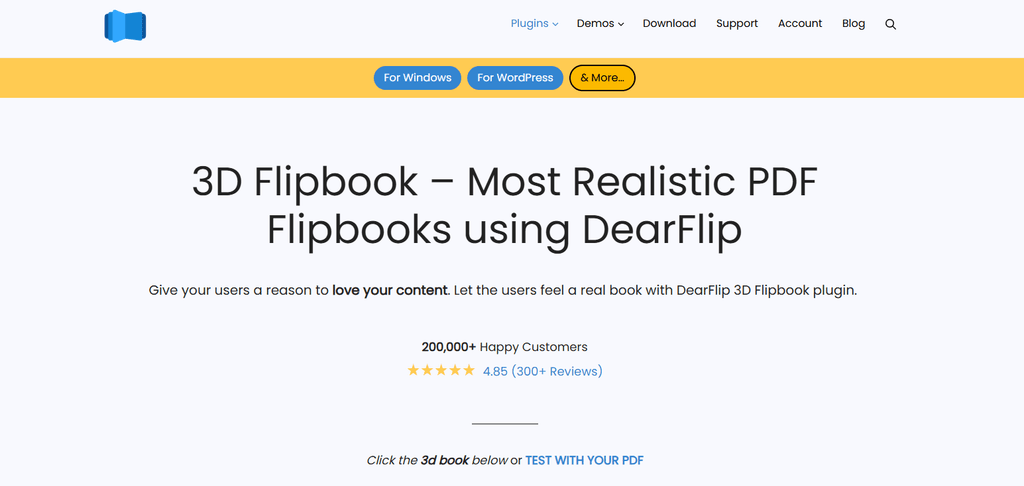
DearFlip is a WordPress flipbook and PDF viewer plugin. It turns a PDF link into a 3D or 2D flipbook for free. Version 2.4.37 has 200,000+ installs and a 4.9/5 rating from 195 reviews.
Key features of DearFlip are given below.
- A WebGL 3D flipbook with a 2D CSS fallback for older devices.
- A table of contents and page thumbnails for quick navigation.
- Deep linking to share a link to any specific page.
- Download control to show or hide the download button.
Lite is free, and Pro is sold on dearflip.com. The Lite demo shows a PDF turning like a book.
Clickable PDF links, bookshelves and Google Analytics need Pro. Version 2.4.37 fixed two CVEs, so keep it updated. No AI features are listed.
5. 3D FlipBook: Best for Interactive Catalogs and Magazines
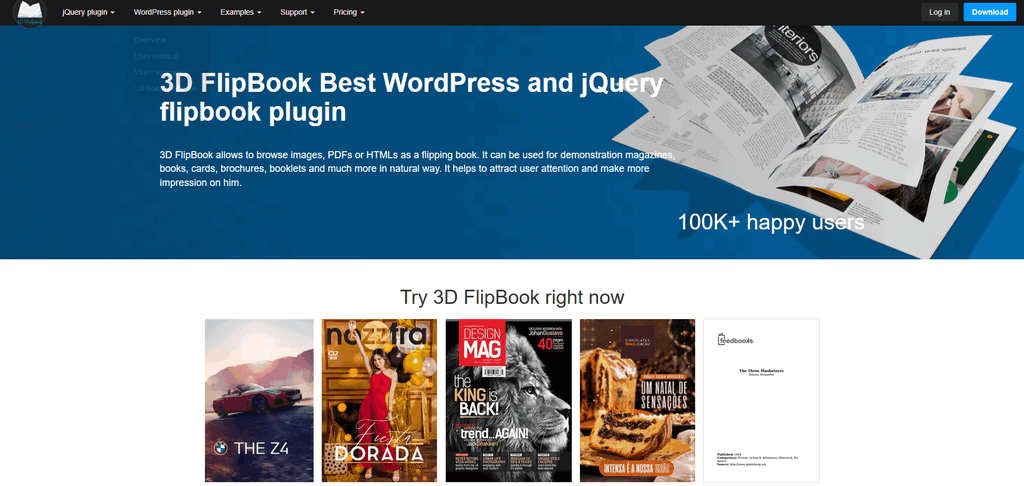
3D FlipBook is a PDF embedder and flipbook viewer that shows PDFs and image galleries as page-turning books. That makes it best for interactive catalogs and magazines. Version 1.16.22 has 70,000+ installs and a 4.8/5 rating from 182 reviews.
Key features of 3D FlipBook are given below.
- Books built from a PDF, a set of images or HTML pages.
- An editor button that inserts each book as an editable shortcode.
- Selectable skins, plus light or dark full-screen backgrounds.
- Inline display or a thumbnail that opens the book in a lightbox.
A free version and a Pro tier exist, so check 3dflipbook.net for prices. The WordPress overview shows sample books you can flip.
WordPress.org doesn’t document the free versus Pro split, and no AI features are listed.
6. PDF Poster: Best for Download Control and Watermarks
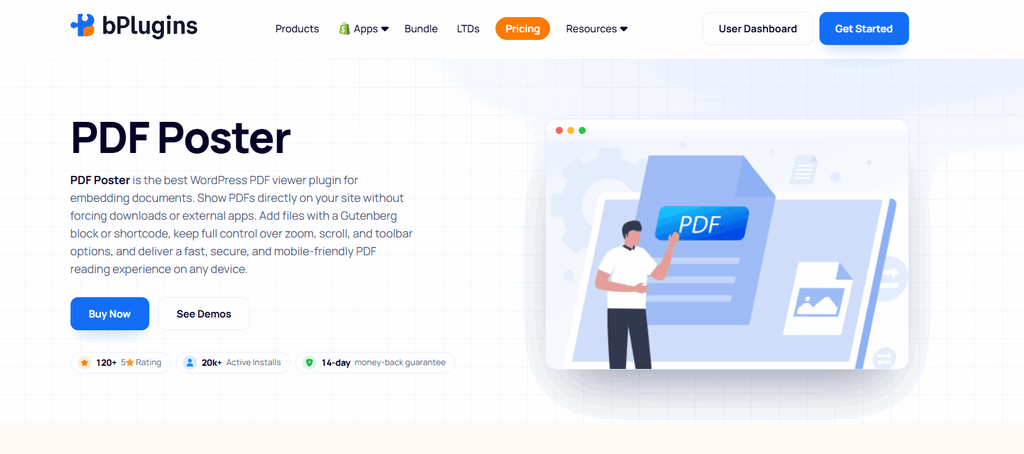
PDF Poster is a bPlugins PDF viewer plugin with three viewer styles and built-in download controls. That makes it best for download control and watermarks. Version 2.6.3 has 20,000+ installs and a 4.5/5 rating from 149 reviews.
Key features of PDF Poster are given below.
- Three viewers to choose from: PDF.js, FlipBook and Slider.
- Print, download and full-screen buttons you can switch on or off.
- Text watermarks over the displayed PDF pages.
- A popup lightbox viewer with separate desktop, tablet and mobile sizes.
Pro costs $47.88 per year for 1 site, $83.88 for 3 or $323.88 for unlimited. A 1-site lifetime license is $149.99. The PDF Poster demos show each viewer style.
Content protection, the Adobe PDF Embed API viewer and full analytics history need Pro. There are no AI viewing features.
7. Real3D FlipBook: Best for Custom Flipbook View Modes
Real3D FlipBook is a flipbook and PDF viewer plugin with six view modes and no free-version limits. That makes it best for custom flipbook layouts. Version 5.8 has 10,000+ installs and a 4.5/5 rating from only 11 reviews.
Key features of Real3D FlipBook are given below.
- No watermark and no limits on flipbooks, pages or file size.
- Six view modes: WebGL 3D, CSS 3D, 2D, Swipe, Scroll and Simple.
- Lightbox, inline and full-screen display options for each flipbook.
- Right-to-left books for Arabic, Hebrew and other RTL languages.
Pro starts at $49 per year with a 30-day money-back guarantee. The WordPress demo shows sample flipbooks.
Text search, clickable links, 4K zoom and Google Analytics need Pro. No AI features are listed.
8. PDF.js Viewer: Best Free Open-Source Viewer
PDF.js Viewer is a free, open-source plugin that embeds Mozilla’s PDF.js viewer with a block or shortcode. That makes it the best fully free option, with no upsells. Version 3.2.0 has 20,000+ installs and a 4.4/5 rating from 53 reviews.
Key features of PDF.js Viewer are given below.
- A Gutenberg block, a shortcode and an auto-detected Elementor widget.
- Light and dark themes with text search and a page navigation drawer.
- Password entry, so visitors can open password-protected PDFs.
- Partial display of large PDFs, so early pages show first.
It’s free under GPLv2, with no paid tier. There’s no official demo, but you can test it in WordPress Playground.
It’s tested up to WordPress 7.0.8, one release behind most plugins here. No AI features are listed.
9. Embed Any Document: Best for Word, Excel and PowerPoint Files
Embed Any Document is a document viewer plugin by awsm.in that embeds PDFs and Office files. It uses Google, Microsoft or browser viewers, which makes it best for Word, Excel and PowerPoint. Version 2.7.14 has 50,000+ installs and a 4.2/5 rating from 92 reviews.
Key features of Embed Any Document are given below.
- Support for PDF, Word, Excel and PowerPoint files in one plugin.
- A Document block plus an Add Document button in the classic editor.
- A choice of Google Docs Viewer, Microsoft Office Online or the browser viewer.
- An optional download link with each embedded document.
Plus adds Dropbox, Google Drive and Box, and costs $24 on CodeCanyon. The live demo shows embedded documents on a real page.
Files must be public, and cloud viewers cap them at about 8 to 10 MB. Version 2.7.14 fixed a stored XSS issue. No AI features are listed.
For bigger collections, see our list of WordPress PDF library plugins.
10. Embed PDF Viewer: Best Minimal Block-Editor Embed
Embed PDF Viewer is a free, minimal plugin that adds a single PDF block. It embeds the file in an iframe, which makes it best for quick block-editor embeds. Version 2.5.1 has 20,000+ installs and a 4.7/5 rating from 19 reviews.
Key features of Embed PDF Viewer are given below.
- One PDF block for the block editor, with no extra settings to learn.
- Embeds from the Media Library or any public URL through oEmbed.
- Google Doc Viewer rendering on Chrome and mobile browsers.
It’s completely free. There’s no official demo, but you can test it in WordPress Playground.
The developer notes that Google Doc Viewer sometimes fails to load until the page is reloaded. No AI features are listed.
How Does a WordPress PDF Viewer Plugin Work?
A WordPress PDF viewer plugin works by loading a rendering engine that draws your PDF inside the page. Most use Mozilla PDF.js.
5 steps of how a WordPress PDF viewer plugin works are given below.
- Upload. The PDF goes to the Media Library and gets a public file URL.
- Insert. A block or shortcode places a viewer container on the page.
- Load the renderer. PDF.js draws the file with JavaScript, or an iframe passes it to Google Doc Viewer.
- Display. Pages appear with a toolbar for navigation, zoom and download.
- Add the flipbook layer. Flipbook plugins draw a WebGL 3D page turn, with a 2D CSS fallback.
What Features Should a WordPress PDF Viewer Plugin Have?
The features a WordPress PDF viewer plugin should have are a responsive layout, easy navigation and download control.
8 features a WordPress PDF viewer plugin should have are given below.
- Responsive layout. The viewer should resize on mobile devices and offer mobile full-screen mode.
- Toolbar navigation and zoom. Next and previous buttons plus zoom help readers move through long files.
- Text search. A search button finds any word in the open PDF.
- Download, print and copy control. You should show or hide each button per embed.
- Watermarks and secure delivery. Paid documents need watermarks and blocked file access.
- View and download tracking. Stats show which PDFs people actually open.
- Editor support. A block, a shortcode and an Elementor widget cover most page builders.
- Partial loading for large files. Progressive loading shows the first pages before the full file arrives.
How Is AI Changing WordPress PDF Viewer Plugins?
AI is changing WordPress PDF viewer plugins by opening documents to AI agents and chat tools.
WordPress 7.0 “Armstrong” shipped on May 20, 2026, with the AI Client and the Connectors screen. The Abilities API, added in WordPress 6.9, lets AI agents call plugin actions.
Still, the six most-installed viewers here list no AI features, so AI is still an add-on layer.
5 ways AI is changing WordPress PDF viewer plugins are outlined below.
- AI agent access. Document Embedder registers read-only abilities, such as listing documents. Assistants reach them through the MCP Adapter.
- Chat with PDFs. AI Chat Assistant by CodeCaste builds a chatbot from uploaded PDFs through the AI Client. AskMyPages answers questions and cites the PDF page.
- AI read-aloud. TNC FlipBook 3D Pro reads flipbooks aloud with premium voices, for $59 per year.
- AI alt text. Firefox’s PDF.js viewer can generate alt text for images added to a PDF, using an on-device model.
- AI search visibility. Google converts PDF text to HTML, so text-based PDFs can appear in AI Overviews and AI Mode.
Chat plugins send document content to the provider set under Settings > Connectors. Firefox’s alt text model runs on the device instead. For agent-ready libraries, compare WordPress document management plugins too.
How Much Does a WordPress PDF Viewer Plugin Cost?
A WordPress PDF viewer plugin costs nothing to start, since every plugin here has a free version. PDF.js Viewer and Embed PDF Viewer have no paid tier.
Yearly single-site plans start at $47.88 for PDF Poster and $49 for Real3D FlipBook. PDF Embedder Basic renews at $59, and EmbedPress Individual lists at $69.
Lifetime options include PDF Poster at $149.99 for 1 site and EmbedPress at $399 for unlimited sites. Multi-site plans cost more, such as PDF Embedder Elite at $259 per year for 100 sites. And introductory discounts renew at full price.
How to Add a PDF Viewer in WordPress?
To add a PDF viewer in WordPress, install a viewer plugin and place its block on a page. You can also skip the plugin and use the core File block.
Its Show inline embed, Height in pixels and Show download button settings give you a basic viewer.
6 steps to add a PDF viewer in WordPress are given below.
- Install and activate the plugin. Go to Plugins > Add New, search for your viewer and click Install Now.
- Set the defaults. Choose default width, height and toolbar options in the plugin settings.
- Add the block or shortcode. Open your page and insert the plugin’s block or shortcode.
- Select the PDF. Upload a file or pick one from the Media Library.
- Adjust this embed. Change the height, toolbar and download button for this viewer.
- Publish and test. Publish the page, then check the viewer on desktop and mobile.
How to Choose the Right WordPress PDF Viewer Plugin?
To choose the right WordPress PDF viewer plugin, start with what you’re displaying. Then check maintenance, mobile behavior, protection and long-term cost.
7 tips to choose the right WordPress PDF viewer plugin are outlined below.
- Match the use case. A single document, a flipbook catalog and a multi-format library need different plugins.
- Check maintenance signals. Look at the last update, tested-up-to version and active installs.
- Prefer self-hosted rendering. PDF.js viewers avoid the file size limits of cloud viewers.
- Test on mobile. Open a long PDF on a phone and check zoom, scrolling and full screen.
- Decide on download protection. Hiding a button is free, but secure delivery and watermarks usually cost extra.
- Compare renewal prices. Intro discounts end after year one, so budget for the renewal price.
- Check AI readiness. Plugins that register abilities on WordPress 6.9+ can work with AI agents.
Need visitors to find the text inside your PDFs? A viewer only displays files. Try WebEquipe PDF Search, our own plugin, free on WordPress.org.
Are WordPress PDF Viewer Plugins Worth It?
Yes, WordPress PDF viewer plugins are worth it because they keep visitors on the page while they read. They add controls the File block lacks, such as search and zoom. And free versions cover most sites.
Do Embedded PDFs Help SEO and AI Search Visibility?
Yes, embedded PDFs can help SEO and AI search visibility because Google indexes the text inside them. Google converts text-based PDFs into HTML. In October 2026, Martin Splitt and John Mueller said PDFs can appear in AI Overviews and AI Mode.
Here’s a quick test. If you can copy the text into an editor, Google can use it. Scanned PDFs may not rank.
The viewer doesn’t change how the PDF itself gets indexed. On your own site, learn how to search inside PDF files.
What Are the Pros and Cons of WordPress PDF Viewer Plugins?
The pros and cons of WordPress PDF viewer plugins are given in the table below.
| Pros | Cons |
| Keeps visitors on the page while they read. | Protection and analytics often need a paid plan. |
| Displays PDFs consistently on desktop and mobile. | 3D flipbooks can slow pages on weaker devices. |
| Lets you switch download, print and full-screen controls. | Cloud viewers need public files and cap file size. |
| Tracks which documents people view and download. | Plugins need regular updates for security fixes. |
| Makes catalogs and magazines more engaging as flipbooks. | Doesn’t make scanned PDFs searchable or accessible. |
A viewer plugin improves how PDFs look and behave on your site. Pick a well-maintained one, and add search or OCR separately.
How Secure and Accessible Are Embedded PDFs in WordPress?
A viewer plugin controls how a PDF looks, but the file URL stays public without a secure option. Accessibility depends on the PDF itself.
Can You Stop Visitors From Downloading a PDF in WordPress?
Yes, you can make PDF downloads difficult in WordPress. Viewers can hide the download button and protect the file itself.
The File block and most plugins can hide the download button. PDF Embedder Pro adds watermarks and secure PDFs that block file access, right-click and search indexing.
PDF Poster Pro protects against right-click, copying and text selection. Still, no viewer makes copying impossible.
Are Embedded PDFs Accessible to Screen Readers?
No, not always. Embedded PDFs are accessible to screen readers only when the file is text-based and meets WCAG 2.1 AA.
The viewer can’t fix a poorly tagged PDF. The DOJ’s ADA Title II rule treats PDFs on state and local government sites as web content.
An April 20, 2026 interim final rule set deadlines of April 26, 2027 for entities serving 50,000+ people. Smaller entities have until April 26, 2028.
Scanned PDFs need OCR for readable text, so make scanned PDFs searchable first. Firefox’s PDF.js viewer can also suggest AI alt text for images.
How Do WordPress PDF Viewer Plugins Compare to Similar Tools?
WordPress PDF viewer plugins sit between the core File block, flipbook plugins and PDF search plugins. Each tool solves a different job.
What Is the Difference Between a PDF Viewer and a PDF Flipbook Plugin?
A PDF viewer shows pages like a document reader. A PDF flipbook plugin turns pages like a printed book.
Flipbook plugins such as DearFlip, Real3D FlipBook and 3D FlipBook add a 3D page-turn effect. They suit catalogs, magazines and brochures.
What Is the Difference Between a PDF Viewer Plugin and the WordPress File Block?
The WordPress File block offers a basic inline embed, while a PDF viewer plugin adds full reading controls. The File block gives you Show inline embed, Height in pixels and a download toggle. A plugin adds a toolbar, search, mobile full screen, tracking and protection.
What Is the Difference Between a PDF Viewer Plugin and a PDF Search Plugin?
A PDF viewer plugin displays a PDF, while a PDF search plugin indexes the text inside PDFs. Visitors then find documents through WordPress search.
Our #1 pick, WebEquipe PDF Search Pro, is one example and our own plugin. It offers full-text indexing, Google Vision OCR on paid plans and DearFlip viewing from Starter. Compare more WordPress PDF search plugins.
Final Thoughts
The best WordPress PDF viewer plugin depends on your use case. WebEquipe PDF Search Pro, our own plugin, leads when visitors need to search PDFs. PDF Embedder suits simple embeds, DearFlip is the best free flipbook and Embed Any Document handles Office files.
A viewer only displays PDFs, though. If visitors need to find the text inside them, add a PDF search plugin.
Frequently Asked Questions
Does WordPress Have a Built-In PDF Viewer?
Yes, WordPress has a basic built-in PDF viewer because the core File block can show a PDF inline. Turn on Show inline embed, set a height in pixels and add an optional download button. But it has no toolbar, search or download protection.
Do PDF Viewer Plugins Slow Down a WordPress Site?
No, most PDF viewer plugins don’t noticeably slow down a WordPress site because lightweight viewers add little load. Several also stream large files with partial or progressive loading. But 3D flipbooks can feel heavier on weaker devices and slow connections.
Is There a Free WordPress PDF Viewer Plugin?
Yes, there are free WordPress PDF viewer plugins because many developers offer freemium versions. PDF.js Viewer and Embed PDF Viewer are fully free, with no paid tier. Every other plugin here has a free version too.
Do PDF Viewer Plugins Work on Mobile Devices?
Yes, most PDF viewer plugins work on mobile devices because they use responsive layouts. PDF Embedder resizes with the screen, and its Premium plan adds a mobile full-screen mode. PDF Poster sets separate sizes for desktop, tablet and mobile.
Can You Link to a Specific Page of an Embedded PDF?
Yes, you can link to a specific page of an embedded PDF with plugins that support page links. EmbedPress creates links that open a PDF at a chosen page. DearFlip offers deep linking, so readers can share a link to any page.
Can You Embed a PDF From Google Drive or Dropbox in WordPress?
Yes, you can embed a PDF from Google Drive or Dropbox with a viewer that supports cloud files. Embed Any Document Plus adds Dropbox, Google Drive and Box. The file must be shared publicly, or visitors won’t see it.