
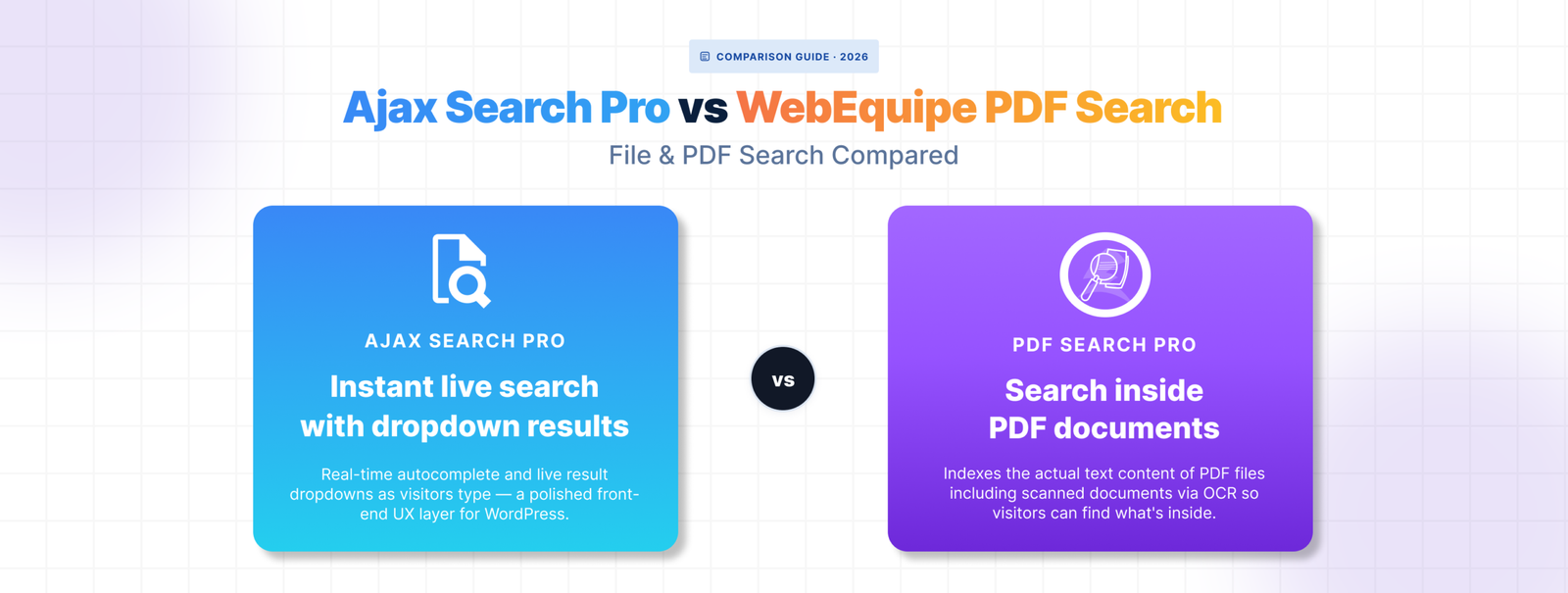
Ajax Search Pro is a popular choice for live search on WordPress — the kind where results appear as you type, with images, custom post types, and styled dropdowns. For front-end search UX it’s capable and well-supported.
But if your visitors need to find content inside PDF files — not just PDF titles, but the actual text on page four of a document — Ajax Search Pro wasn’t built for that. File content search is a limited feature, not a core one.
Here’s where the difference shows up.
What Ajax Search Pro Does Well
Ajax Search Pro delivers real-time search with a polished front-end experience. Results appear as the user types, with support for featured images, custom post types, WooCommerce products, and custom fields. The visual customisation is extensive — dropdown styles, result layouts, colour schemes, mobile behaviour.
For sites where the search experience itself is a priority — e-commerce, directories, content-heavy blogs — that live search UX is genuinely valuable.
How Ajax Search Pro Handles File Content and PDFs
Ajax Search Pro can index file attachments including PDFs, but what it indexes is limited. It reads the text layer of standard PDFs using server-side extraction, which works for straightforward text-based documents.
The file content search feature isn’t the plugin’s primary focus though. Configuration is more involved than a dedicated document search plugin, there’s no dedicated PDF management screen, and diagnosing why a specific PDF isn’t appearing in results means working through general plugin settings rather than a per-file workflow.
Scanned PDFs aren’t supported. There’s no OCR built in. And there’s no native way to mark individual PDFs as visible only to logged-in users.
Where It Falls Short for Document-Heavy Sites
🟥 No OCR for scanned documents
Scanned PDFs have no extractable text layer. Ajax Search Pro can’t index them. For sites with archives of older documents, historical records, or any content that was scanned rather than digitally created, those files are simply invisible to search.
🟥 No private PDF search
Ajax Search Pro doesn’t have a built-in mechanism for restricting individual PDFs to logged-in users. If you need member resources or restricted documents to be searchable only by signed-in visitors, you’d need to handle that through a separate plugin.
🟥 No dedicated PDF management workflow
There’s no screen in Ajax Search Pro that shows you which PDFs are indexed, which have failed, and why. If a document isn’t showing up in search, there’s no per-file status to check. Troubleshooting means working backwards through configuration rather than looking at a clear status log.
🟥 Live search focus can add unnecessary complexity
If you’re running a document library or resource centre, you probably don’t need live as-you-type search with styled dropdowns and image previews. Ajax Search Pro’s strength is also its overhead — you’re configuring a lot of front-end behaviour to get to the document indexing feature underneath.
How WebEquipe PDF Search Compares
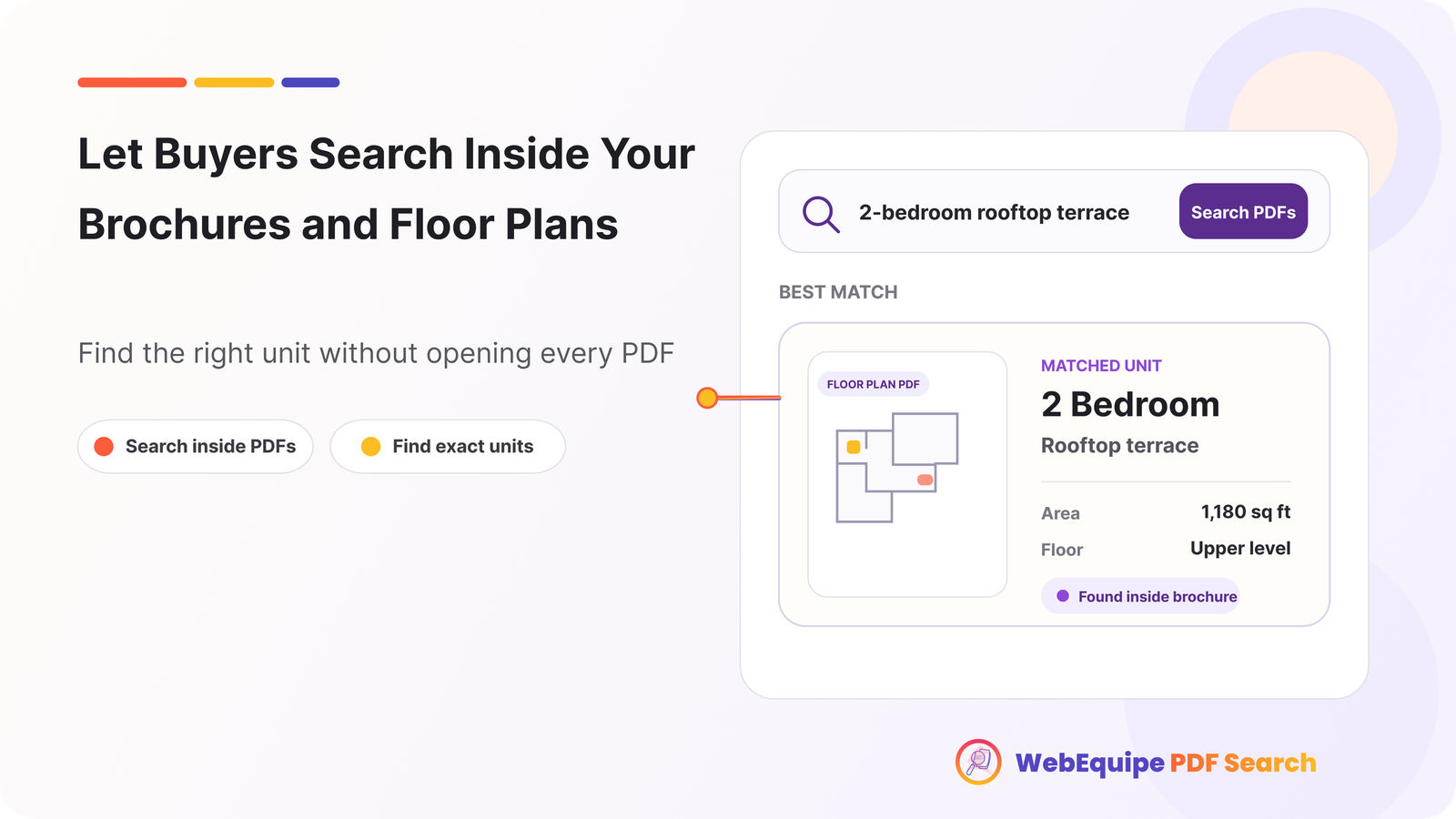
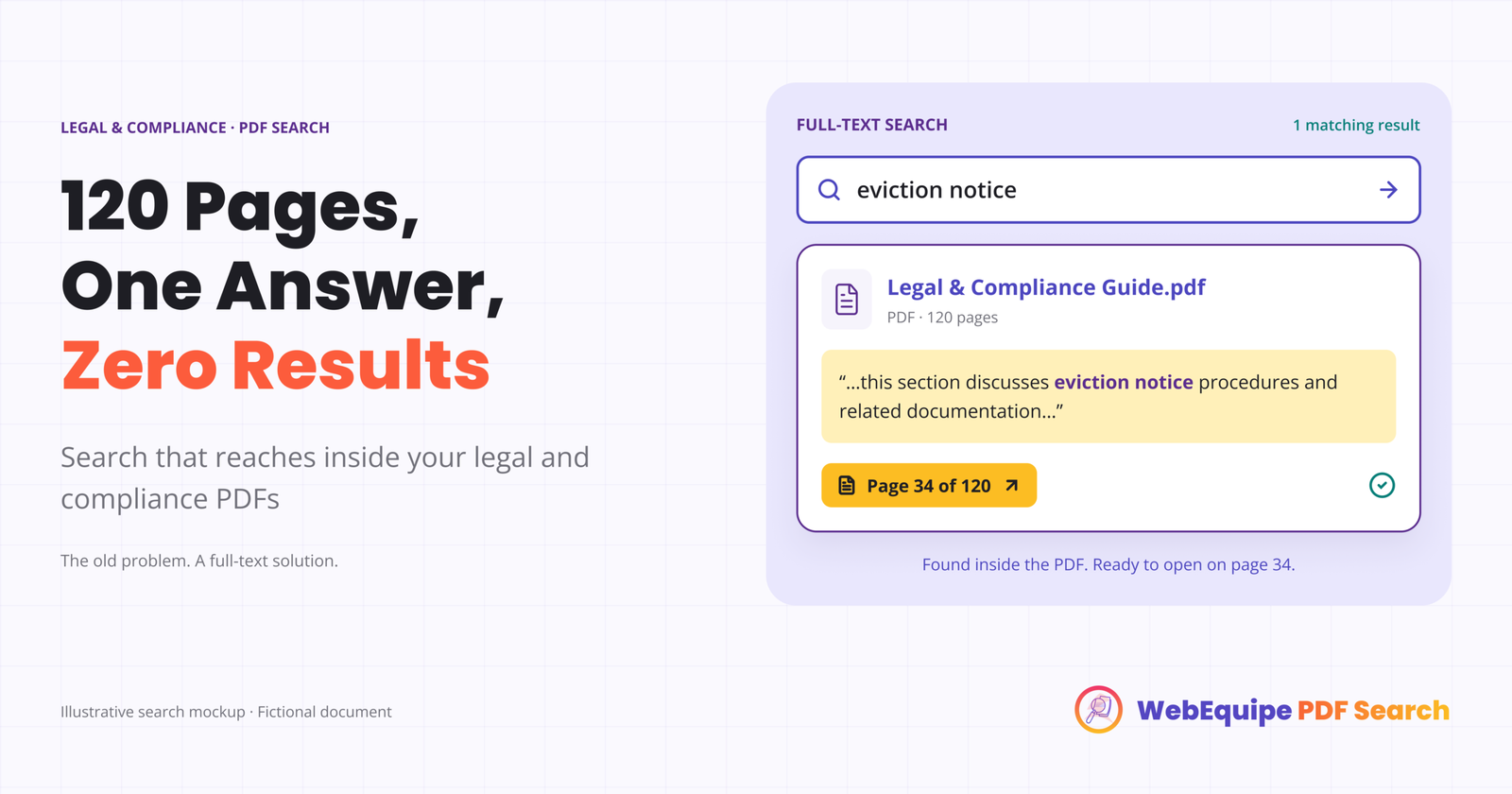
WebEquipe PDF Search does one thing — makes PDF content searchable in WordPress. No live search dropdowns, no e-commerce integration, no directory features. Just a clean pipeline from PDF upload to indexed, searchable content.
The free version handles text-based PDFs with auto-indexing on upload, WordPress search integration, a shortcode form, and per-file status management. The Pro version adds OCR for scanned documents and Private PDF Search for logged-in-only visibility.
For a document library, resource centre, or any site where PDFs are the primary content, it’s a simpler and more focused setup.
Feature Comparison
| Feature | WebEquipe PDF Search | Ajax Search Pro |
|---|---|---|
| Text-based PDF indexing | ✓ Paid | ✓ Paid ($99/yr) |
| Scanned PDF / OCR | ✓ Paid (from $89/yr) | × |
| Private / restricted PDFs | ✓ Paid | × |
| Per-file status management | ✓ | × |
| Index Activity log | ✓ | × |
| Free tier with PDF search | ✓ | × |
| Live as-you-type search | × | ✓ |
| Styled search dropdown | × | ✓ |
| WooCommerce search | × | ✓ |
| Starting price (paid) | $89/yr | ~$36 one-time |
Can You Use Both Together
Yes — and for some sites this makes sense.
Ajax Search Pro handles the live search experience across posts, pages, and products. WebEquipe PDF Search handles the document indexing workflow — OCR, private search, per-file status management — through its own dedicated shortcode form.
To avoid both plugins trying to modify the same WordPress search results, leave Enable Search Integration off in WebEquipe PDF Search settings. Use the [webequipe_pdf_search_form] shortcode on your documents or resources page for PDF-specific search, and let Ajax Search Pro handle live search everywhere else.Who Should Use Which
🟥 Use WebEquipe PDF Search if:
- PDF content search is your primary need
- You have scanned documents that need OCR
- You need to restrict certain PDFs to logged-in users only
- You want a dedicated document management workflow with per-file status
🟥 Use Ajax Search Pro if:
- You need live as-you-type search with a polished front-end experience
- Your site is e-commerce, a directory, or content-heavy with lots of post types
- PDF search is a minor secondary need alongside broader search features
🟥 Use both if:
- You want Ajax Search Pro’s live search UX for your site and WebEquipe’s PDF-specific workflow for your document library
Frequently Asked Questions
Does Ajax Search Pro search inside PDF files?
It can extract and index text from standard text-based PDFs. Scanned PDFs aren’t supported — there’s no OCR built in. For straightforward text-based documents on a site that’s already using Ajax Search Pro, it works for basic cases. For document-heavy sites with scanned files or private search requirements, it falls short.
Is WebEquipe PDF Search cheaper than Ajax Search Pro?
For text-based PDF search, WebEquipe is free. Ajax Search Pro is a one-time purchase of around $36 but doesn’t have a free tier with PDF content search. For scanned PDFs, WebEquipe Pro starts at $89/yr.
Can I use Ajax Search Pro for live search and WebEquipe for PDF content search?
Yes — this is a clean setup. Disable Enable Search Integration in WebEquipe settings and use the shortcode form for PDF search. Ajax Search Pro handles live search everywhere else.
Does Ajax Search Pro support private PDF search for logged-in users?
Not natively. Restricting PDF visibility to logged-in users requires a separate plugin. WebEquipe PDF Search Pro has Private PDF Search built in.