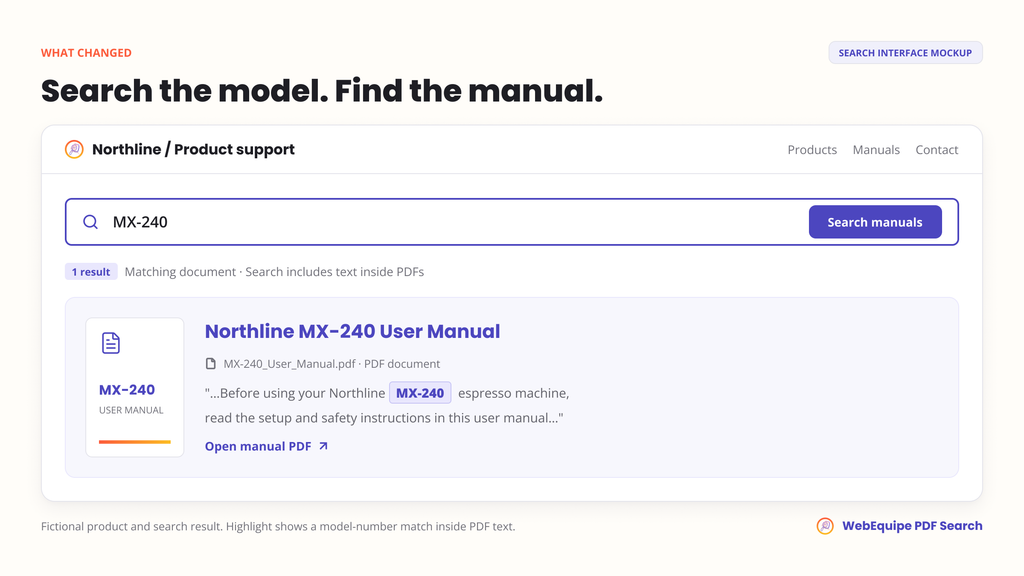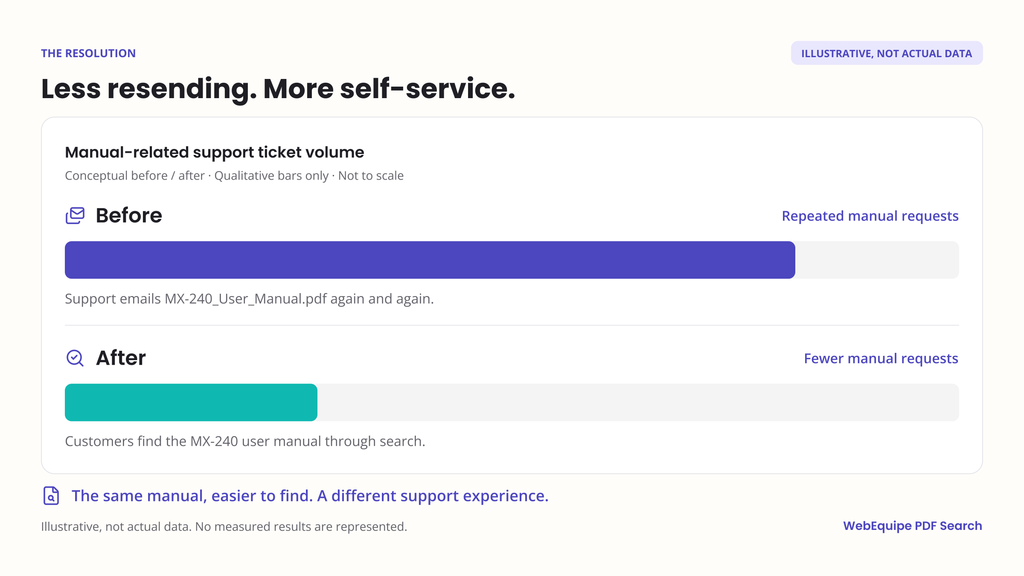

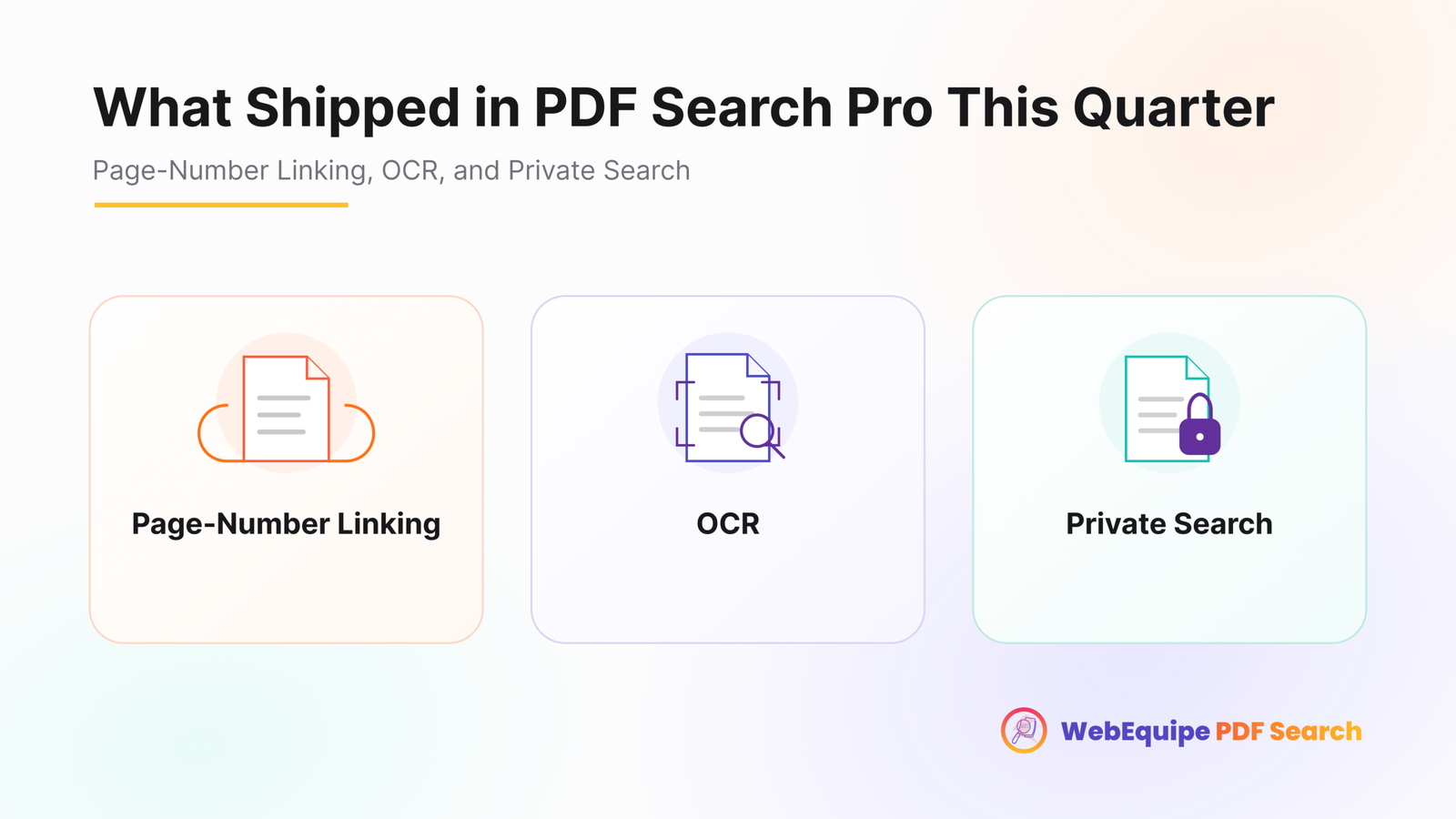

It’s easy to lose track of individual updates when they roll out weeks apart. Taken together, though, the last few releases add up to a meaningfully different product than the one that first launched. Here’s what actually changed, and why each piece matters on its own.
Page-Number Linking
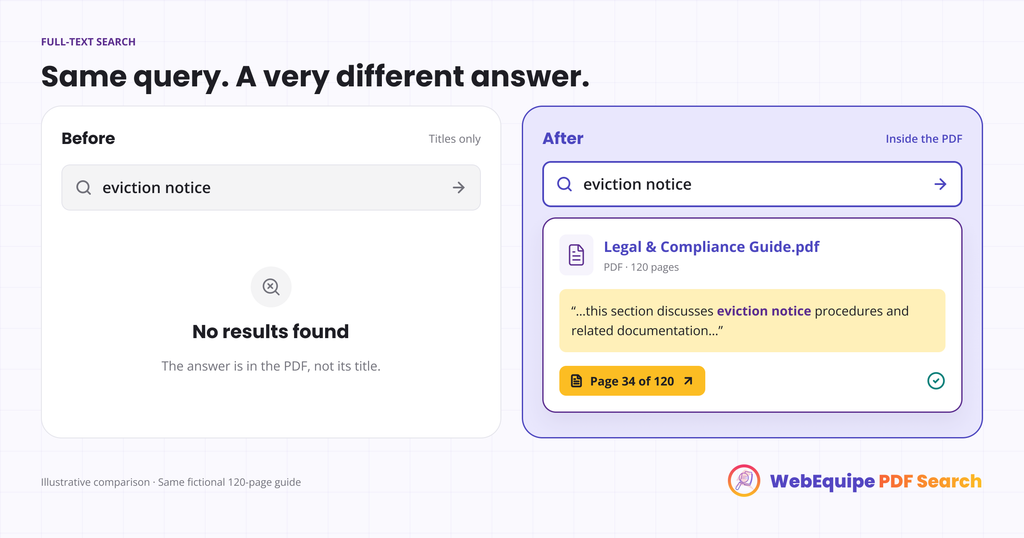
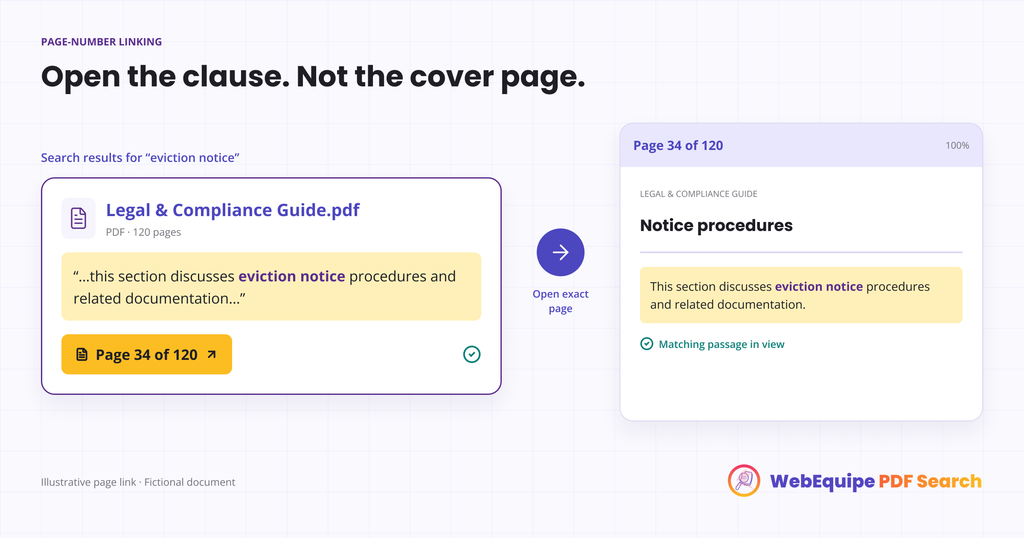
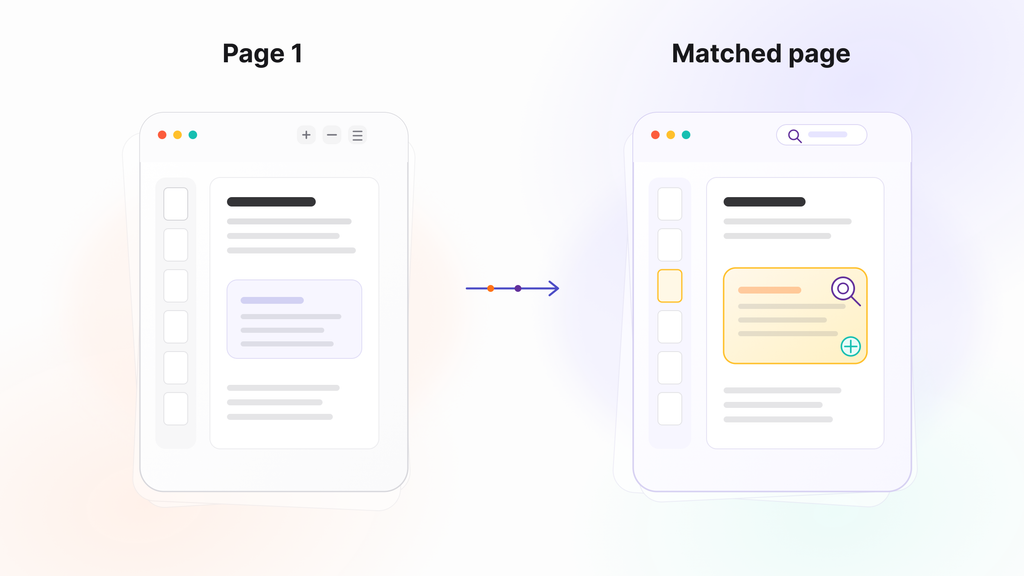
Before: every PDF search result pointed to the file itself. Clicking it opened page one, no matter where the actual match was. For a two-page flyer that’s fine. For a 100-page handbook or a set of meeting minutes, it meant scrolling through the whole thing to find what search had supposedly already located.
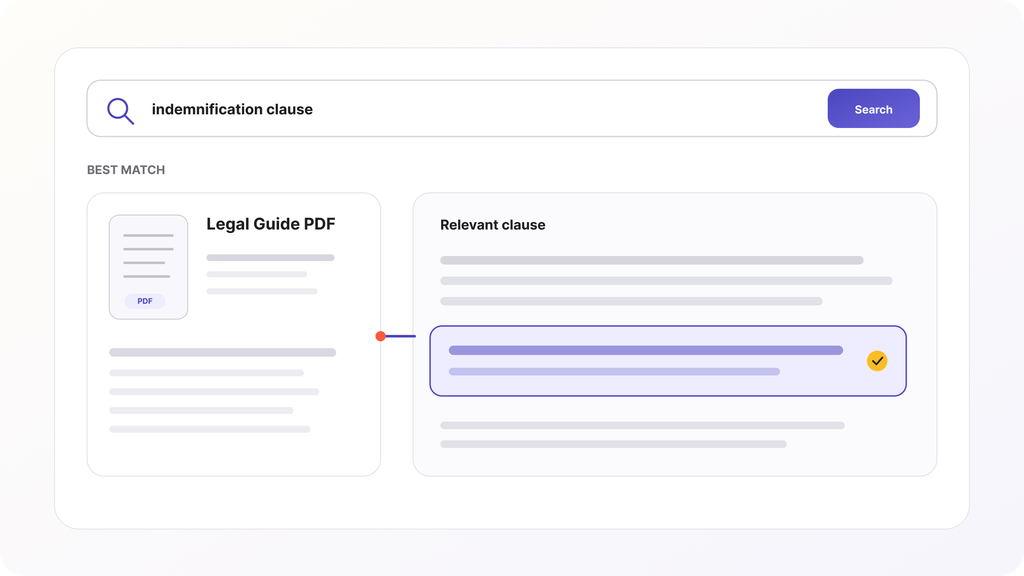
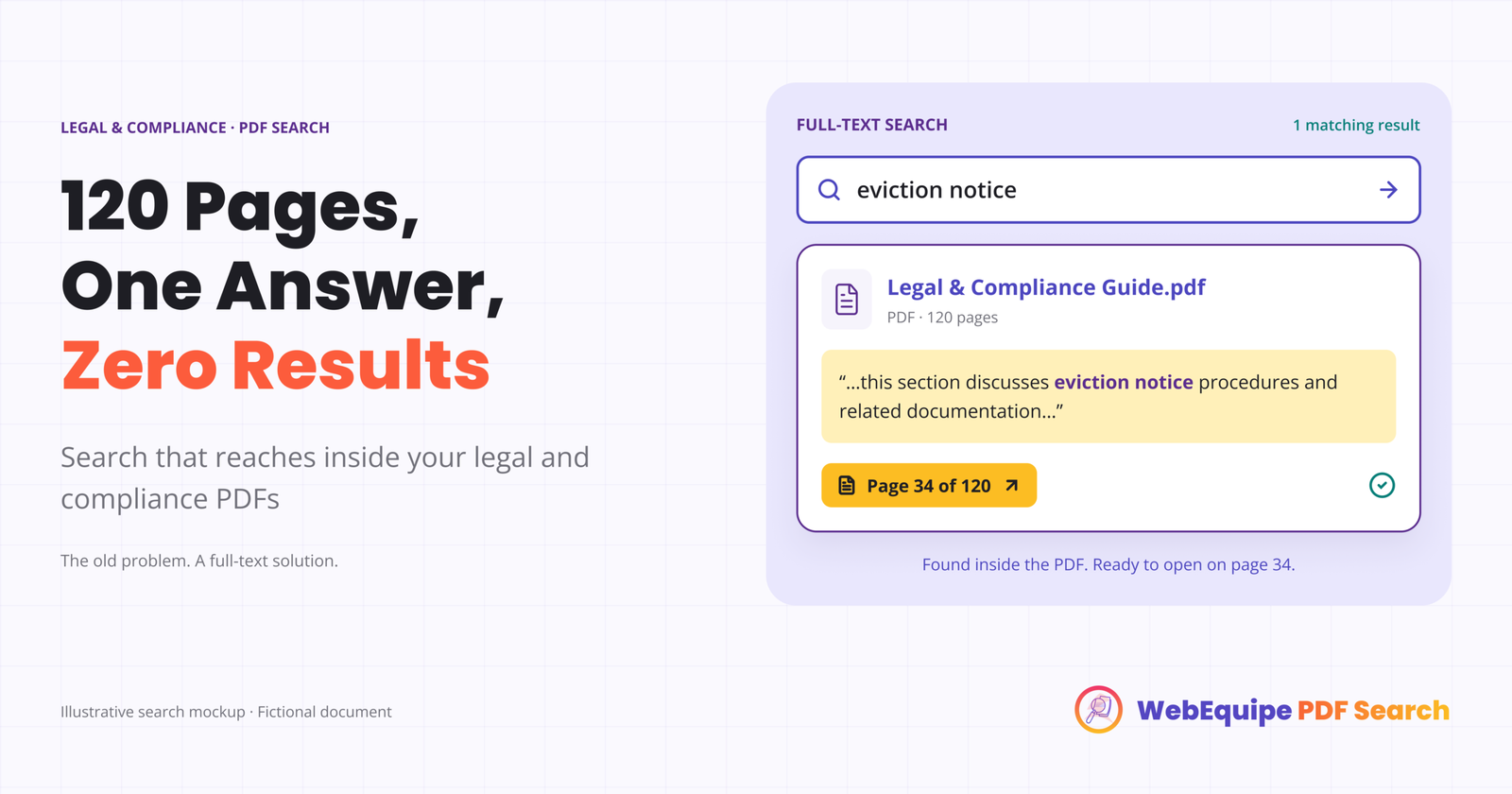
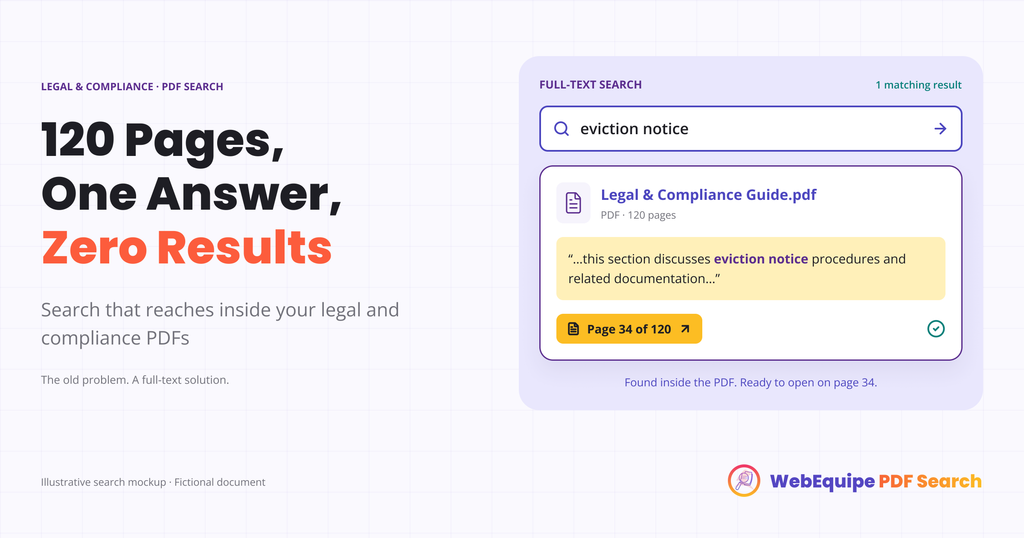
After: results link directly to the page where the match was found. A search for a specific clause, course code, or agenda item opens the PDF already on that page, not the cover.
This one matters most for anyone with long documents, policy handbooks, catalogs, bylaws, minutes, where the gap between “found the file” and “found the answer” used to be the whole problem.
OCR for Scanned PDFs
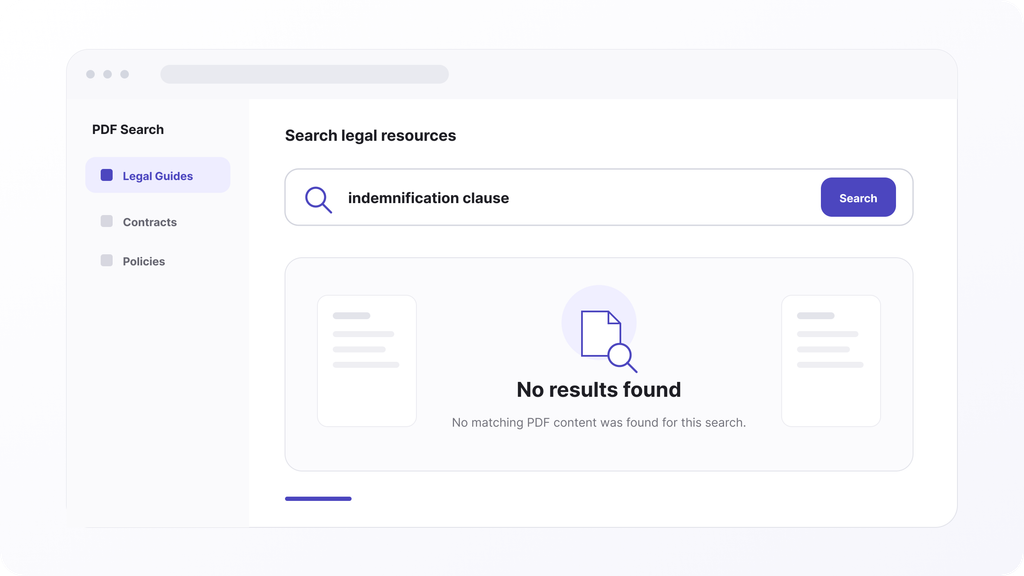
Before: any scanned or image-based PDF was invisible to search. No text layer meant nothing to index, so those files just sat there as dead weight in a Media Library, technically uploaded but functionally unsearchable.
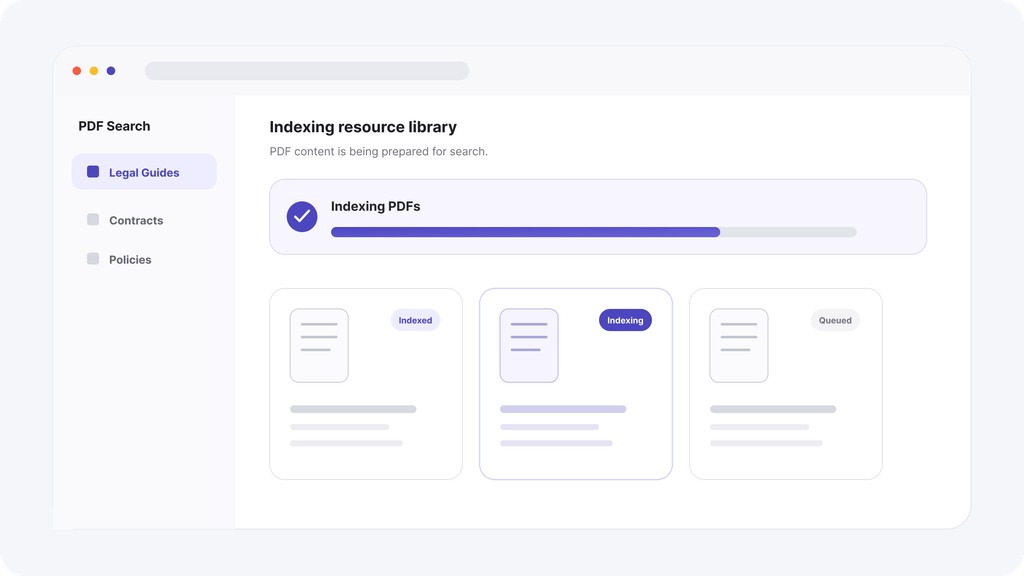
After: scanned pages get converted into searchable text automatically during indexing, using Google Vision. A document scanned from a physical original years ago becomes just as searchable as something published yesterday, without anyone retyping it.
This one matters most for sites with any real history, government archives, old school records, historical case files, anything that predates digital-native publishing.
Private PDF Search
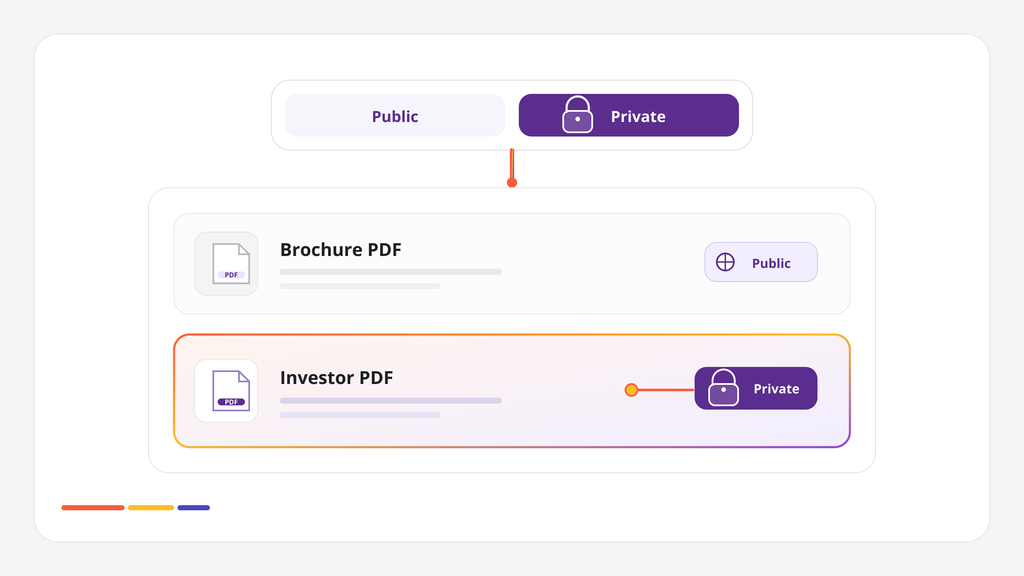
Before: keeping a PDF out of public search meant excluding it entirely, which also meant it wasn’t searchable for anyone, including the people it was actually meant for.
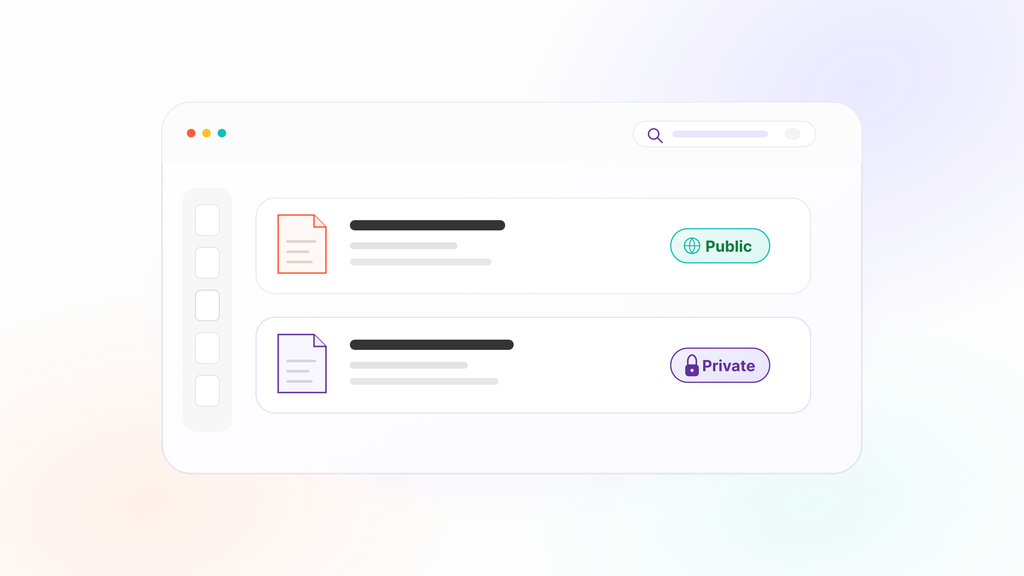
After: specific PDFs can be marked private, staying fully indexed and searchable for logged-in users while disappearing from search for anonymous visitors. Member handbooks, internal policies, investor documents, all stay both restricted and genuinely searchable at the same time.
This one matters most for membership sites, associations, and anywhere content needs to be selectively visible rather than fully public or fully hidden.
Why These Three Together
On their own, each of these solves a specific gap. Together, they cover most of what stops a PDF from being genuinely useful once it’s uploaded to a WordPress site: whether it’s readable at all if it’s scanned, whether it’s visible to the right audience, and whether finding it actually leads somewhere useful once someone clicks.
What’s Next
There’s more on the way, some of it aimed at making large archives easier to manage, some of it aimed at giving site owners more visibility into what people are actually searching for. Nothing to announce yet, but the direction is the same: making PDF content behave like it belongs on a modern website, not like a filing cabinet that happens to be online.
Frequently Asked Questions
Do I need to do anything to get these updates?
No. They’re already part of the current version. Page-number linking and OCR apply automatically during indexing; Private PDF Search is a setting you can apply per document whenever you’re ready.
Will older, already-indexed PDFs get page-number linking automatically?
PDFs already on the current per-page indexing structure will have it. Anything indexed under an older legacy structure may need a re-index.
Is OCR included in every plan?
Yes, OCR is available on Starter, Pro, and Agency, with the monthly page quota scaling by plan.
Can I make a PDF private after it’s already been public?
Yes, visibility can be changed at any time without needing to re-upload or re-index the file.
Do these features work together, or separately?
Together. A private PDF can still use OCR and page-number linking, all three apply independently of each other.
Where can I see what else is planned?
We don’t publish a public roadmap with dates, but feature requests and feedback genuinely shape what gets built next.
Try What’s New
If you haven’t looked at PDF Search Pro in a while, this is a good moment to revisit it, particularly if OCR or private search solves a problem you’d previously written off as not possible.