

WordPress plugins for schools and universities add the features a school website needs without custom code. Our top 8 picks start with WebEquipe PDF Search Pro for course catalogs, handbooks and scanned records. Full disclosure: WebEquipe makes PDF Search Pro.
You’ll also see plugin types, key features like WCAG 2.1 AA accessibility and AI changes. Costs, setup steps and selection tips follow.
US public schools, colleges and universities must also meet the ADA Title II web rule. That means WCAG 2.1 AA, PDFs included, by April 26, 2027 or April 26, 2028, depending on population.
What Is a WordPress Plugin for Schools and Universities?
A WordPress plugin for schools and universities is add-on software that extends WordPress core with one school feature. That feature might be forms, courses, calendars, document search or security, all added without custom code.
It serves students and parents, faculty and staff, and alumni across departments and campuses.
What Are the Best WordPress Plugins for Schools and Universities?
The best WordPress plugins for schools and universities are WebEquipe PDF Search Pro, Accessibility Checker and Gravity Forms. LearnDash, The Events Calendar, WPML, BuddyPress and Wordfence round out the top 8.
Together they cover documents, accessibility, admissions, courses, events, languages, community and security. Each pick has proven education use, a live school or university example, active maintenance and current pricing.
A quick comparison of the 8 plugins is shown in the table below.
| Plugin | Best For | Live Example | Free Version | Starting Paid Price |
| WebEquipe PDF Search Pro | Course catalogs, handbooks and scanned records | Illustrative course catalog scenario | Yes, text-based PDFs | $89/yr Starter |
| Accessibility Checker | WCAG 2.1 AA and ADA Title II readiness | Highland Community College | Yes | $190/yr Professional |
| Gravity Forms | Admissions and student data forms | IU School of Medicine, internal tool | No | $59/yr Basic |
| LearnDash | Online courses and certificates | TCI University | No | $350/yr |
| The Events Calendar | Campus events and term dates | William Peace University | Yes | $399/yr Pro |
| WPML | Multilingual school sites | University of Tartu guide | No | €39/yr Blog |
| BuddyPress | Student, faculty and alumni communities | CUNY Academic Commons | Yes, fully free | Free |
| Wordfence | Firewall and login security | University of Birmingham guidance | Yes | $149/yr Premium, $199 from Dec 3 |
The 8 best WordPress plugins for schools and universities are given below.
1. WebEquipe PDF Search Pro: Best for Searching Course Catalogs, Handbooks and Scanned Records
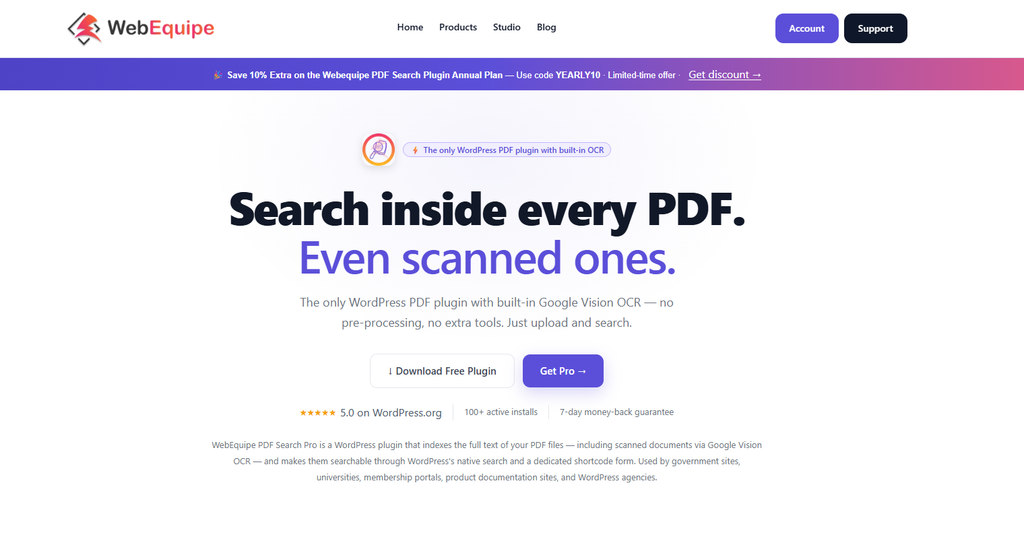
WebEquipe PDF Search Pro is a WordPress plugin that indexes the text inside PDF files, including scanned ones. Students and parents can then find answers in course catalogs, handbooks and policies from the site search.
Default WordPress search reads posts and pages, not the text inside PDFs. So searching a course code like ECON 301 finds nothing in the catalog or handbook. Version 2.1.2 has 200+ active installs and a 5-star rating, tested up to WordPress 7.1.4.
Key features of PDF Search Pro for schools are given below.
- Full-text PDF search in native WordPress search or a shortcode form, on the free plan.
- Automatic indexing on upload, bulk re-indexing and exclude or include controls, also free.
- Google Vision OCR that reads scanned PDFs in 50+ languages, from the Starter plan.
- Search results that link straight to the matching page number, from Starter.
- Private PDF search for logged-in users plus an analytics dashboard, from Pro.
- WordPress Multisite support, with a separate index for each department subsite.
A free plan covers text-based PDFs. Starter costs $89 per year for 1 site and 1,000 OCR pages a month. Pro is $169 for 5 sites and 3,000 pages, and Agency is $529 for unlimited sites.
No public school customer site is published yet. As an illustrative scenario, not a named customer, see our searchable course catalog story.
It searches PDFs only, and password-protected PDFs aren’t supported yet. To display PDFs too, read our PDF Embedder vs WebEquipe PDF Search comparison.
2. Equalize Digital Accessibility Checker: Best for WCAG and ADA Title II Readiness
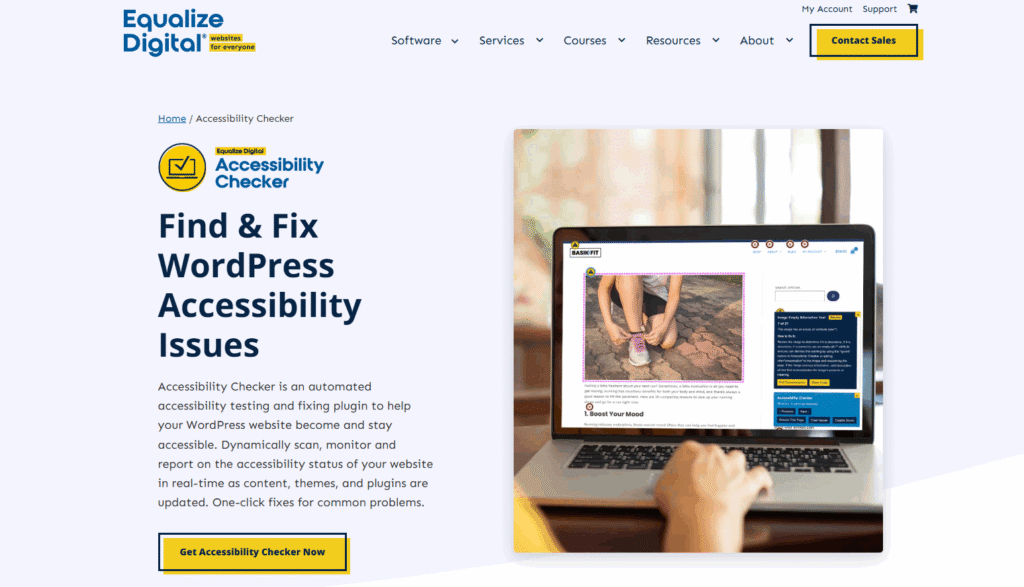
Accessibility Checker by Equalize Digital is a WordPress plugin that scans posts and pages for accessibility problems. Issues show on the edit screen, so editors fix them early. Public schools and universities need WCAG 2.1 AA under ADA Title II.
Key features of Accessibility Checker for schools are given below.
- Unlimited free scans with no per-page fees, reported right on the post edit screen.
- 12 automated fixes, readability scans and a starter accessibility statement on the free plan.
- Full-site and bulk scans, including custom post types and archive pages, on Professional.
- Audit History and CSV export to track remediation, from the Small Business plan.
Professional costs $190 per year for 1 site, Small Business $750 for 5 and Agency $2,250 for 25.
Highland Community College in Freeport, Illinois, faced an Office for Civil Rights complaint in April 2022. Equalize Digital used Accessibility Checker Pro to find missing alt text and track fixes. The Highland case study reports the site was later approved as remediated.
Automated scans catch only part of the problems, so schools still need manual and keyboard-only testing.
3. Gravity Forms: Best for Admissions, Applications and Student Data Forms
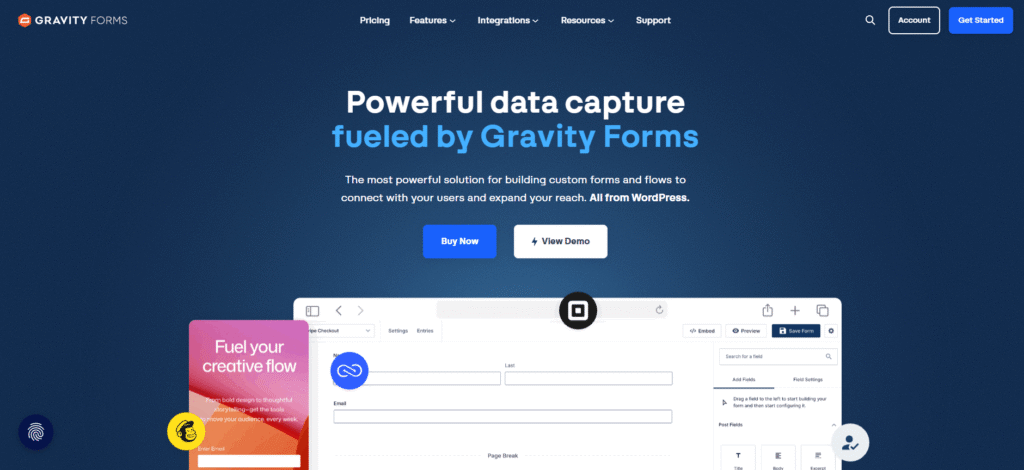
Gravity Forms is a premium WordPress form builder that schools use for admission, registration, inquiry and file-upload forms. Its GravityView add-on displays the entries as directories, portals or dashboards.
Key features of Gravity Forms for schools are given below.
- Unlimited forms for admissions, registrations, contact requests and event sign-ups.
- File and document uploads attached to each form entry, such as transcripts.
- Add-ons that send form entries to CRM and email marketing tools.
- WordPress Multisite support on the Elite license for campus-wide networks.
- A GravityView add-on that turns entries into student directories, portals and resource hubs.
Basic costs $59 per year for 1 site, Pro $159 for 3 and Elite $259 for unlimited sites. GravityView starts at $119 per year.
The Indiana University School of Medicine replaced a custom SQL database for its Dual Career Office intake. Staff now use a Gravity Forms form and an internal GravityView dashboard, with Zapier feeding Asana.
There’s no free version, and forms that collect student records need strict admin roles and data retention rules.
4. LearnDash: Best for Online Courses, Certificates and Continuing Education
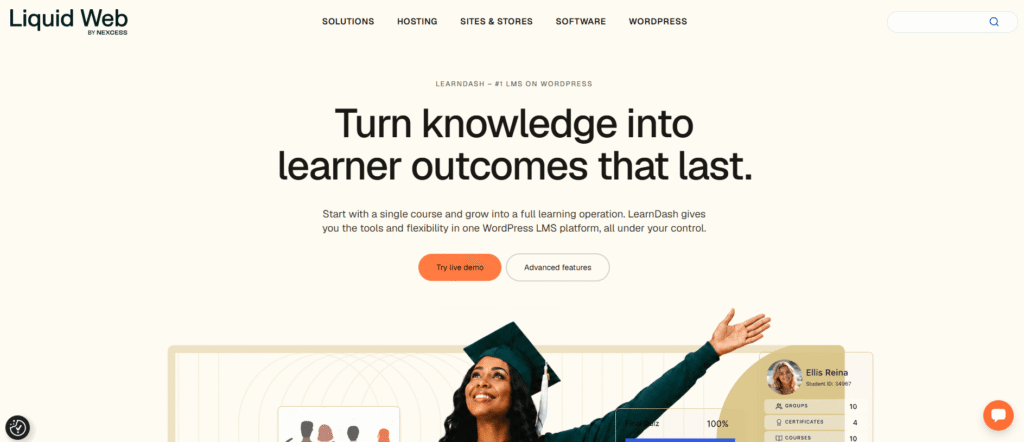
LearnDash is a WordPress learning management system, or LMS, plugin that schools and universities use to build courses. Each course can include lessons, quizzes, certificates and drip-fed content.
Key features of LearnDash for schools are given below.
- A drag-and-drop course builder for organizing lessons, topics and quizzes.
- Eight quiz question types, plus assignment uploads from learners.
- Certificates and learner progress tracking for every enrolled student.
- Drip-fed content that releases lessons on a schedule, plus discussion forums.
- An AI course builder that drafts a course outline from a topic, which staff then edit.
LearnDash costs $350 per year for 1 site or $599 for 10, sold through Liquid Web. Every plan bundles The Events Calendar, Give and Kadence.
TCI University is the learning platform of The Challenge Initiative, a Johns Hopkins-led urban health program. Its learner profile page shows course progress and earned certificates.
It doesn’t replace an institution-wide LMS such as Canvas or Moodle tied to the student information system.
5. The Events Calendar: Best for Campus Events, Open Days and Term Dates
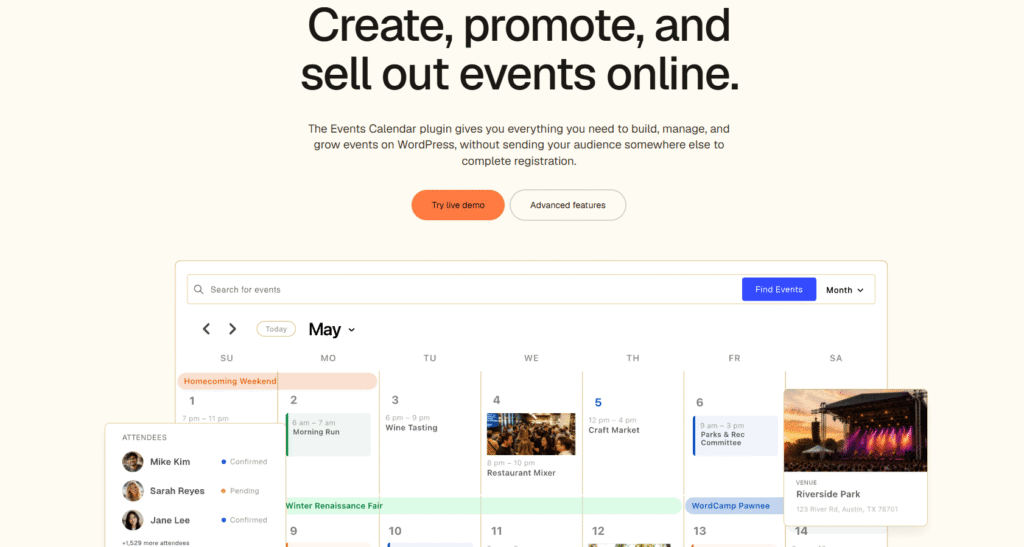
The Events Calendar is a free WordPress calendar plugin for campus events, open days, term dates and athletics. Paid tiers add tickets, RSVPs and event imports.
Key features of The Events Calendar for schools are given below.
- Month, list, day and map views, plus calendar subscriptions, in the free core plugin.
- Event categories for academic, alumni, athletic and student life events.
- Unlimited tickets and RSVPs with Stripe, PayPal or Square, plus QR check-in, on Pro.
- Event imports of up to 200 a day that pull department calendars into one master calendar.
Pro costs $399 per year and Elite $599 on the Liquid Web store. Confirm site counts before buying.
William Peace University in Raleigh, North Carolina, sorts its events into 13 categories, including Academic and Alumni. St. Olaf College also feeds department calendars into one master calendar across its multisite network.
It lists no AI features, and large universities need an approval workflow for who publishes events.
6. WPML: Best for Multilingual School and University Websites
WPML is a WordPress translation plugin that turns a school or university site into a multilingual site. It translates pages, posts, menus and theme strings with a built-in AI engine.
Key features of WPML for schools are given below.
- Translation of pages, posts, menus and strings, with a language switcher.
- PTC, WPML’s own AI translation engine, plus DeepL, Google Translate and Microsoft Translator.
- Directory-based language URLs that keep every language on one domain.
- Translation roles, so department staff can translate content too.
Multilingual Blog costs €39 per year for 1 site, with no AI words. Multilingual CMS is €99 for 3 sites and 22,500 AI words. Multilingual Agency is €199 for unlimited sites and 45,000 AI words.
The University of Tartu guide tells staff to build multilingual sites with WPML Multilingual CMS and directory-based URLs.
AI translations of admissions, fees and policy pages still need a human review before publishing.
7. BuddyPress: Best for Student, Faculty and Alumni Communities
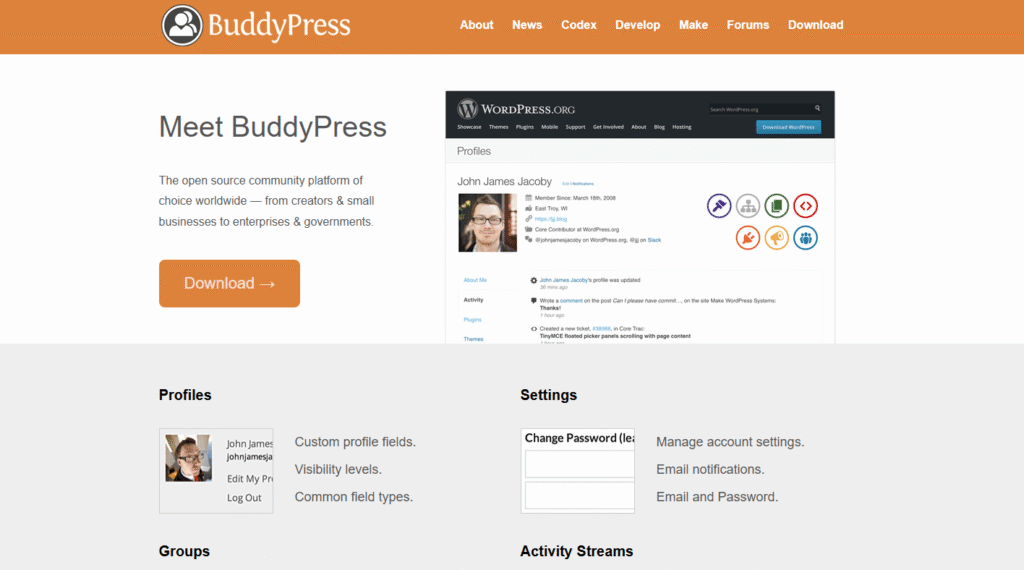
BuddyPress is a free WordPress plugin that adds a private social network to a school or university site. Members get profiles, groups, activity streams and private messaging.
Key features of BuddyPress for schools are given below.
- Member profiles for students, faculty, staff and alumni, with custom profile fields.
- Groups for classes, clubs, departments and research projects.
- Activity streams and private messaging between members.
- Discussion forums through the companion bbPress plugin.
BuddyPress is completely free.
CUNY Academic Commons connects faculty, staff and graduate students across the City University of New York. It’s built on WordPress Multisite and BuddyPress. The team later packaged the platform as the free Commons In A Box plugin.
Community features need moderation, privacy settings and parental consent rules when users are minors. No AI features are listed.
8. Wordfence: Best for Protecting School Websites From Attacks
Wordfence is a WordPress security plugin with an endpoint firewall, a malware scanner and login security. Its login tools include two-factor authentication.
Key features of Wordfence for schools are given below.
- A web application firewall that blocks malicious traffic before it reaches WordPress.
- A malware scanner that checks core files, themes and plugins.
- Two-factor authentication and login attempt limits for admin accounts.
- Real-time firewall rules and malware signatures on paid plans, 30 days before the free plan.
Premium costs $149 per year per site until December 3, 2027, then $199. Care rises from $590 to $890, and Response from $1,250 to $1,900.
The University of Birmingham IT Security team recommends Wordfence or Solid Security as baseline plugins. Its June 2027 guidance requires 2FA for admins.
The free plan’s 30-day delay on new rules leaves a gap during fresh vulnerability waves. No AI features are listed.
What Types of WordPress Plugins Do School Websites Need?
The types of WordPress plugins school websites need fall into ten groups, and most school sites combine several.
The 10 types of WordPress plugins school websites need are given below.
- Document and PDF search plugins. These search inside catalogs and policies, like many WordPress document management plugins.
- Accessibility plugins. These scan pages for WCAG problems before and after publishing.
- Form and admissions plugins. These collect applications, registrations and file uploads.
- Learning management system plugins. These deliver online courses with lessons, quizzes and certificates.
- Event calendar plugins. These publish campus events, open days and term dates in one calendar.
- Multilingual plugins. These translate pages and menus for international students and families.
- Community and membership plugins. These add profiles, groups and messaging for students, faculty and alumni.
- Security and backup plugins. These block attacks and run scheduled backups through tools like UpdraftPlus.
- SEO plugins. Yoast SEO or Rank Math help program and admissions pages rank in search engines.
- School management plugins. WPSchoolPress handles student records, attendance and timetables inside WordPress.
What Features Should a WordPress Plugin for Schools Have?
The features a WordPress plugin for schools should have are accessible output, role-based access and searchable documents. Multisite support, maintenance and privacy matter too.
The features to look for in a WordPress plugin for schools are outlined below.
- Accessible output. The plugin’s markup should meet WCAG 2.1 AA for screen readers and keyboard users.
- Role-based access and private content. User roles should limit who edits content and who sees staff-only files.
- WordPress Multisite support. Department and campus sites on one network should share the plugin.
- Searchable documents with page-level results. Search should cover PDF text, and results should link to PDF page numbers directly.
- Mobile-friendly display. Forms, calendars and embedded PDFs should work on phones, so check mobile-ready WordPress PDF viewer plugins.
- Active maintenance and WordPress 7.x compatibility. Look for recent updates and a tested-up-to version of WordPress 7.0 or later.
- Data export and privacy controls. Student data should be easy to export, delete and keep private.
How Is AI Changing WordPress Plugins for Schools and Universities?
AI is changing WordPress plugins for schools and universities by building AI into WordPress core and everyday plugins.
6 ways AI is changing WordPress plugins for schools and universities are given below.
- AI built into WordPress core. WordPress 7.0 shipped on May 20, 2027, with the AI Client and the Abilities API. It also added a Connectors screen, and 7.1 expanded the Abilities API.
- AI OCR for scanned records. PDF Search Pro uses Google Vision OCR to read scanned PDFs in 50+ languages. Old yearbooks and board minutes become searchable without re-scanning.
- AI alt text for accessibility. The official WordPress AI plugin can suggest alt text. WebEquipe’s AI alt text plugin uses GPT-4o-mini, Claude or Gemini, with 20 free images a month.
- AI translation. WPML’s PTC engine translates pages for international students. Staff should still review admissions and fee pages.
- AI course building. LearnDash drafts a course outline from a topic, and instructors edit it before publishing.
- AI search changing discovery. A June 2027 Pew survey found 60% of US adults have read AI search summaries. A March 2027 OHO survey found 73% of college-researching students use AI chatbots routinely.
Still, The Events Calendar, BuddyPress, Wordfence and Accessibility Checker list no AI features. AI is still an add-on layer. Keep student records out of AI prompts, and check where each provider processes data.
How Much Do WordPress Plugins for Schools Cost?
WordPress plugins for schools cost anything from nothing to a few thousand dollars a year. Five of the 8 picks have a free version, including PDF Search, BuddyPress and Wordfence.
Single-site paid plans here run from $59 per year for Gravity Forms Basic to $350 for LearnDash. Multi-site tiers cost more, such as Accessibility Checker Agency at $2,250 for 25 sites.
Most licenses renew yearly, and Wordfence prices rise on December 3, 2027. PDF search with OCR is priced by pages per month, so estimate how many OCR credits you need.
The starting prices of the 8 plugins are shown in the table below.
| Plugin | Free Version | Starting Paid Price | What the Paid Tier Adds |
| WebEquipe PDF Search Pro | Yes, full-text search and auto indexing | $89/yr Starter | OCR, filters, page-number linking |
| Accessibility Checker | Yes, unlimited post and page scans | $190/yr Professional | Full-site scans, Audit History, CSV export |
| Gravity Forms | No | $59/yr Basic | More sites, add-ons, priority support |
| LearnDash | No | $350/yr for 1 site | Bundled Events Calendar, Give and Kadence |
| The Events Calendar | Yes, core calendar | $399/yr Pro | Tickets, RSVPs, QR check-in, imports |
| WPML | No, 500 free AI words for a new site | €39/yr Blog | AI translation words, more sites |
| BuddyPress | Yes, fully free | Free | No paid tier |
| Wordfence | Yes, rules delayed 30 days | $149/yr Premium, $199 from Dec 3 | Real-time rules, IP blocklist, country blocking |
How to Set Up WordPress Plugins on a School Website?
To set up WordPress plugins on a school website, list your needs and test on staging first. Then add security, core plugins, PDF indexing and accessibility checks.
6 steps to set up WordPress plugins on a school website are given below.
- List what the site must do. Write down the documents, forms, events and courses your site handles. Then match one plugin to each job.
- Test on a staging site with a backup. Copy the live site to staging and take a full backup. Test every plugin there first.
- Install security first. Add a security plugin such as Wordfence before anything else. Then turn on two-factor authentication for every admin.
- Install the core plugins and set user roles. Add your forms, events and course plugins next. Give content staff the Editor or Author role.
- Index your PDFs and turn on OCR. Click Re-index All PDFs for existing files, then turn on auto OCR on upload for scans.
- Scan for accessibility and set an update schedule. Run a full accessibility scan and fix what it finds. Then schedule updates and remove unused plugins.
Our PDF search setup checklist covers step 5 in more detail.
How to Choose the Right WordPress Plugins for a School or University?
To choose the right WordPress plugins for a school or university, start from the problems people report most. Then check maintenance, accessibility, privacy and cost.
Tips to choose the right WordPress plugins for a school or university are outlined below.
- Start from the most common complaint. If students can’t find course PDFs, fix search first.
- Check the last update. Look for a recent release and a “tested up to” version of 7.0 or later.
- Check accessibility before you buy. Test the plugin’s front end with a keyboard and a checker.
- Confirm Multisite support. Department sites on one network need proper WordPress Multisite support.
- Check privacy, data export and AI settings. Know where student data goes and whether AI is opt-in.
- Add up renewal costs. Multiply each annual license by your number of sites.
- Test the support team. Send a pre-sales question and judge how quickly and clearly they answer.
If document search is your top need, compare more WordPress PDF search plugins.
Make your course catalogs and handbooks searchable. Start with WebEquipe PDF Search free, then add OCR for scanned records.
Are WordPress Plugins Worth It for Schools and Universities?
Yes, WordPress plugins are worth it for most schools and universities because they add features at low cost. Staff save time when people find answers themselves.
In a WebEquipe vendor story on registrar office PDFs, about 40 daily emails stopped in registration week. That happened once the course catalog PDFs became searchable.
Do Universities Use WordPress?
Yes, universities use WordPress because it scales from one department site to hundreds on a single network. The University of Illinois Chicago reached 600 websites on its WordPress Multisite network in 2023.
CUNY Academic Commons also runs on WordPress for faculty, staff and graduate students. W3Techs puts WordPress at about 40% of all websites in November 2027.
Is There a Free WordPress Plugin for School Management?
Yes, there are free WordPress plugins for school management, such as WPSchoolPress and The School Management. WPSchoolPress has a free core, and The School Management is free with Pro from $49. They handle attendance, grades, timetables, fees and parent access inside WordPress.
What Are the Pros and Cons of Using WordPress Plugins for a School Website?
The pros and cons of using WordPress plugins for a school website are given in the table below.
| Pros | Cons |
| Many core plugins are free, including BuddyPress, The Events Calendar and Wordfence. | Annual renewals add up across plugins and sites. |
| One Multisite network can run hundreds of department sites. | Every plugin needs updates, testing and removal when unused. |
| A large plugin choice covers forms, courses, events, languages and documents. | Default WordPress search can’t read the text inside PDFs. |
| Non-technical staff can update content and records without IT. | Accessibility isn’t automatic, and automated checks miss issues. |
| WordPress 7.0 gives plugins a shared AI connection layer. | Free security tiers get new firewall rules 30 days late. |
For most schools, low cost and flexibility outweigh the upkeep, if someone owns updates and accessibility.
How Do WordPress School Plugins Compare to Similar Tools?
WordPress school plugins overlap with document library plugins and with standalone LMS platforms like Canvas or Moodle.
For more document tools, see our WordPress PDF library plugins roundup.
What Is the Difference Between WebEquipe PDF Search and Document Library Pro?
WebEquipe PDF Search adds the text inside PDFs to site search, while Document Library Pro builds browsable libraries. PDF Search indexes that text for free and reads scanned PDFs with OCR on paid plans.
Document Library Pro shows files in tables, grids and folders. Only its Advanced plan, at $199 per year, searches inside PDF, Word and Excel text. It can’t search scanned or image-only PDFs.
Our Document Library Pro comparison covers the details.
What Is the Difference Between a WordPress LMS Plugin and Canvas or Moodle?
A WordPress LMS plugin runs courses inside your public site, while Canvas and Moodle are standalone LMS platforms. LMS plugins like LearnDash suit short courses, continuing education and open enrollment.
Canvas and Moodle are separate systems that institutions use to run credit courses.
Frequently Asked Questions
Can WordPress Search Inside PDF Files?
No, WordPress can’t search inside PDF files by default because its search only matches post and page text. For a PDF, it stores just the title, filename and URL.
A PDF search plugin indexes the text inside each file, so it appears in normal search results. Here’s how to search inside PDF files.
How Do You Make Scanned School Records Searchable?
You make scanned school records searchable by running OCR during indexing. Scans are images with no text layer, so OCR converts each page into text.
You don’t need to re-scan anything. Accuracy depends on scan quality, and large archives may need more than one month of OCR quota.
See how one archive made its scanned school records searchable.
Does ADA Title II Apply to PDFs on School Websites?
Yes, ADA Title II applies to PDFs on public school and university websites, which count as web content. The ADA Title II web rule requires WCAG 2.1 AA by April 26, 2027 or April 26, 2028. Those dates follow the April 20, 2027 extension and depend on population.
Preexisting PDFs are usually excepted unless still used to apply for, access or join a service. Private schools fall under Title III. This is general information, not legal advice.
Can You Keep Some School Documents Private in WordPress Search?
Yes, you can keep some school documents private in WordPress search because PDF search plugins control visibility. With PDF Search Pro, you can exclude individual PDFs from search for free.
On Pro, private PDF search shows restricted files only to logged-in staff, students or alumni. Here’s how to build a private PDF library.
Final Thoughts
PDF Search Pro and Accessibility Checker handle documents and compliance. Gravity Forms and LearnDash cover admissions and courses. The other four handle events, languages, community and security.
Searchable, accessible documents are still the biggest gap on most school sites. And the ADA Title II dates are close.
Start with your PDFs. Try the free PDF Search plan, or view PDF Search Pro pricing to add OCR for scanned records.